
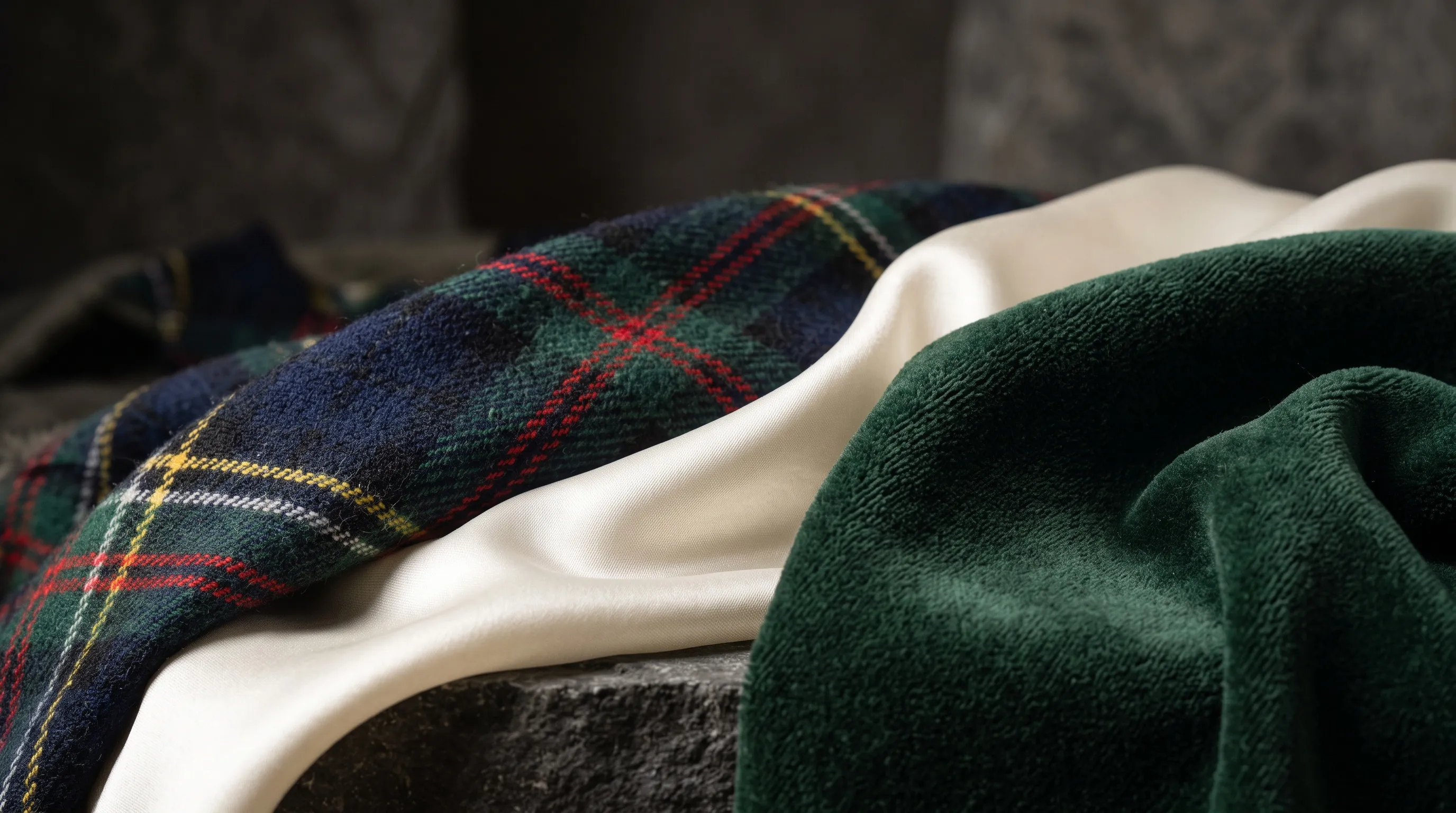
Quick Answer
AI product photos preserve fabric more reliably when the system can see the real material in sharp overall and close-detail views. A written prompt can name plaid, silk, velvet, or linen, but it cannot establish the exact repeat, weave, nap, sheen, or construction of the item being sold. Reference images supply that evidence. Start from sharp photos of the real material, and state measured specifications such as thread count in the product data.
Why does AI change fabric texture in product photos?
AI changes fabric texture because generative creation and editing resynthesize pixels rather than moving an untouched piece of cloth into a new photograph. The system must infer how a pattern bends over a new fold, where it disappears behind an arm, and how a reflective surface responds to different light. Missing, soft, compressed, or occluded source detail leaves more of that result to inference.
Texture preservation is a recognized technical problem, not a prompt-writing quirk. CVPR research on texture-preserving virtual try-on focuses on transferring garment texture while fitting it to a person, and FabricDiffusion research reports difficulty with occlusion, distortion, pose, complex prints, and fine details. Research on visual guidance for texture generation reaches the practical conclusion: an image supplies texture and shape information that an abstract text description cannot.
Reference-guided generation therefore has an advantage over prompt-only generation. It works best when the reference actually shows the detail and the requested camera angle, pose, lighting, and drape stay close to what the references record. The broader guide to keeping product shape intact during scene generation applies the same principle to silhouette and construction.
| Fabric failure | Why it happens | Most useful evidence | What to inspect |
|---|---|---|---|
| Plaid, stripe, or print drifts | Repeated lines must bend, stop, and reconnect across folds and seams | Front, back, and close views of the repeat and seam joins | Line continuity, spacing, color order, and motif placement |
| Silk or velvet looks plastic | Angle-dependent reflection is reduced to a generic glossy or matte surface | The same area photographed under more than one useful light or view angle | Moving sheen, nap direction, tonal reversal, and clipped bright areas |
| Fine weave disappears | The source or output gives the weave too few reliable pixels | A sharp macro view plus an overall product view | Real thread structure, edge halos, smoothing, and invented grain |
| Wrinkle removal flattens cloth | The edit removes high-frequency surface detail with the crease | The original plus a clear view of the intended drape | Weave, seams, natural folds, shadows, and silhouette |
For prompt structure around these references, see prompt patterns for realistic AI product photos.
Why does fabric fidelity matter in ecommerce product images?
Fabric fidelity matters because texture, pattern, color, and drape can communicate what the buyer is purchasing. A smooth synthetic-looking surface in place of visible linen grain, or a plaid whose repeat changes across the garment, is not merely an aesthetic defect. It may misrepresent a product attribute.
The commercial context is large, although aggregate return data does not prove that fabric errors caused any particular return. The National Retail Federation's 2025 Retail Returns Landscape projected $849.9 billion in U.S. retail returns, including 19.3% of online sales. Those figures show why product representation deserves care; they should not be converted into an unsupported texture-specific return rate.
Marketplace rules make the accuracy point more direct. In its 2026 product photography guidance, Amazon says sellers should “ensure images accurately represent your product.” The same guidance lists 1,000 pixels on the longest side as the minimum for zoom and 1,600 or more as optimal. Category rules can differ, so verify the current destination requirements before export. More pixels can expose fabric errors as readily as they expose real detail.
Why do plaid, houndstooth, and stripes distort on AI fashion models?
Plaid, houndstooth, and stripes distort because every line and motif must remain coherent while the garment changes shape over a body. A correct result has to preserve spacing and color order, curve the pattern through folds, respect pockets and sewn seams, then hide and resume it plausibly around hair, hands, lapels, belts, and bags.
Reduce pattern drift by showing the garment square-on from the front and back, adding close views of the repeat and important joins, and starting with a straightforward pose near the source orientation. A close or medium crop assigns more output pixels to the garment than a distant full-body shot. Upscaling cannot repair a line that has already forked or reconnected in the wrong place. The plaid-distortion troubleshooting guide covers the review pass in detail.
Nightjar gives those references a persistent home in a Product, its reusable record for one visually distinct sellable item. A Product can group several Product Photos, such as front, back, on-model, and close-detail views, with the clearest identity-defining view set as its Main photo. In web Create, select an essential seam or pattern detail as an Additional Photo: Nightjar prioritizes it after selected Products' Main photos within the five-image input cap. This makes the important evidence part of the request rather than merely stored in the Library. Model shots then use a reusable Fashion Model, a Pose for body arrangement, and Camera Distance for the crop. For a specific garment-person pair, the Try On Edit Shortcut in Edit Images assigns the garment and person clear roles. See the workflow for putting a garment from a hanger photo onto a model.
Why do silk and velvet look plastic in AI product photos?
Silk and velvet can look plastic when the generated reflection pattern no longer matches the material's structure, viewing angle, folds, or nap. Silk is a fiber and velvet is a pile construction, so “shiny fabric” is not enough direction for either one. Silk satin, silk crepe, and velvet should not collapse into the same smooth gloss.
Cloth reflection is direction-dependent. Physically Based Rendering notes that “examples of anisotropic materials include hair and many types of cloth,” while also describing velvet as retroreflective. The UCSD microcylinder cloth model models thread orientation, scattering, and weave structure because those details change the appearance of the surface.
Photograph the real product under neutral overall light, then add close views that reveal sheen or nap from useful angles without clipping bright areas. In Nightjar, Product Photos provide the evidence about the item. A Photography Style is a separate reusable direction for camera feel, lighting, mood, color, and atmosphere; it can keep the photographic treatment coherent while the Product Photos carry the material evidence. Custom Directions can request a broad soft sidelight or visible velvet nap. See the silk and velvet texture guide and the guide to building a consistent brand look with Photography Styles.
Can AI show the real weave and thread count of fabric?
AI can depict a visible weave when the source resolves it, but an image cannot verify a fabric's numerical thread count. Thread count is a physical product specification. It should come from verified product data, not from visual inference, a generated close-up, or an upscaled file.
Use an overall Product Photo to establish the item and a sharp macro Product Photo to establish visible grain, stitching, pile, or knit structure. A factual Product Description may record a verified material or thread-count claim, but text does not create visual evidence that the source lacks. The guide to photographing source detail for AI and the specific answer on weave and thread count in AI textile images explain the limit.
Nightjar's Upscale Workflow can bring an approved Asset, Nightjar's saved image record, to a 2K or 4K long-edge target while prioritizing product preservation. Upscale can make recorded texture easier to deliver and inspect, so capture the weave in the source photo first. The choice between 2K and 4K product images should follow the final crop, display, zoom, or print requirement.
Can AI remove wrinkles without flattening the fabric?
AI can reduce wrinkles while keeping the fabric when the instruction is local and names the details that must remain. Review the entire garment after the edit rather than approving only the corrected patch.
In Nightjar's Edit Images Workflow, add the original Asset and ask for the narrowest useful change, such as “soften the crease across the lower front; keep the weave, placket, seams, hem, print, natural folds, and shadows unchanged.” A Try On result is a new interpretation of the garment, not an automatic wrinkle repair. The AI wrinkle-correction guide gives a fuller review checklist.
How do you keep fabric treatment consistent across a product catalog?
Catalog consistency comes from keeping product evidence separate from reusable photography direction. Each colorway or visibly different style should have its own Product with verified Product Photos. Then reuse the same lighting, setting, crop logic, model treatment, aspect ratio, resolution, and format across those Products.
Nightjar expresses that split directly: Products remember what you are photographing; Recipes remember how you photograph it. A Recipe saves a Product Photography setup, including Photography Style, background choice, model inclusion, Custom Directions, and output settings. It can also save Framing and Shadow for product-only shots, or Pose and Camera Distance for model shots. A Recipe excludes Products, Additional Photos, generated outputs, and the Single shots/Photoshoot choice, so select the relevant item and essential detail views for each request.
| Catalog decision | Nightjar control | What stays separate |
|---|---|---|
| Product identity and visible fabric evidence | Product and Product Photos | Photography direction |
| Camera feel, lighting, mood, color treatment | Photography Style | Product structure and exact material facts |
| Product-only staging | Framing; Shadow on a flat-color product-only shot | Model body arrangement |
| Model body arrangement and crop | Pose and Camera Distance | Product-only Framing and Shadow |
| Scene | Automatic setting, flat color, Backdrop, or Location | Photography Style |
| Reusable production setup | Recipe | Products and generated outputs |
For color variants, check AI outputs against the manufactured colorway before publishing. Nightjar's Recolor Edit Shortcut accepts explicit color direction and is designed to help preserve product structure and texture. The guides to creating fashion color variants with AI, replacing colorway reshoots, and consistent AI product photography cover the wider workflow.
Nightjar's Photoshoot is a cohesive four-image output choice inside Product Photography. It is useful for varied but connected gallery images from one direction, while Products, Photography Styles, Backgrounds, Fashion Models, and Recipes carry continuity into later shoots. Built-in visual review can retry obvious failures at no extra Credit cost.
How is fabric different from glass, glossy products, and metal in AI photos?
Fabric, transparent products, glossy surfaces, and metal fail for different physical reasons. Fabric combines thread-scale structure, folds, occlusion, and angle-dependent reflection; transparent products add transmission and refraction; glossy products depend on coherent reflections; metal and gemstones depend on specular response and small surface details. A sharp reference and careful review help every category, but the inspection criteria are not interchangeable.
Use the material-specific guide that matches the product:
- How to make AI product photos look real: a 10-point checklist for the full realism review.
- How to photograph glossy and reflective products for reflection continuity and surface finish.
- How to photograph transparent products for glass, liquids, refraction, and fill level.
- Jewelry photography with AI for metal, gemstones, engraving, and sparkle.
Frequently Asked Questions
Why does fabric look flat after AI upscaling? Fabric can look flat when an upscaler smooths or invents high-frequency detail instead of preserving what the source recorded. Upscaling increases pixel dimensions; it does not recover factual weave from a soft or compressed source.
What source photos help AI preserve fabric texture? Use a sharp overall product view, a close view of the smallest important texture or print, and alternate angles that reveal sheen, nap, seams, and drape. Keep the material in focus, avoid clipped bright areas, and include front or back views when construction changes across the item.
Should I avoid AI for garments and textiles? No. AI can produce lifestyle scenes, model imagery, controlled edits, and catalog variants for garments and textiles, and Nightjar keeps each item's fabric evidence in a reusable Product. Start from sharp photos of the real fabric, and keep a real photograph for regulated label text or a fit claim.
Can AI create a detail crop that shows the real weave? AI can create a detail view from sharp source material that shows the weave. Compare the close-up with the item before publishing. If the detail already exists in a photograph, cropping that photograph is the most direct route; see the guide to creating fashion detail and zoom shots.
How do I keep fabric texture consistent in AI product photos? Keep one verified set of product references, reuse the same photography direction, and review texture at the final crop and resolution. In Nightjar, Products hold the product evidence while Recipes hold the reusable Product Photography setup.
References
- Nightjar - product-aware AI product photography
- National Retail Federation, 2025 Retail Returns Landscape - current U.S. retail and online return estimates
- Amazon product photography standards for 2026 - product accuracy and zoom guidance
- Texture-Preserving Diffusion Models for High-Fidelity Virtual Try-On, CVPR 2024 - garment texture transfer research
- FabricDiffusion - fabric texture transfer limits and methods
- FlexiTex - visual guidance for texture generation
- Physically Based Rendering, Reflection Models - anisotropic and retroreflective material behavior
- A Practical Microcylinder Appearance Model for Cloth Rendering - thread-level cloth appearance modeling