
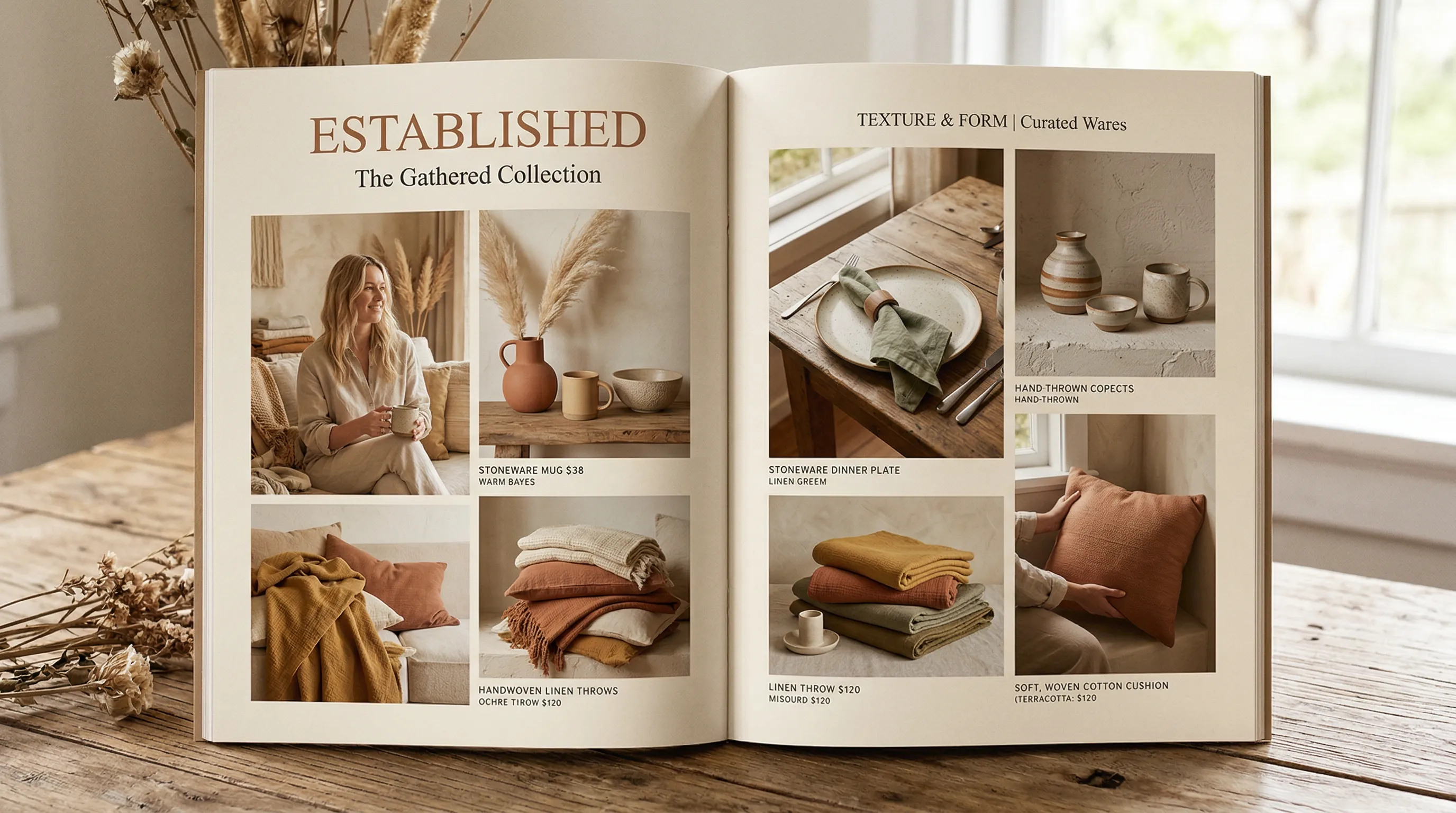
Your Brand Aesthetic Should Be a File, Not a Feeling
A photography style turns lighting, color, focus and mood into a reusable brief. Think of it as your brand's photographic language. Nightjar has a feature called Photography Styles: it extracts a recurring visual treatment from exactly three reference images, saves it, and lets you reuse it with different Products.
Your brand aesthetic should not live in a photographer's head. It should be a digital asset, something your team can apply with a click, the same way they apply your brand font or Pantone color. AI Photography Styles make this possible. You extract the recurring lighting, palette and mood from reference photos, then reuse that direction across product images. Whether you have 30 SKUs or 500, the brief no longer depends on someone remembering how the last image was made.
The Cost of Looking Inconsistent
Visual inconsistency is one of those problems that compounds quietly. A 50-SKU brand can manage with a single photoshoot, keep everything looking tight. But catalogs don't stay at 50 products. Once you're at 200 SKUs across seasonal variations, color options, and five sales channels, the logistics of maintaining a unified look become brutal. Traditional photography needs a documented setup and handoff: light placement, styling, camera treatment and retouching decisions. Without them, images can drift even when the same team returns. Products shot six months apart look like they belong to different brands.
The operational cost is real: re-briefing, correcting mismatched files and reconciling old and new imagery all consume time. There is also a business reason to care, but avoid turning a branding statistic into a photography forecast. Lucidpress's 2019 announcement reports a 33% revenue figure from a survey of more than 200 organizations. It was not a controlled test showing that a new Photography Style will raise your store's revenue by 33%.
The multi-channel problem is more concrete. A square product tile and a vertical campaign image can share light and palette while using different framing. Track how many review rounds and corrections it takes to produce that coherent set. Consistency should not come at the expense of accuracy: if the brand treatment changes a real garment's color, the photo fails even when it looks on-brand.
Why References Help
Visual drift is divergence in lighting, color, composition or mood between generated images.
It is not accurate to say general-purpose tools always start without memory or references. Midjourney's Style References can be reused, and ChatGPT Projects keep files and instructions across related chats. Those capabilities reduce repeated briefing.
The useful distinction is what gets saved, how it is applied to the next product, and how the team approves the result.
What a Photography Style Actually Is
A Photography Style is a saved visual direction. It can describe soft side light, a restrained palette and a shallow-focus background more consistently than an improvised prompt.
Keep measurable brand requirements (logo artwork, actual product color and output dimensions) separate from interpretive photographic direction. A good style brief makes those requirements easier to apply.
The Six Components of a Photography Style
Use these six dimensions as a practical brief to describe and review a style:
- Lighting: Direction (front, side, back), quality (hard or soft), color temperature (warm or cool)
- Shadow characteristics: Hardness, direction, density, fill ratio
- Color grading: Overall palette, saturation level, highlight/shadow color split, white balance
- Depth of field: What must be sharp, focus falloff, bokeh character
- Composition: Framing rules, negative space ratio, product placement within frame
- Mood and atmosphere: The intangible quality that ties the other five together
When these choices agree across images, the set feels intentional. Some can vary by product or channel without breaking the brand; decide which are essential and which are flexible.
Turn Brand Inspiration into a Usable Brief
"Like Glossier," "like Aesop" or "like Apple" is too vague for a production brief. Translate your chosen reference images into photographic decisions. For example:
- A soft beauty direction: warm, restrained tones, directional light, generous negative space and candid framing.
- An architectural direction: muted palette, geometric arrangement and carefully controlled surface texture.
- A precision-tech direction: tight framing, clearly defined edges and deliberate highlights against a neutral ground.
These are example directions, not claims that every photograph from those brands follows one recipe. Describe what your own reference board shows, use images you have rights to use, and preserve the real product rather than copying another brand's identity.
Building Your Photography Style from Reference Images
This is the practical section. Five steps from scattered imagery to a reusable AI photography style guide.
Step 1: Audit Your Existing Imagery
Pull your best-performing product images. Look at what your highest-converting, most-engaged photos have in common. What lighting do they share? What's the color palette? How are the products framed?
You're looking for the common thread. Sometimes it's obvious (warm tones, soft shadows). Sometimes you realize your best images share a quality you never articulated.
Step 2: Curate Three Reference Images
Select the images that represent the aesthetic you want applied across your entire catalog. Use your own photography or other images you are entitled to upload and reuse for this purpose.
For Nightjar, choose exactly three images with a coherent treatment. They need not show the same product, but conflicting light, palette or mood makes the intended common direction harder to define.
Step 3: Extract Your Visual DNA
Upload the three references to Nightjar, name the Photography Style and save it. The analysis extracts a concise photographic brief: aesthetic anchors, lighting, palette, surface/backdrop, mood and things to avoid. It can include a composition convention when the references strongly imply one.
The benefit is persistence and reuse: the saved brief guides each new Generation alongside product references and the selected shoot controls. If a precise view matters, select Framing or Pose separately.
If you don't have existing imagery to reference, Nightjar offers curated Photography Styles spanning luxury, editorial, street photography, lifestyle, and more. Start with one, then create a custom style once you've found the direction.
Step 4: Test Across Product Categories
Apply the style to products from different categories in your catalog. Check whether the same direction remains coherent on a handbag, a skincare bottle and a pair of shoes. If your catalog spans categories, this step is where you catch any issues.
Fine-tune the Create brief with specific Custom Directions, such as "warmer background tones, keep the product's actual color." Regenerate and compare. For a local correction, Edit can work on the selected Asset with a plain-language request.
Step 5: Deploy Across Channels
Generate channel-appropriate variations from the same direction. A clean square listing image and a vertical lifestyle creative can share the light and palette while needing different backgrounds, crops and content rules. In Nightjar, choose the aspect ratio and resolution for each channel.
One direction, adapted to each destination. The Photography Style defines the aesthetic; the output format adapts to the channel. For more detail on matching AI-generated photos to your real photography, there's a dedicated walkthrough in the help desk.
Nightjar offers curated Photography Styles and custom creation from three reference images. Try Nightjar free.
Coordinate Listing and Lifestyle Direction
Listing images and lifestyle images answer different questions, but they do not use separate Nightjar systems. Photography Style can guide both. Background, Framing or Pose, and output settings supply the other parts of the shoot.
For a listing set, prioritize accurate product detail and comparable presentation. For lifestyle, add context that clarifies use without changing the actual item. A saved Recipe can combine the selected direction so the next Product starts with the same brief.
| Decision | Listing application | Lifestyle application |
|---|---|---|
| Photography Style | Clear light and restrained visual treatment | The same brand cues adapted to an environment |
| Background | Flat color or an appropriate clean setting | A Backdrop or Location that supports the use case |
| View | Framing for product-only staging; Pose and Camera Distance with a model | The same controls, chosen for the scene |
| Review | Labels, shape, color, dimensions and marketplace rules | Those same product facts plus plausible scale and interaction |
For a deeper look at how these choices work together, read The Ultimate Guide to Consistent, On-Brand AI Product Photography and the AI Camera Angle Control Guide.
AI Photography Tools Compared
Not all AI tools handle brand visual identity the same way. Here's how the major options compare on the specific question of photography style consistency.
| Tool | Documented reusable context or style capability | Practical distinction |
|---|---|---|
| Nightjar | Three-reference Photography Styles; Products; Recipes combining selected shoot direction; available in the web app and from Claude, Claude Code and Codex | Keeps factual product references separate from reusable photography decisions, wherever the request is made |
| Midjourney | Reusable Style References, including pinned references | Useful for visual exploration; a style reference does not copy the product or person |
| ChatGPT | Projects with shared files, instructions and related chats | Repeated context is supported; it is not an extracted Nightjar-style record or a pixel guarantee |
| Photoroom | Brand Kit/templates, catalog and batch features; generated scenes; a Claude connector | A production platform, not just a background template tool |
| Adobe Firefly | Uploaded or curated Style reference images | References guide the visual treatment; check the chosen model and workflow |
Nightjar earns consideration when your team repeatedly chooses a Product, applies a reviewed shoot direction and hands that setup to a colleague. The useful fit is the surrounding product-photography workflow.
Using Your Photography Style from an AI Assistant
If you already plan launches and write listings in an assistant, you don't have to choose between staying in the conversation and using a saved style. Nightjar connects to Claude (on the web, the desktop app, Cowork and mobile, as a custom connector), Claude Code and Codex through MCP, the open standard AI assistants use to connect to other tools. Connecting is free and needs no API key; images use the Team's Credits at web-app prices.
What makes this useful for consistency is where the direction lives. The Photography Style and Recipes stay saved in your Nightjar Team, so a request such as "Use our Linen Style on the new throw, square, on the oak Backdrop" applies the approved direction to the saved Product instead of depending on how the look is described in that chat. You can create the Style in the conversation from your three references, save the setup as a Recipe once a result is right, and later ask for that Recipe across up to 100 Products as one batch, with a sample to approve and a spending ceiling first. Every image lands in the same Library your team uses in the web app.
Assistant access alone does not decide between tools: Photoroom, for example, also offers a Claude connector. Compare what the assistant can reuse. With Nightjar, it is a Photography Style extracted from your references, kept separate from each Product's own photos and facts. Nightjar in Claude shows the conversation, and the Nightjar MCP guide covers setup and current limits.
For more context, see ChatGPT Alternatives for Product Photography and Midjourney for Product Photos vs Dedicated Tools.
The Economics: Traditional Photography vs. AI Styles
Here's what the numbers look like for a DTC brand with 100 SKUs, each needing 6 images (1 primary + 5 lifestyle/angles), 600 total images.
| Budget item | Physical photography | Nightjar-based production |
|---|---|---|
| 600 finished images | At an illustrative $75-per-approved-image quote: $45,000 | 600 completed Single Image outputs use 600 Credits at 1K/2K or 1,200 at 4K |
| Setup | Styling, samples, set and talent as quoted | Real source photos, Style selection and Recipe setup |
| Correction | Included or separately quoted retouching | Further edits or generations as needed |
| Seasonal changes | Reuse existing captures where suitable; quote new work | Reuse approved direction for new outputs |
| Calendar | Confirm shoot, approval and delivery stages | Confirm source readiness and selection |
The physical rate is a scenario, not a benchmark. Use the current Nightjar plans to estimate cost.
See how Nightjar handles product photography for catalogs of any size. AI Product Placement in Scenes covers three different approaches to getting products into lifestyle environments.
Maintaining and Evolving Your Brand Aesthetic
A Photography Style is not permanent. Brands evolve seasonally. Warmer tones for summer. A cooler palette for winter. Festive variations for holidays. The goal is to evolve the style without replacing it.
The way to do this: adjust color temperature and mood while keeping lighting direction and composition consistent. This keeps a seasonal update connected to the original direction. Your customers shouldn't feel like they've landed on a different brand's website after a seasonal update.
A saved direction can reduce seasonal re-briefing. Create and review a small Summer or Winter set before applying it across the catalog, keeping the core treatment. From Claude, Claude Code or Codex, Nightjar can run the seasonal Recipe across your saved Products as one batch, producing that small sample for approval before the rest. More on this approach here: How to generate seasonal variations for your entire product catalog.
Your Photography Style is a brand asset. It belongs alongside your logo, your typeface, and your color palette. Nightjar is where you build it. Start free.
Frequently Asked Questions
How do I keep AI-generated product photos consistent across my entire catalog?
Use a coherent brief and real product references. Nightjar extracts a reusable Photography Style from exactly three images, then combines it with the selected Product and shoot direction. Review the resulting set for drift. More detail: How can I make my product photos generated with AI more consistent?
Can AI replicate a specific photography style from a reference image?
Yes, as reusable direction. Nightjar extracts a concise photographic brief from three reference images, and the value is applying the same documented direction again. See matching AI-generated photos to real photos.
What is visual drift in AI image generation and how do I prevent it?
Visual drift is variation in light, palette, composition or mood across a set. Reuse the approved direction, avoid contradictory instructions, and compare each new output with representative approved images. Read more in the consistent product photography guide.
How do I create a photography style guide for AI-generated images?
Audit your imagery, define the shared photographic treatment and select three coherent, authorized references for Nightjar. Save the Style, test it across representative products, then save the wider shoot setup as a Recipe. Keep written accuracy and approval rules alongside it. Related: creating a unique color palette and visual identity.
Which AI tools maintain brand consistency better than Midjourney or ChatGPT?
Midjourney has reusable style references, ChatGPT has persistent project context, and Firefly and Photoroom have their own style/brand controls. Nightjar is worth considering for the Product-plus-reusable-shoot workflow. If you prefer to work in an assistant, you can apply Nightjar's saved Styles and Recipes from Claude, Claude Code or Codex so the assistant passes the Style extracted from your references rather than a written description of the look. See ChatGPT alternatives.
How much does AI product photography cost compared to traditional photography?
Compare the same finished deliverables. In the 600-image scenario above, a $75 studio quote totals $45,000; 600 Nightjar 1K/2K Single Image outputs use 600 Credits. More context: product placement approaches.
Can I use the same AI photography style across Amazon, Shopify, and social media?
Yes, as shared visual direction. Adapt the background, framing and output dimensions to each destination, and check its content rules separately. A white square image is not automatically Amazon-compliant, and matching the mood does not mean every channel should use an identical crop. See consistent catalog backgrounds.
References
- Nightjar: Products, Photography Styles and Recipes
- Lucidpress 2019 survey announcement: organizational branding survey, not a photography lift experiment
- Midjourney Style Reference: reusable reference behavior
- ChatGPT Projects: shared files and instructions
- Adobe Firefly style references: uploaded and curated reference images
- Photoroom: brand and production features