
Nightjar for Claude
AI product photography in Claude.
Send Claude a photo of your product and say what you need. Nightjar photographs the real thing, label and stitching included, and puts the finished images right in your chat.
https://mcp.nightjar.so/mcpFree to connect. 6 free images, no credit card.
Claude
Nightjar connected
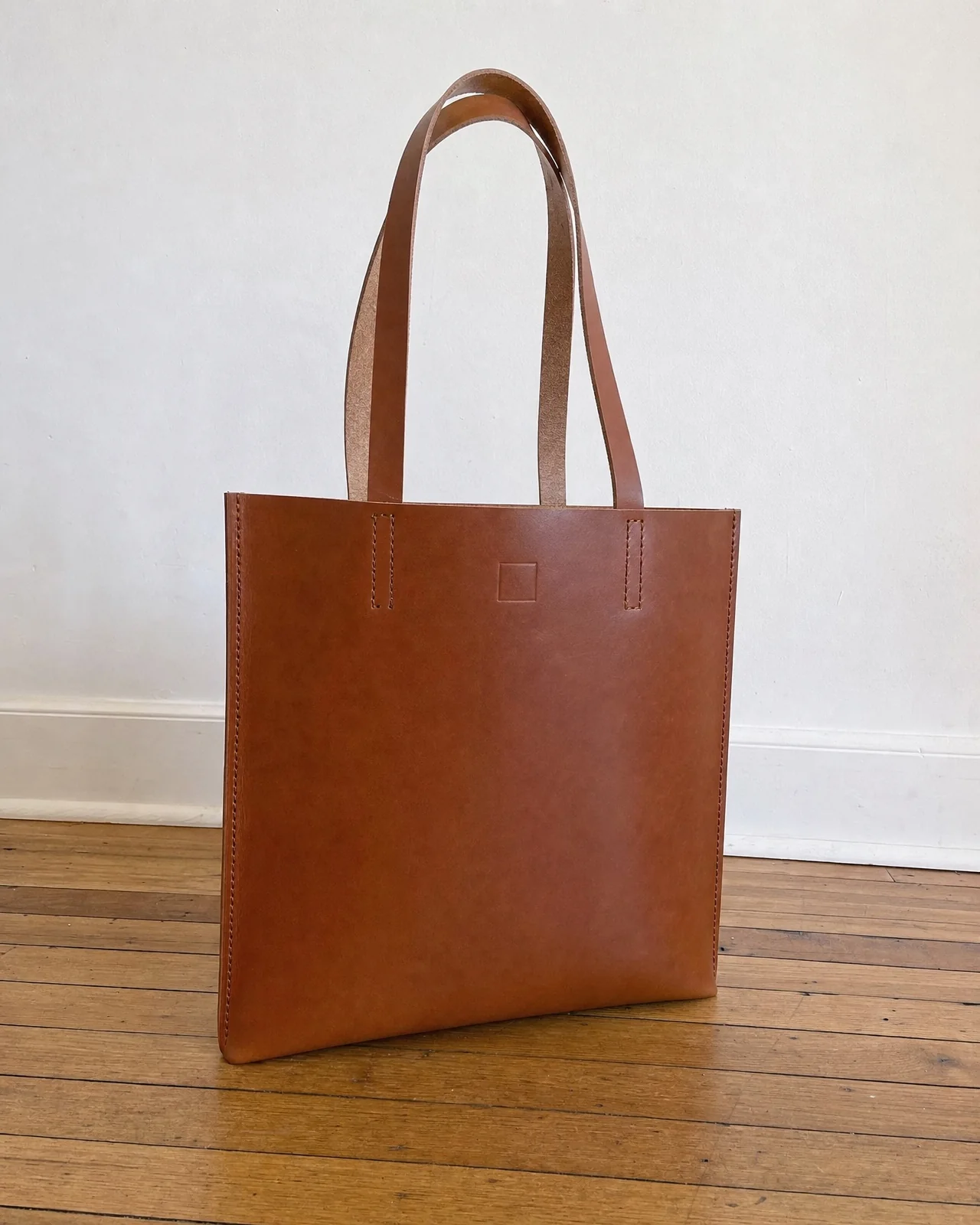
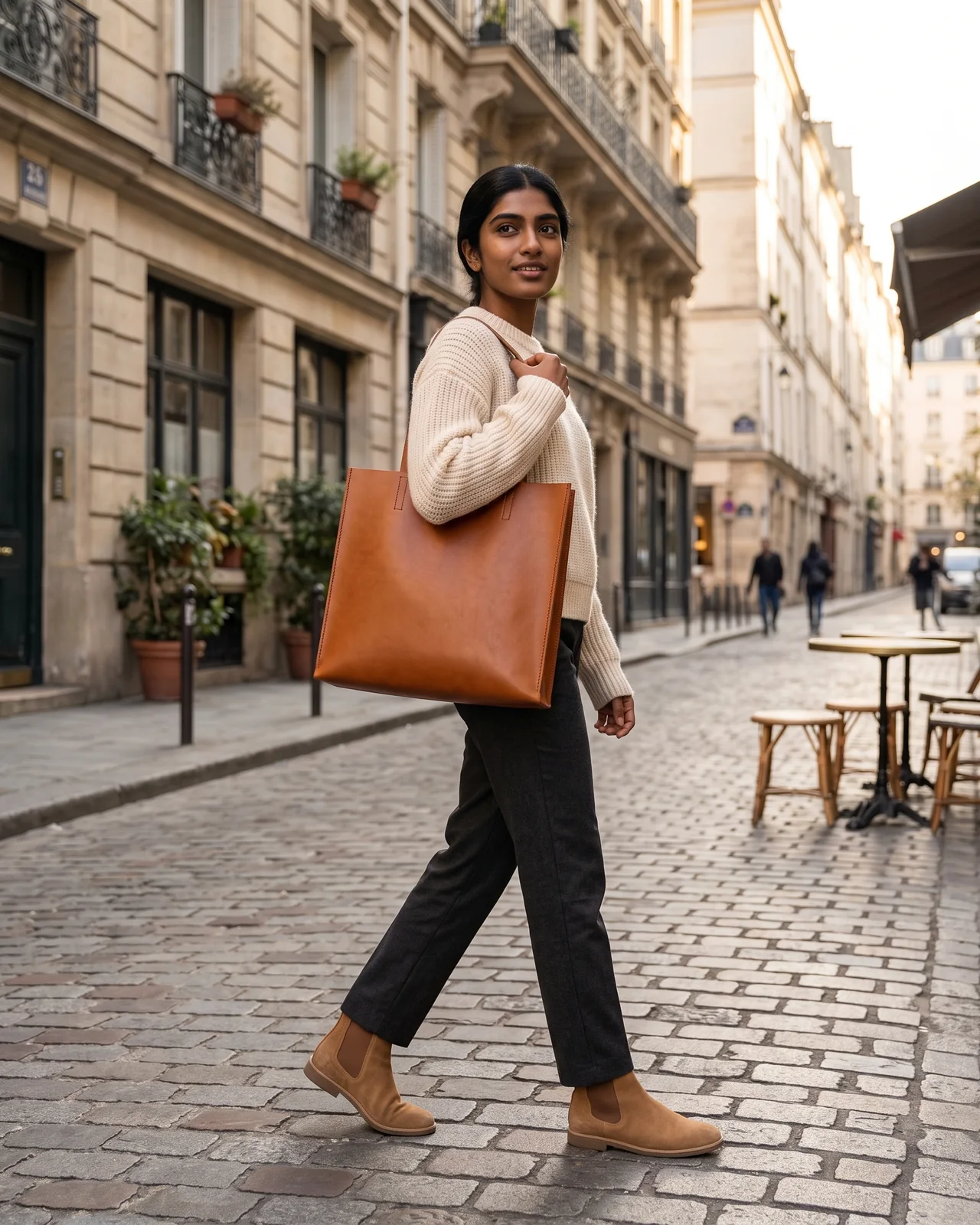
Put my tote on a model walking down a Paris street in late afternoon light. Two options, portrait.
Nightjar · Product photo with a Fashion Model
Two portrait photos with Devi from the Fashion Models library. That is 2 credits.
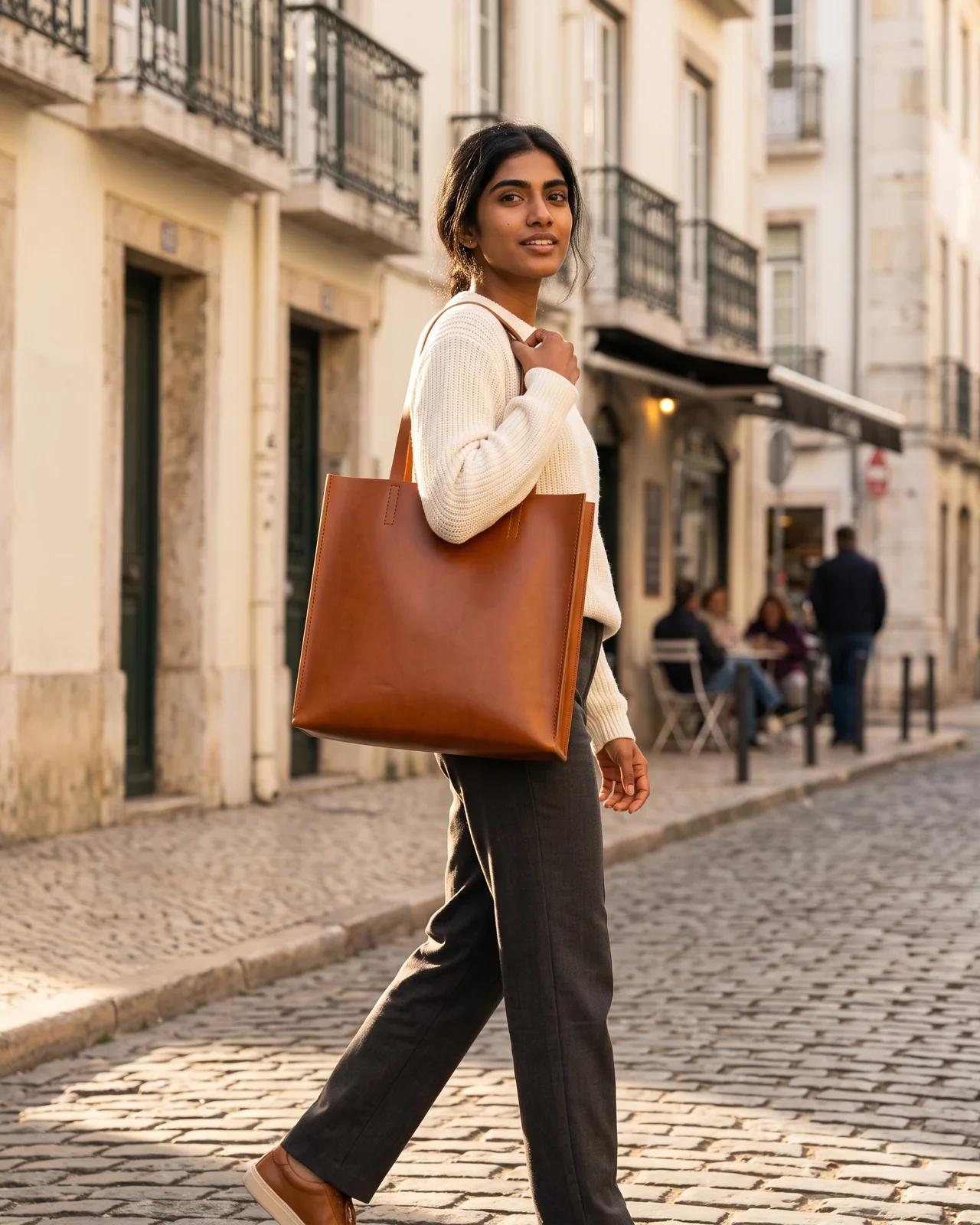
Done. The strap tabs and stitching match your photo. Want a white background version for the listing?
Claude sees your product. Nightjar photographs it.
On its own, Claude can describe your product, plan a shoot and write the listing, but it doesn't make photographs. Connect Nightjar and the same chat turns out studio-quality product photography of the exact thing you sell.
Claude takes the brief
It reads your photo, asks what the image is for, and turns a loose idea into a clear shot.
Nightjar makes the photograph
Your actual product in the scene, on a model or on white, with its label, shape and details kept as they are.
You approve the spend
Claude tells you the price before anything runs, and every image lands in your Nightjar Library.
Said in Claude. Shot by Nightjar.
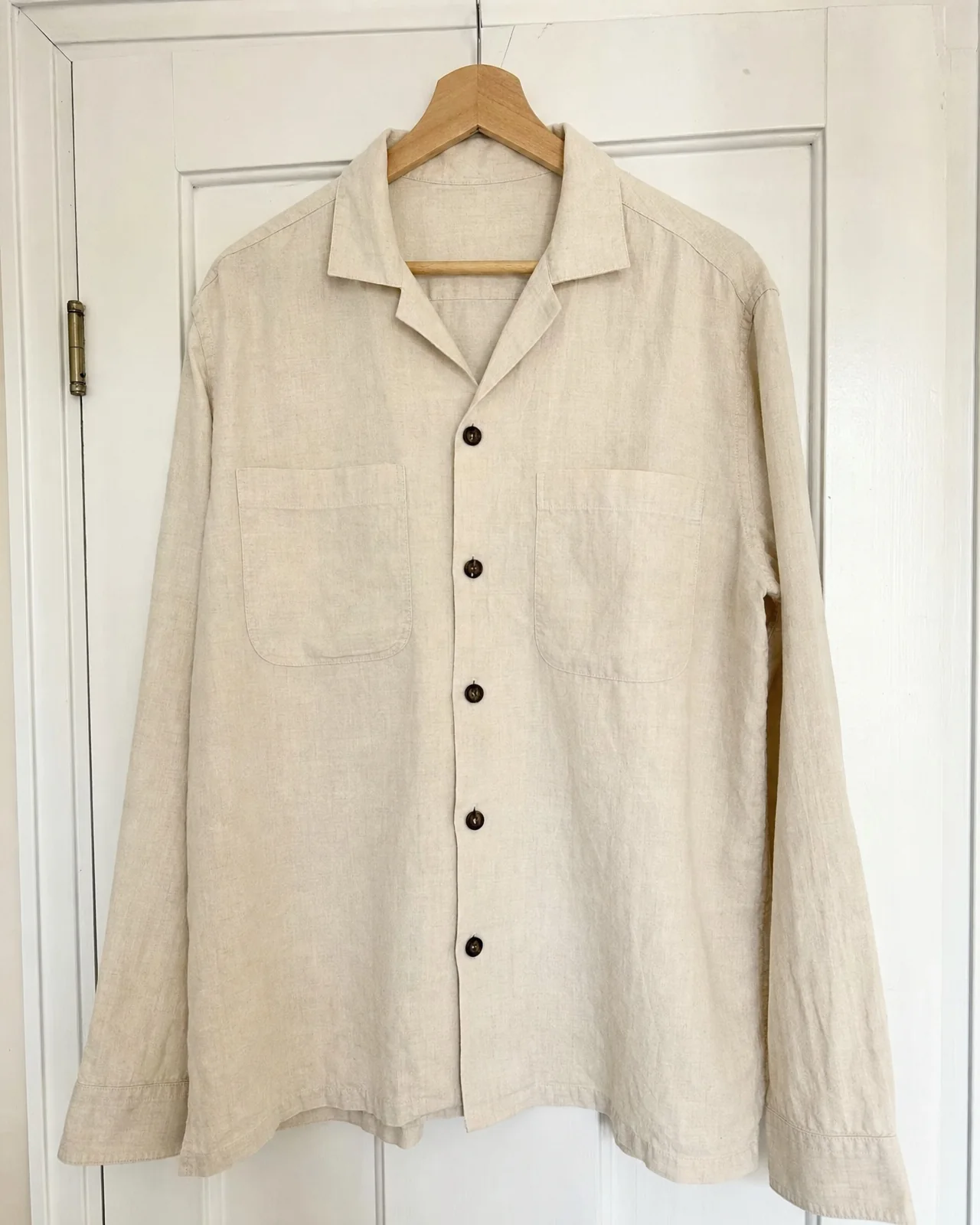
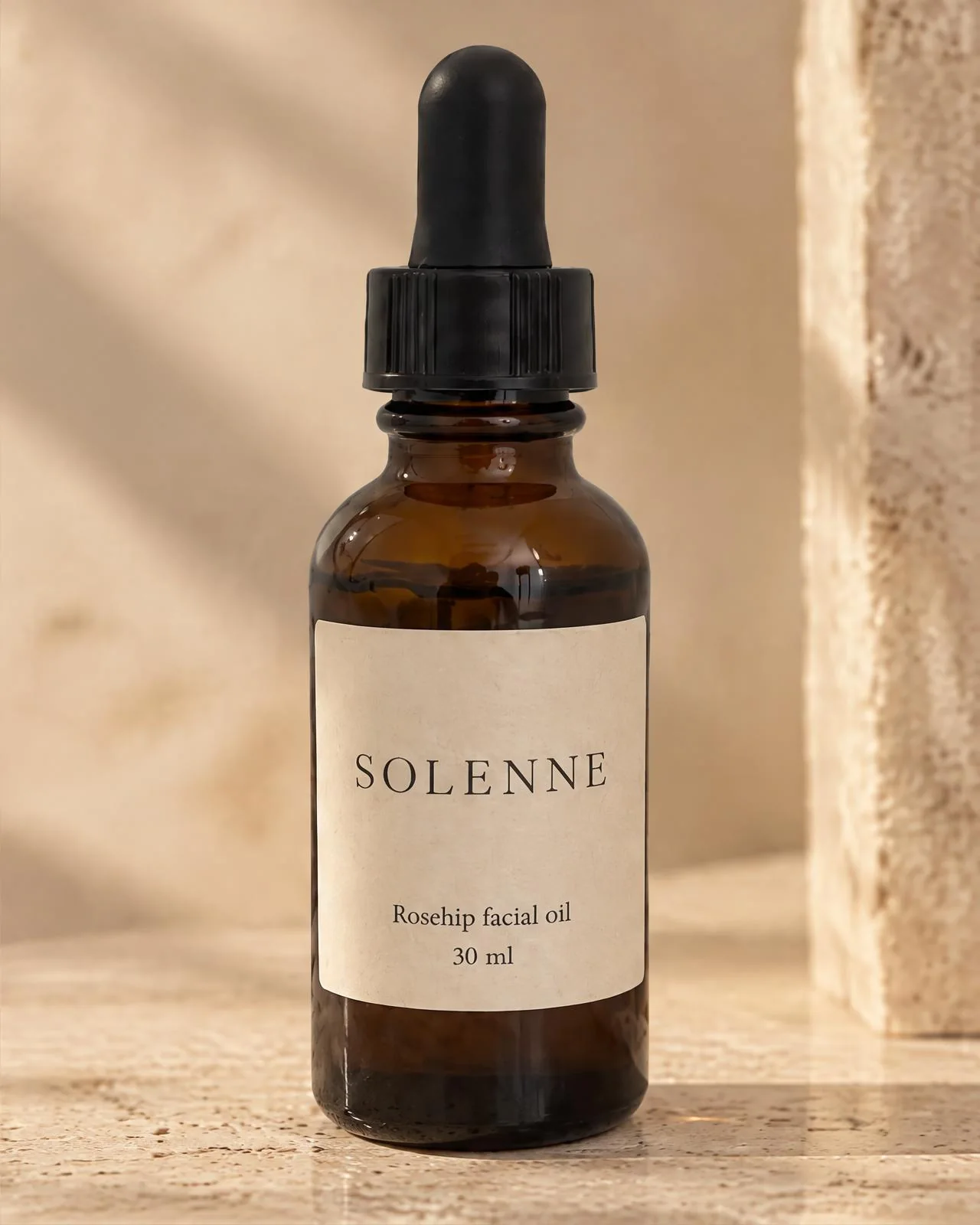
Each photograph started as the phone photo in its corner and one sentence in a Claude chat. No studio, no prompt engineering, no editing afterwards.

Phone photo
“Lookbook photo of this overshirt on a man, on a sunny terrace by the sea.”
On a Fashion Model
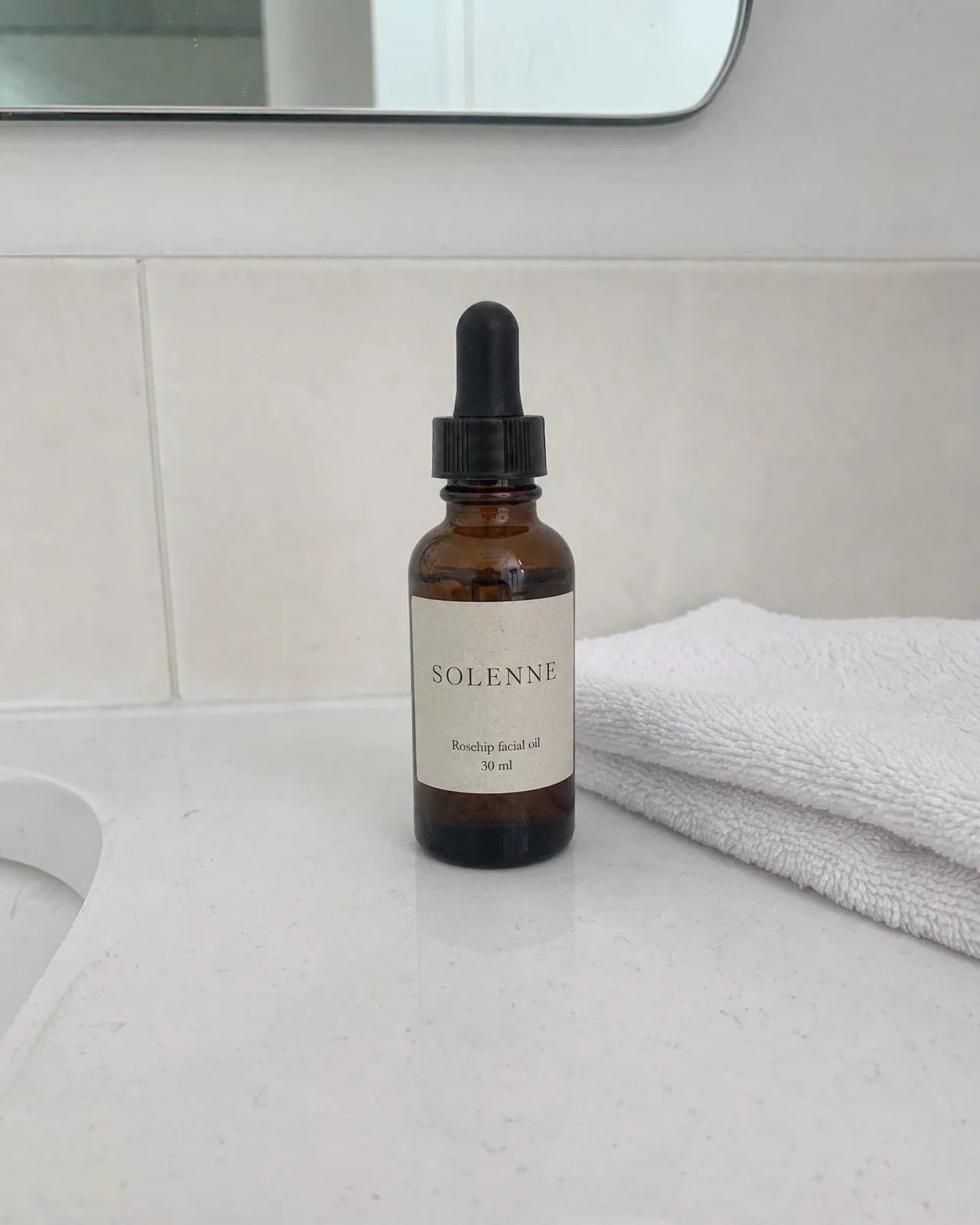
Phone photo
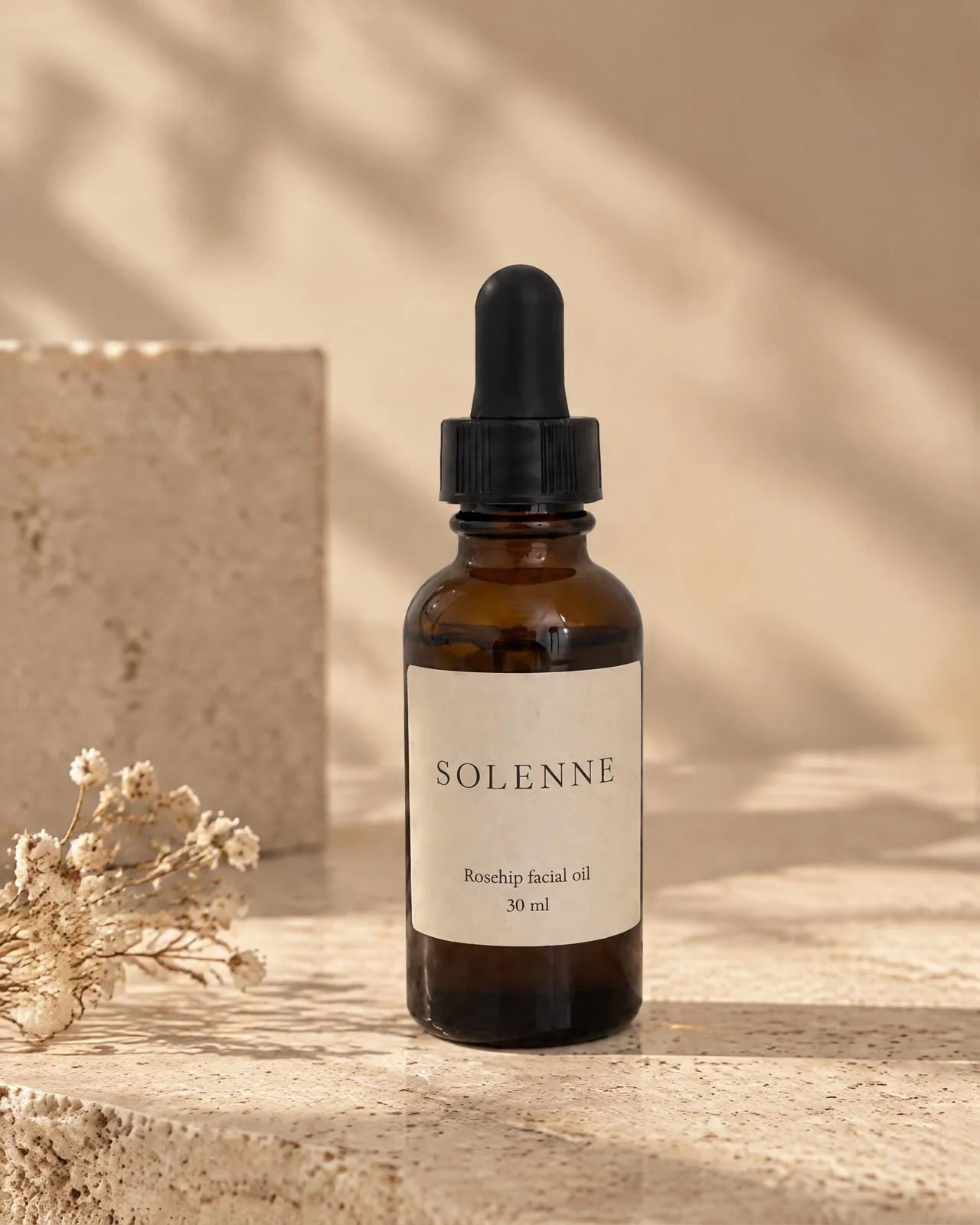
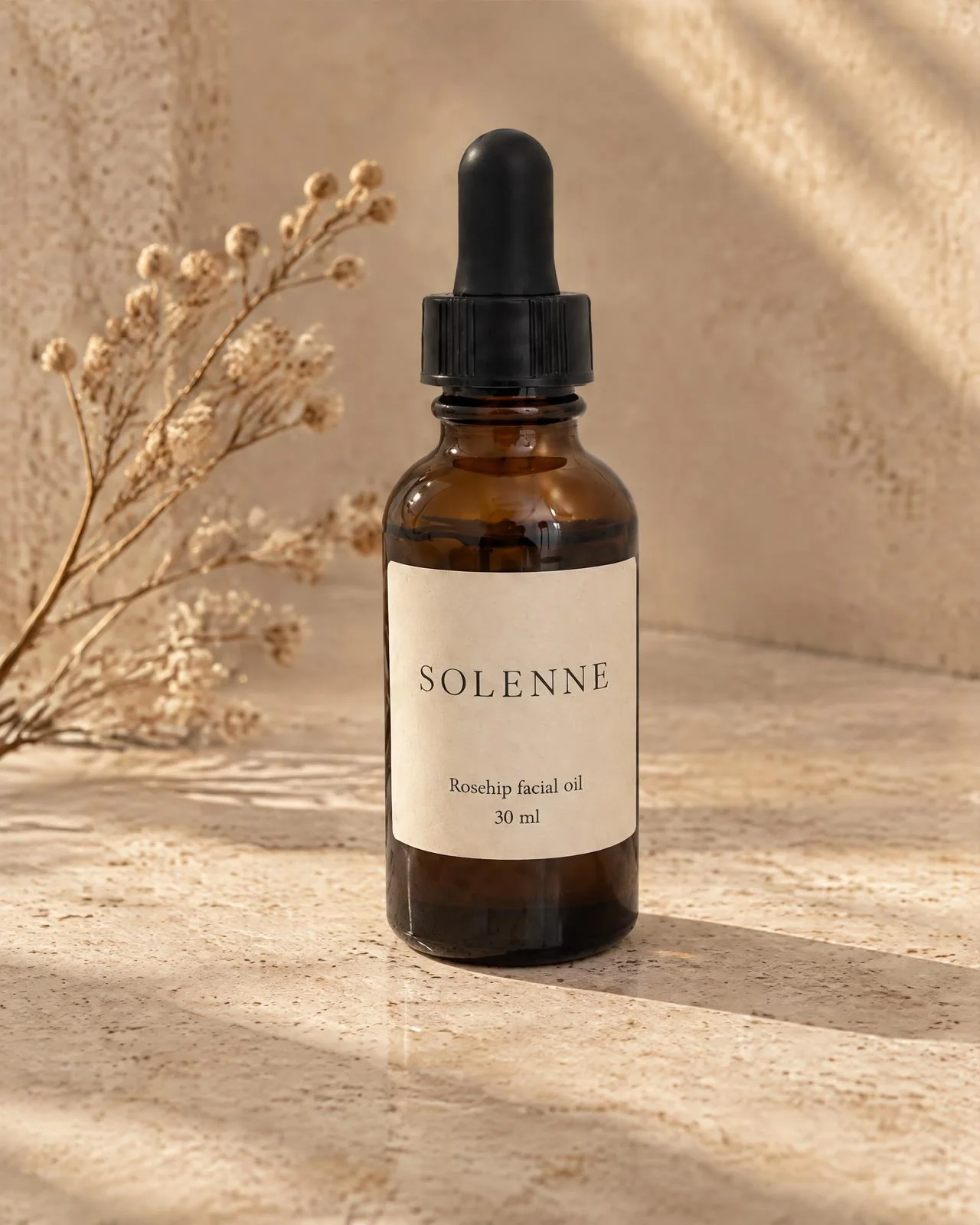
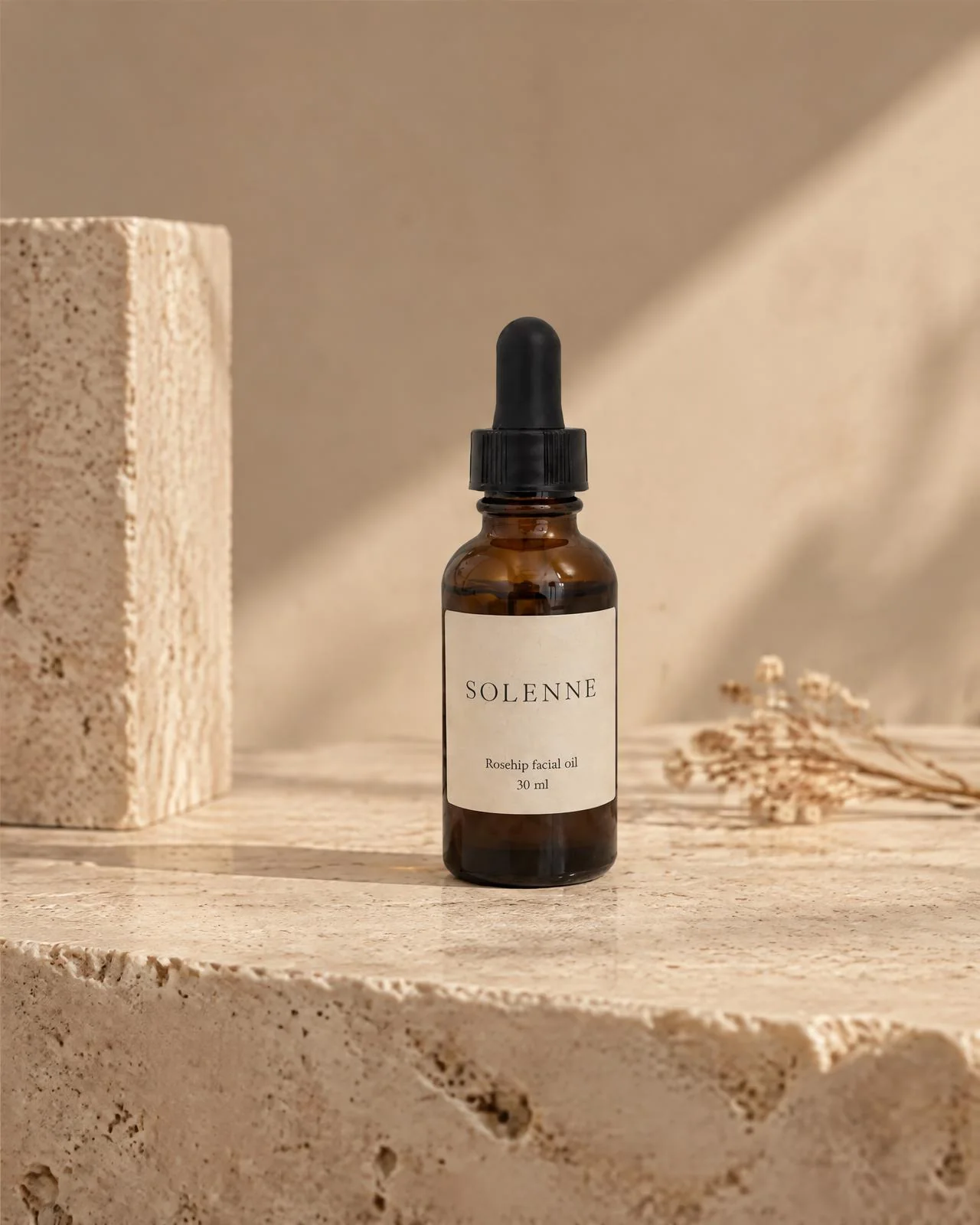
“Warm travertine, morning sun. Keep the label exactly as it is.”
Photoshoot, four photos
Phone photo
“My tote on a model walking down a Paris street, late afternoon.”
On a Fashion Model
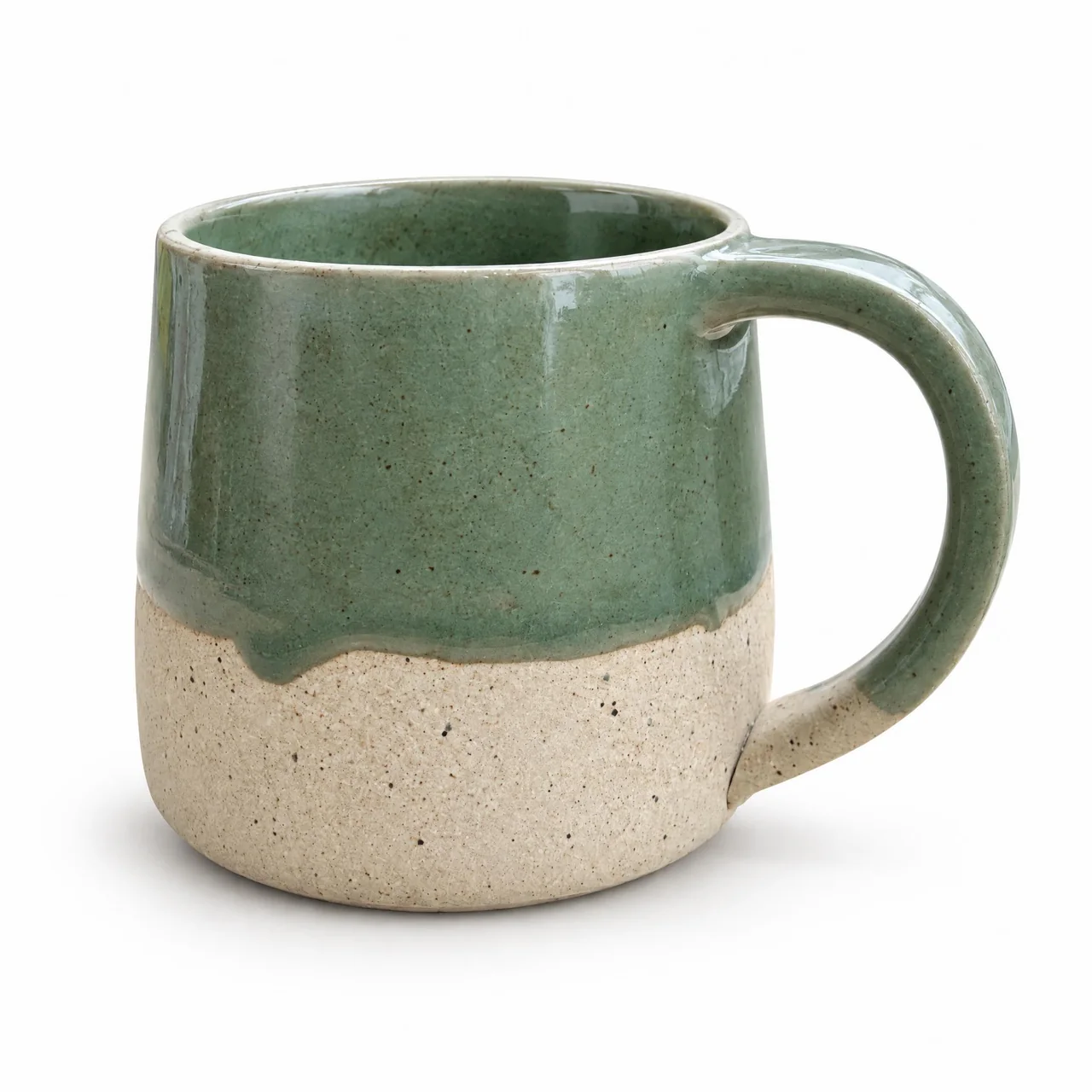
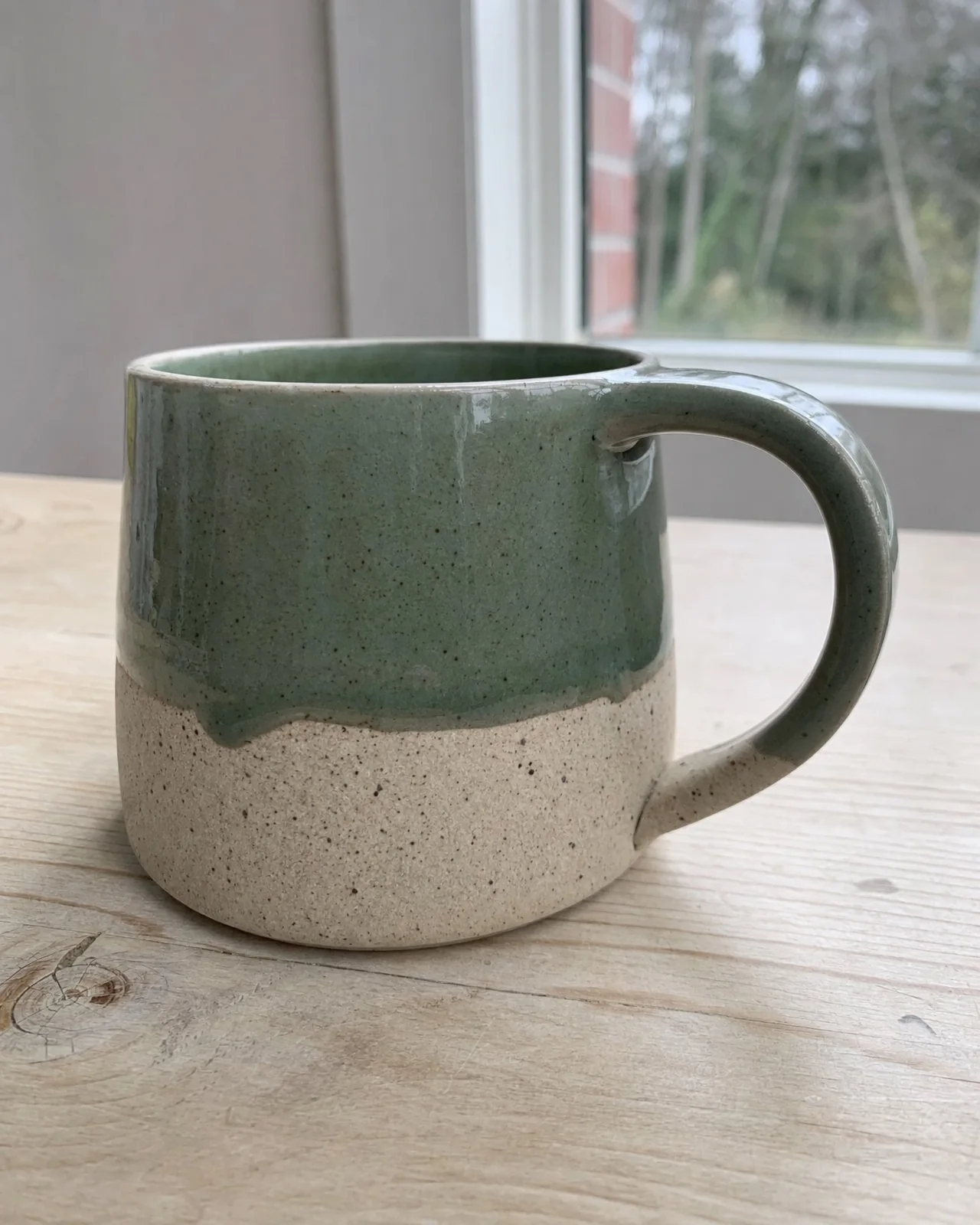
Phone photo
“A clean white main image for my Etsy listing, square.”
White background
Add Nightjar to Claude. In about a minute.
Nightjar is a custom connector for Claude. Paste one URL, sign in, and every chat can make product photos.
Nightjar server URL
https://mcp.nightjar.so/mcpFree to connect. Nothing is spent until you ask for images.
- 1In Claude, open Customize, then Connectors.
- 2Click +, then Add custom connector. Name it Nightjar and paste the URL above.
- 3Click Connect, sign in to Nightjar, choose your Team and approve.
- 4Start a new chat and ask Claude to check your Nightjar connection.
Works in Claude on the web, the desktop app and Cowork, and on your phone once added. The free Claude plan includes one custom connector. On Team and Enterprise plans, an Owner adds Nightjar in Organization settings first.
- 1Add the server from your terminal:
claude mcp add --transport http nightjar https://mcp.nightjar.so/mcp - 2In Claude Code, run
/mcp, choose nightjar and sign in when your browser opens. - 3Choose your Team, approve, and return to the terminal.
- 1Add the server:
codex mcp add nightjar --url https://mcp.nightjar.so/mcp - 2Sign in:
codex mcp login nightjar - 3Choose your Team in the browser, approve, and start a new session.
- 1Nightjar works in ChatGPT Business, Enterprise and Edu workspaces, added once by a workspace admin on the web.
- 2The admin turns on developer mode, creates an app with the URL above and publishes it to the workspace.
- 3Members then connect their own Nightjar account from the app.
OpenAI limits custom apps that create things to these workspace plans for now. See the admin steps in the MCP guide.
Brief it like a shoot. In your own words.
Ask the way you would brief a photographer. Claude picks the right Nightjar tool, confirms the price and brings the photos back.
For the listing
“Make a square main image of this on pure white for Amazon, with a soft shadow.”
From your store
“Import my product from this link, then make a photoshoot that matches the rest of my shop.”
On a model
“Put this dress on a model in her thirties walking through a market in Lisbon. Two options.”
For a launch
“Four photos of the new candle for Instagram. Warm, evening, a little moody.”
Across the catalog
“Apply my Summer Recipe to every product in the Linen collection. Show me three samples first.”
Finishing
“Take the second photo, remove the glass from the table and upscale it to 4K.”
One product. A whole catalog.
The main image, the lifestyle shots and the next hundred products, all from the same chat and in one consistent look.
Import from a link
Paste a product page. Nightjar gathers the photos and details for you to approve before anything is saved.
Choose by eye
Browse 80+ fashion models, photography styles, backgrounds and poses as pictures, right in the chat.
Save the look
Keep a setup as a Recipe and apply it to every new product, so the catalog reads as one shoot.
Batches, samples first
Up to 100 items in one batch. Approve a few samples, then let the rest run, even after you close the chat.
Edit and upscale
Fix a detail in plain words, then upscale to 2K or 4K for zoom.
One shared Library
Every image saves to your Nightjar Team Library, ready in the web app, Shopify and the API.
You approve every credit. Nothing by surprise.
Priced before it runs.
Claude tells you what a request costs before any image is made, and Nightjar never spends past the limit you approve. Large batches show you samples first.
Simple credits.
One credit per image at 1K or 2K, two at 4K, and a four-photo Photoshoot for two. Start with 6 free credits, then plans from US$25 a month for 150. See pricing
Your sign-in, your images.
You connect with your Nightjar account, not an API key, and choose which Team Claude can use. Remove the connector in Claude at any time. Privacy Policy
From brands that stopped doing photoshoots.
“I love this app so much, it is literally the best thing that I've ever used for my business. I love how simple and elegant the interface is compared to other AI tools.”
Shelley Ann
Etsy seller
“I could use the worst pictures ever and Nightjar would always do an amazing job. I was truly blown away!”
Théo Mestre
Founder, French design shop

“The Photoshoot feature is hands down the best I've ever seen on an image generation site. In my experience, Nightjar is flawless in its execution and helps customers actually see themselves in that environment.”
Tommy Peggs
Sales Consultant

“I am relaunching my custom furniture business and have already used the images I generated on my new site and it is going viral. Nightjar has instantly unlocked a new level for my company and I am eternally grateful.”
Jeremie Doiron
Custom furniture maker
“I spent 3-4 hours on Leonardo and ChatGPT trying to guide it to what I wanted. Nothing came close to how well Nightjar keeps the product exactly the same.”
Matt Nath
Digital marketing agency founder

“Nightjar is truly pioneering the future of product imagery and customer experience. It allowed COJA Dental to deliver a seamless, visually stunning experience that elevated how our customers interact with our brand.”
Cody Leeking
Founder & CEO
Claude product photography, answered.
Can Claude AI do product photography?
Not on its own. Claude can read your product photo, plan a shoot and write the listing, but it doesn't generate photographs. Connect Nightjar as a custom connector and the same chat can create studio-quality photos of your real product: on white, in a lifestyle scene or on a model.How do I add Nightjar to Claude?
In Claude, open Customize, then Connectors, click + and choose Add custom connector. Paste https://mcp.nightjar.so/mcp, click Connect, sign in to Nightjar and choose your Team. It takes about a minute. The MCP guide covers Claude Code, Codex and ChatGPT workspaces.Does it work on Claude's free plan?
Yes. The free Claude plan includes one custom connector, and a new Nightjar account starts with 6 free credits and no credit card. On Claude Team and Enterprise, an Owner adds Nightjar for the organization first.Does it work in Claude Code, Cowork and the Claude apps?
Yes. Add it once on the web and use it in Claude on the web, the desktop app, Cowork and the mobile apps. In Claude Code, add it with one terminal command and sign in with /mcp.Will the photos show my actual product?
Nightjar works from your own photos and product details to keep the label, shape, color and materials of what you sell. Built-in visual review checks each image against your photos and retries obvious failures at no extra credit cost. Always check fine print and small details before you publish. Keeping the product unchanged.Can I start from a product link instead of photos?
Yes. Give Claude a link to a public product page and Nightjar prepares the photos and details for you to review. Nothing is saved until you approve it, and importing costs no credits.Are the images ready for Amazon, Shopify and Etsy?
Ask for a pure white main image, lifestyle scenes, on-model shots and detail crops at 1K, 2K or 4K, in square or portrait ratios. Rules differ by marketplace, so check yours before publishing. Amazon and AI images.Can I keep one look across my whole catalog?
Yes. Save a photography style, background or model setup as a Recipe, then ask Claude to apply it to every product. Batches run up to 100 items, with samples to approve before the rest.How much does it cost?
Connecting is free. Images use your Nightjar credits: one per image at 1K or 2K, two at 4K, and two for a four-photo Photoshoot. New accounts get 6 free credits. Paid plans start at US$25 a month for 150 credits, about $0.17 per image. You never need an API key. Pricing.Where do the images go?
Claude shows the results in the chat with links to the full-size originals, and every image saves to your Nightjar Team Library, where your team can download, edit and reuse it.Can I use the images commercially?
Yes. You can use the images Nightjar creates for you on product pages, marketplaces, ads, packaging and social. Your uploads remain yours. See the Terms of Service.Are my products used to train AI?
No. Nightjar does not use your uploads or generated images to train the AI models that serve other users unless you opt in. See the Privacy Policy.How do I disconnect Nightjar from Claude?
Remove or disconnect the Nightjar connector in Claude’s Connectors settings. The connection loses access right away, and the images you already made stay in your Library.Does Nightjar work in ChatGPT?
In ChatGPT Business, Enterprise and Edu workspaces, yes: a workspace admin adds Nightjar once as a custom app, and members connect their own accounts. The MCP guide has the admin steps.
Keep reading
Photograph it in Claude.
Free to connect. 6 free images, no credit card.
Claude is a trademark of Anthropic, PBC. Nightjar is an independent product and is not affiliated with or endorsed by Anthropic.