
AI fashion models for every garment you sell.
Nightjar is the AI fashion model generator for clothing brands. Turn flat lays, hanger shots and ghost mannequin photos into on-model product photos. Choose from 80+ AI fashion models or cast your own from a photo, direct the pose, and the garment stays the one you made.
6 free images. No credit card.
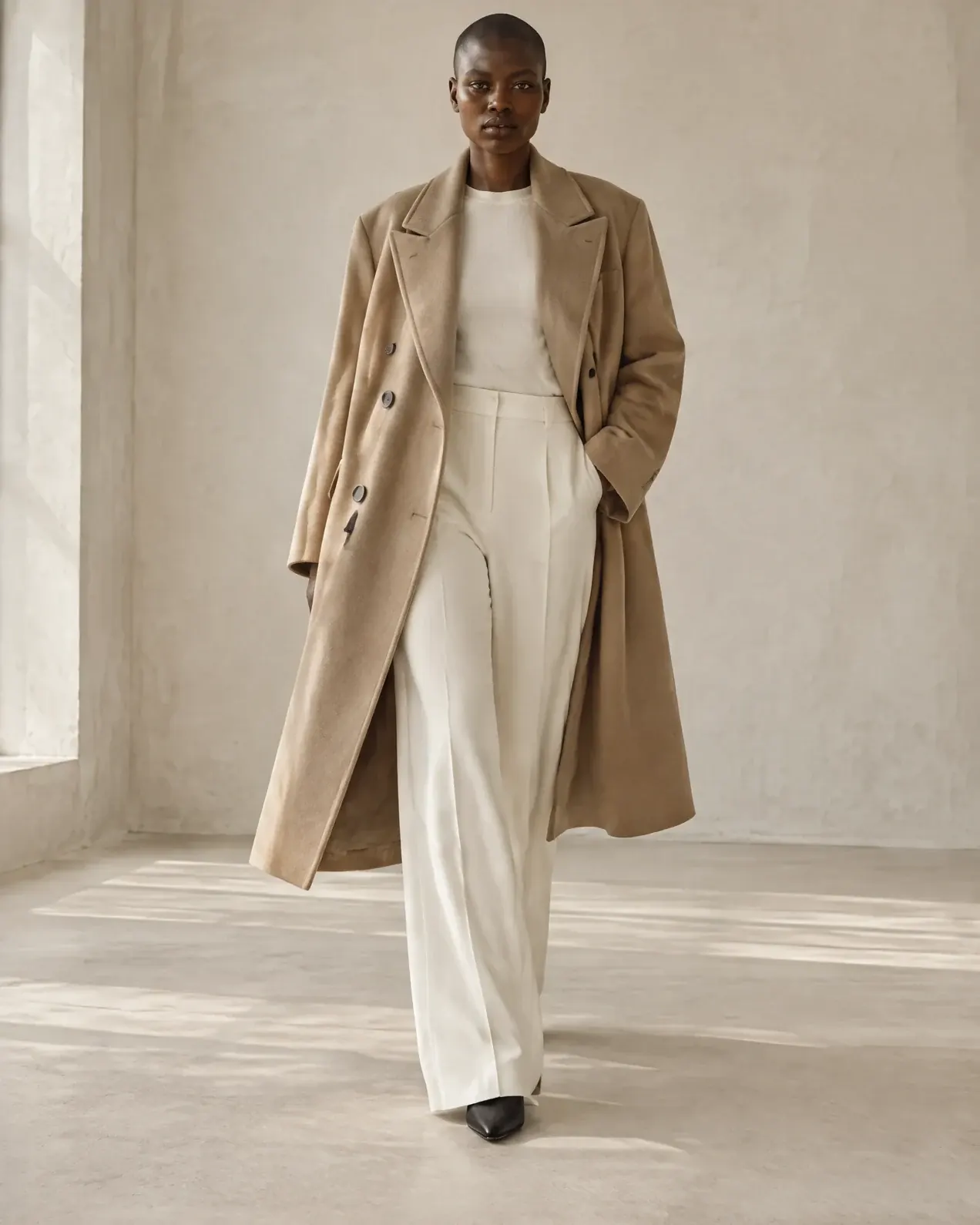
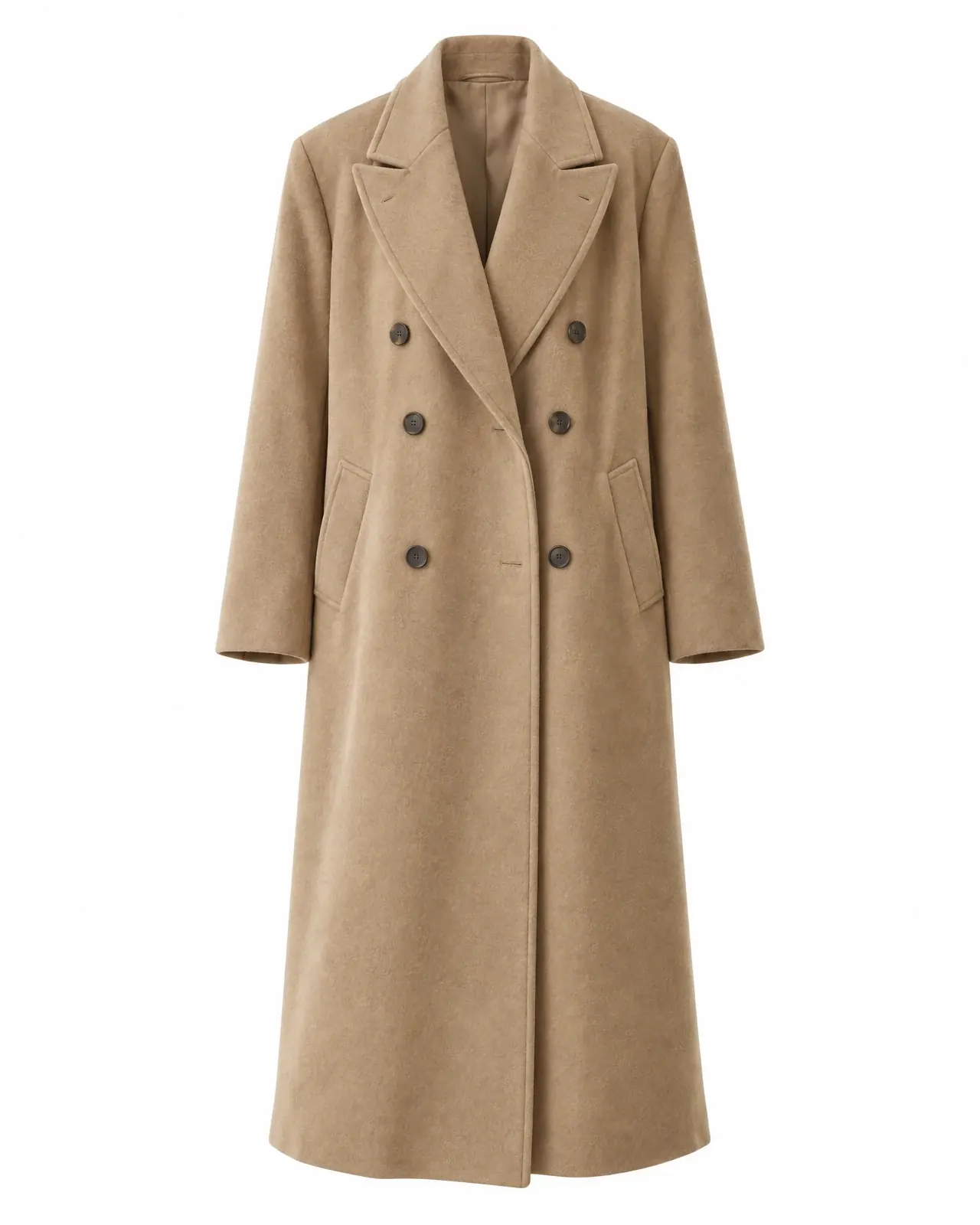
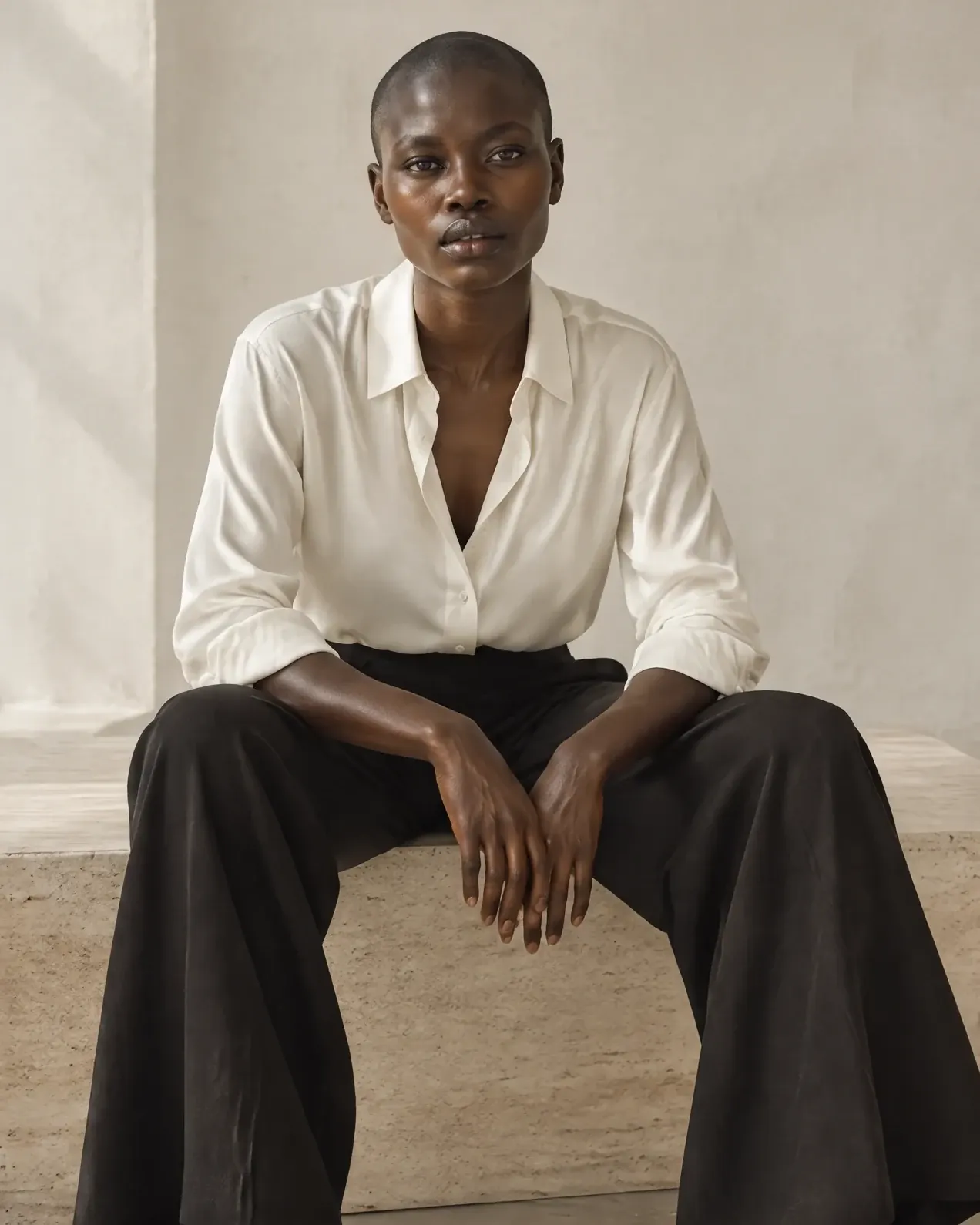
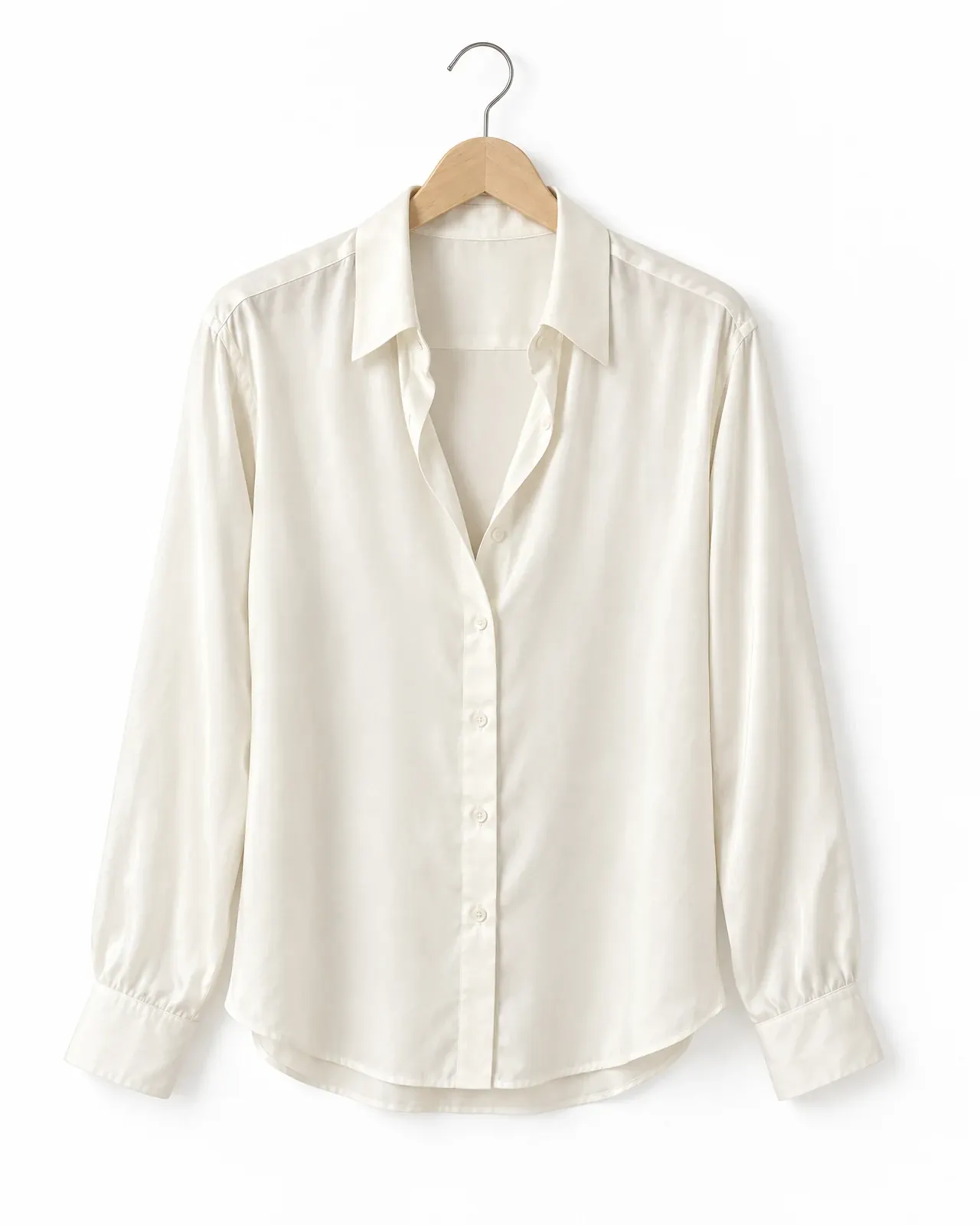
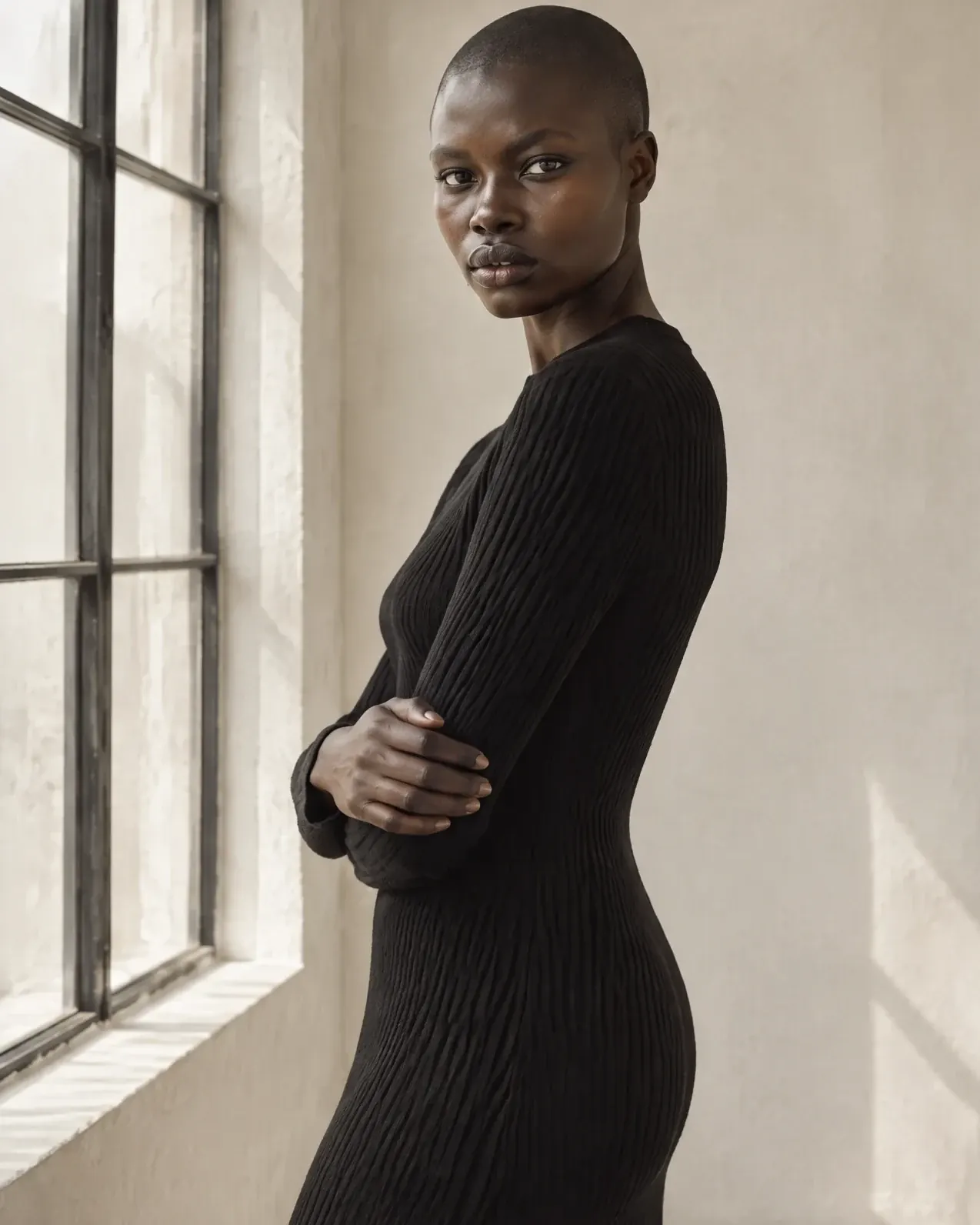
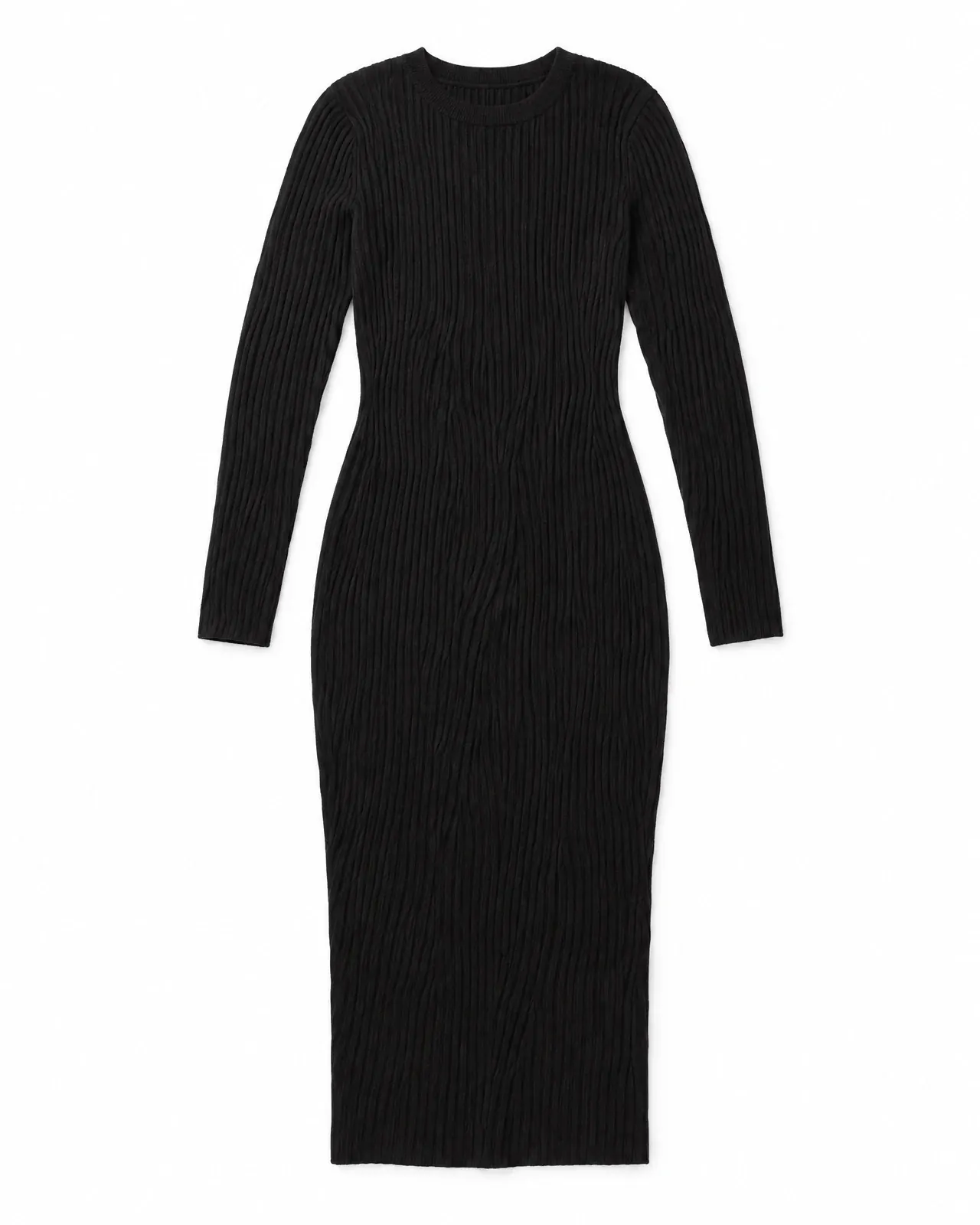
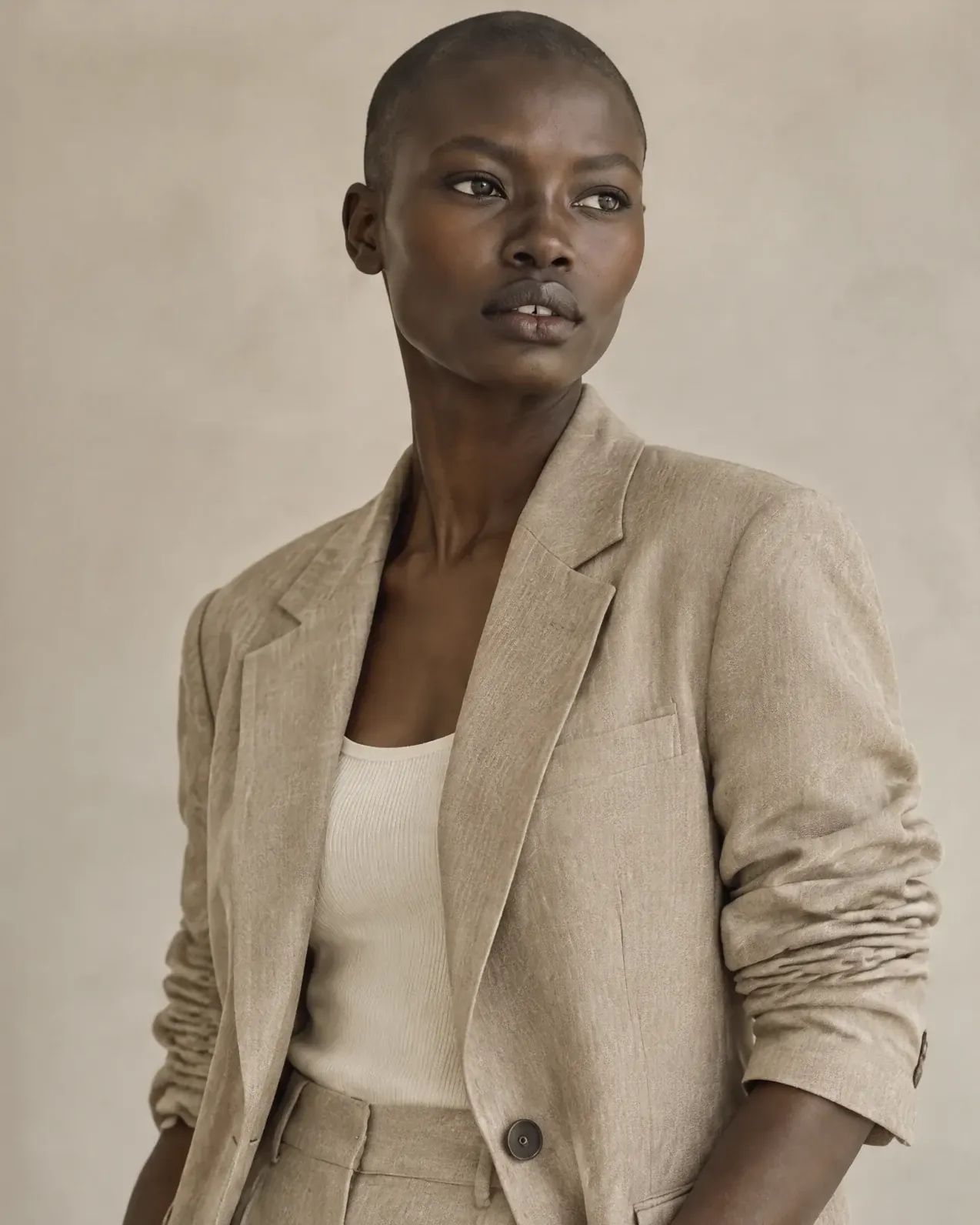
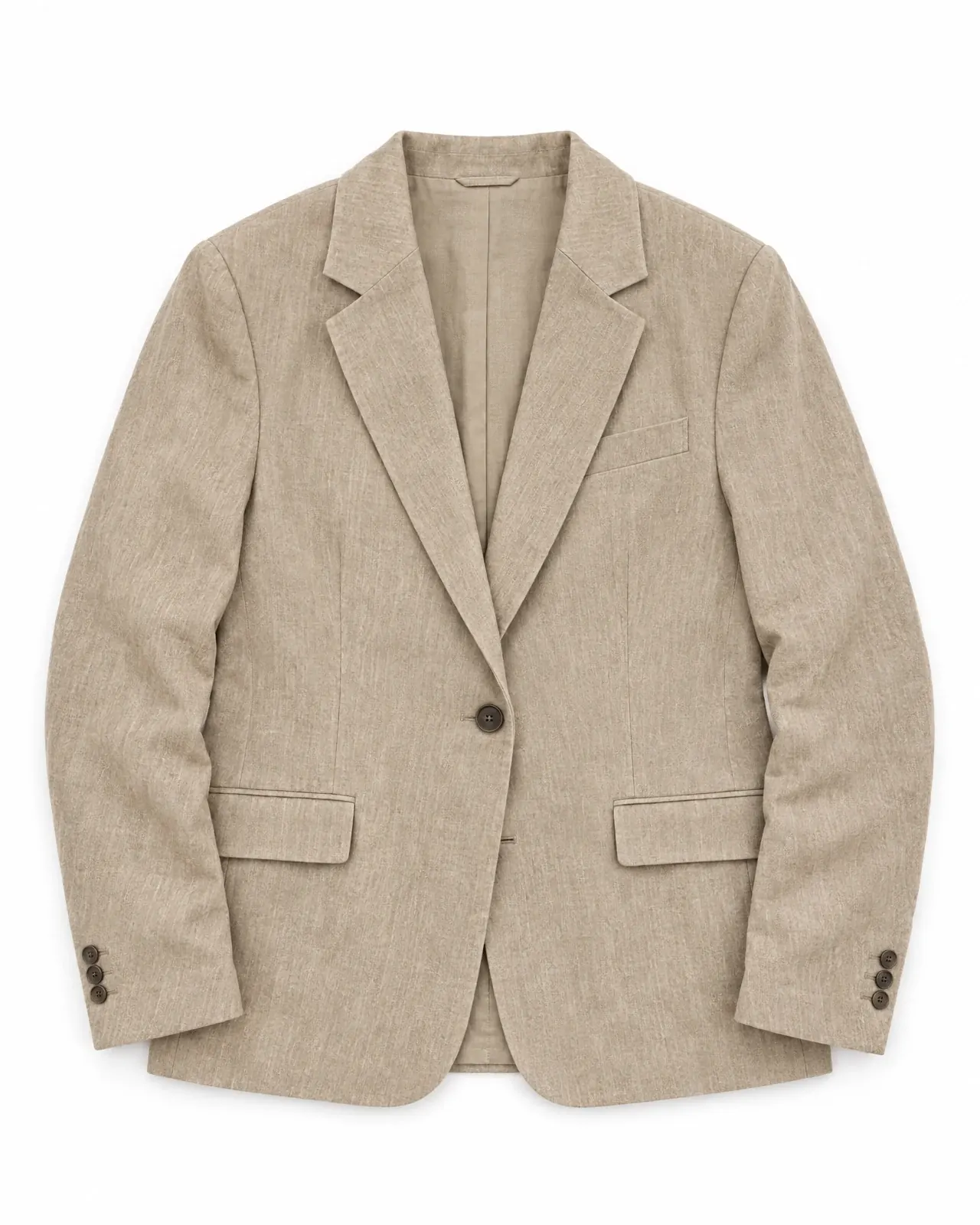
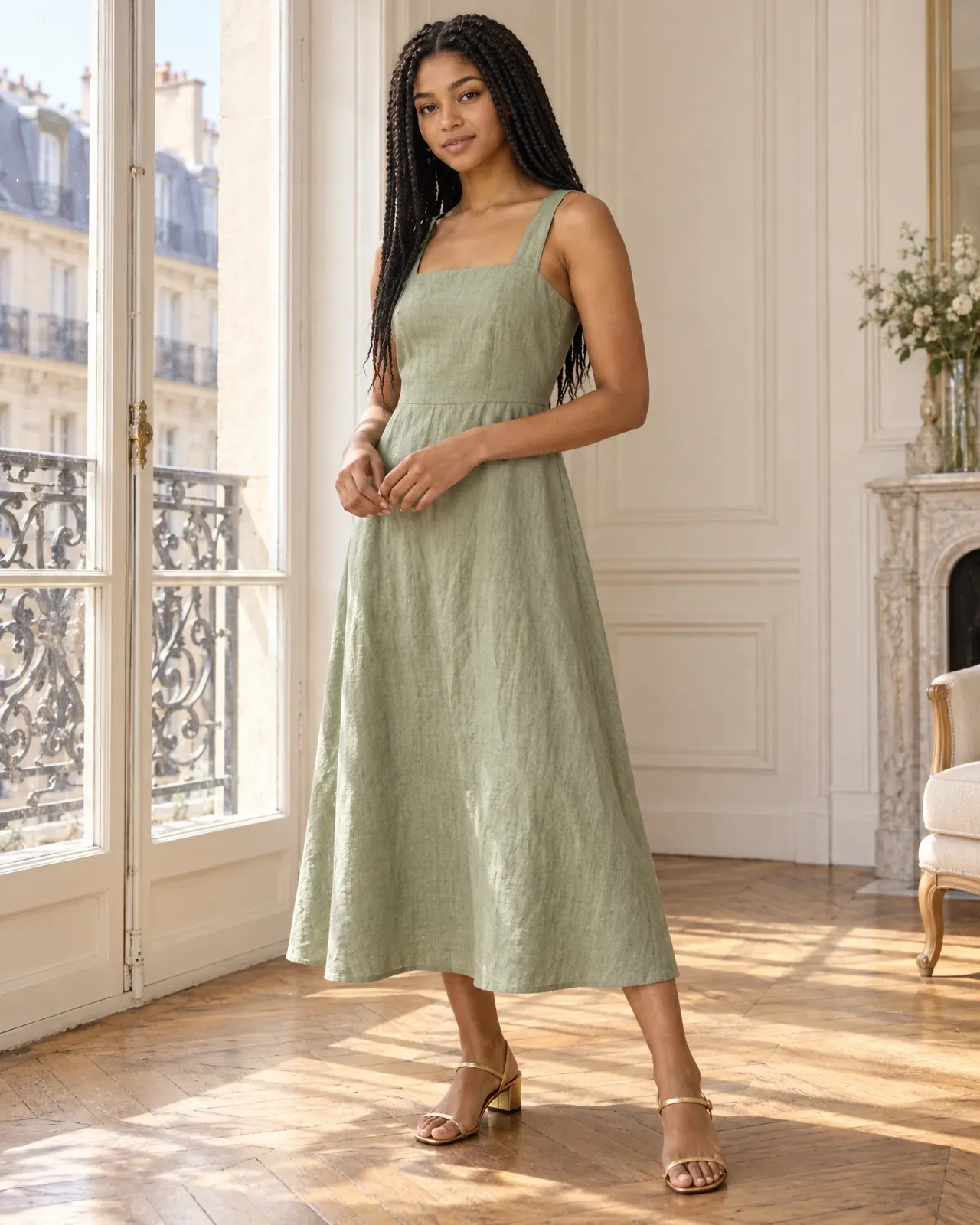
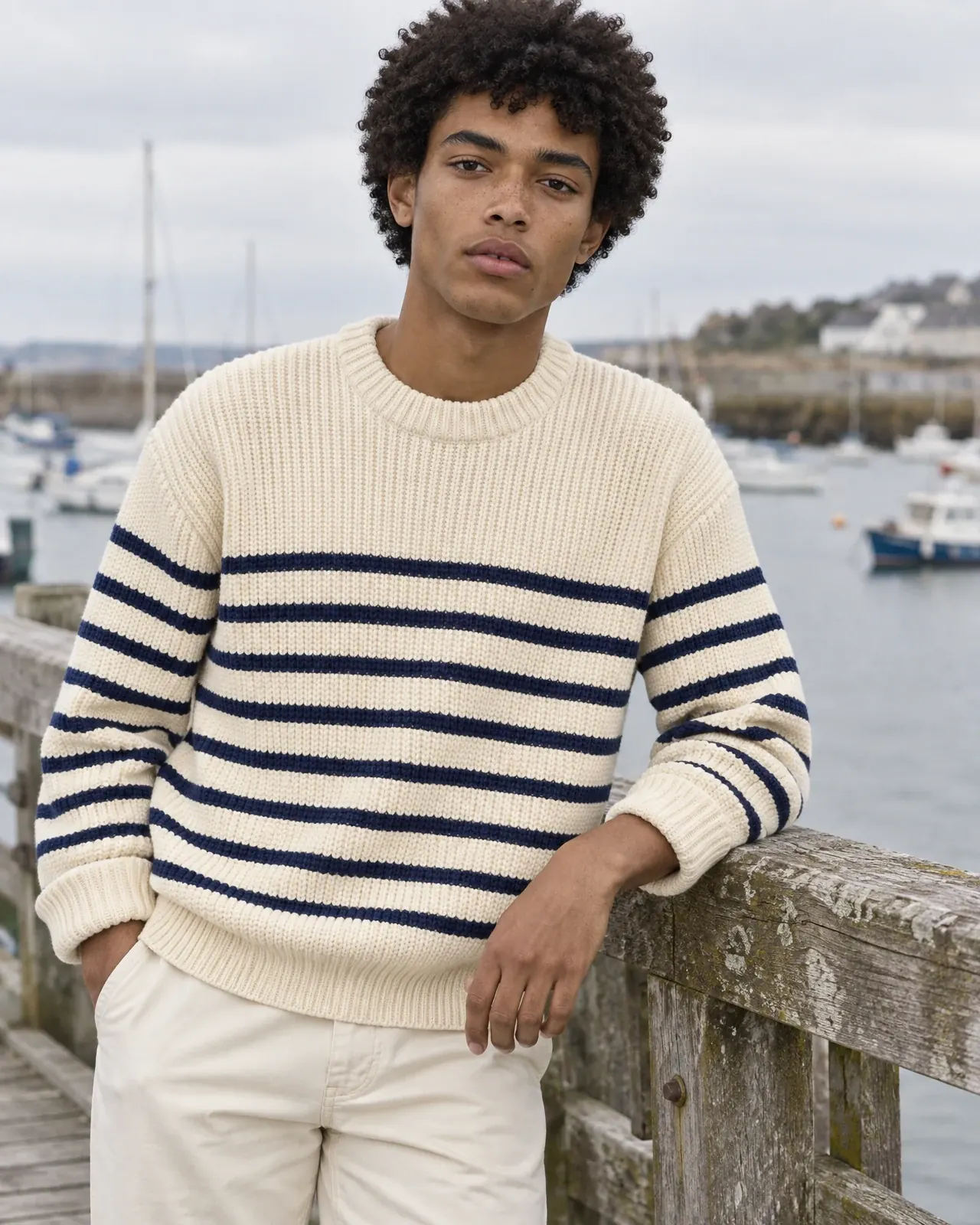
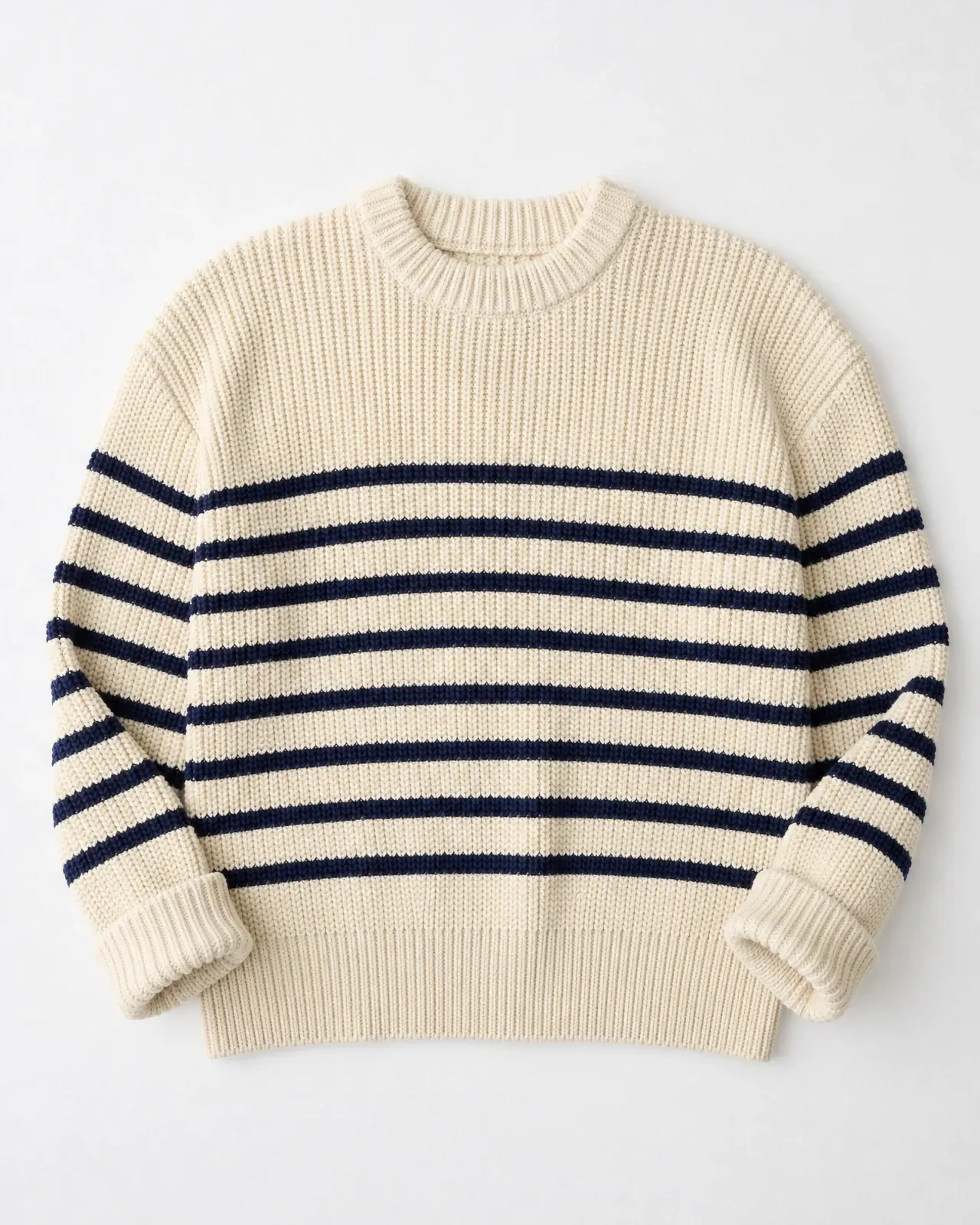
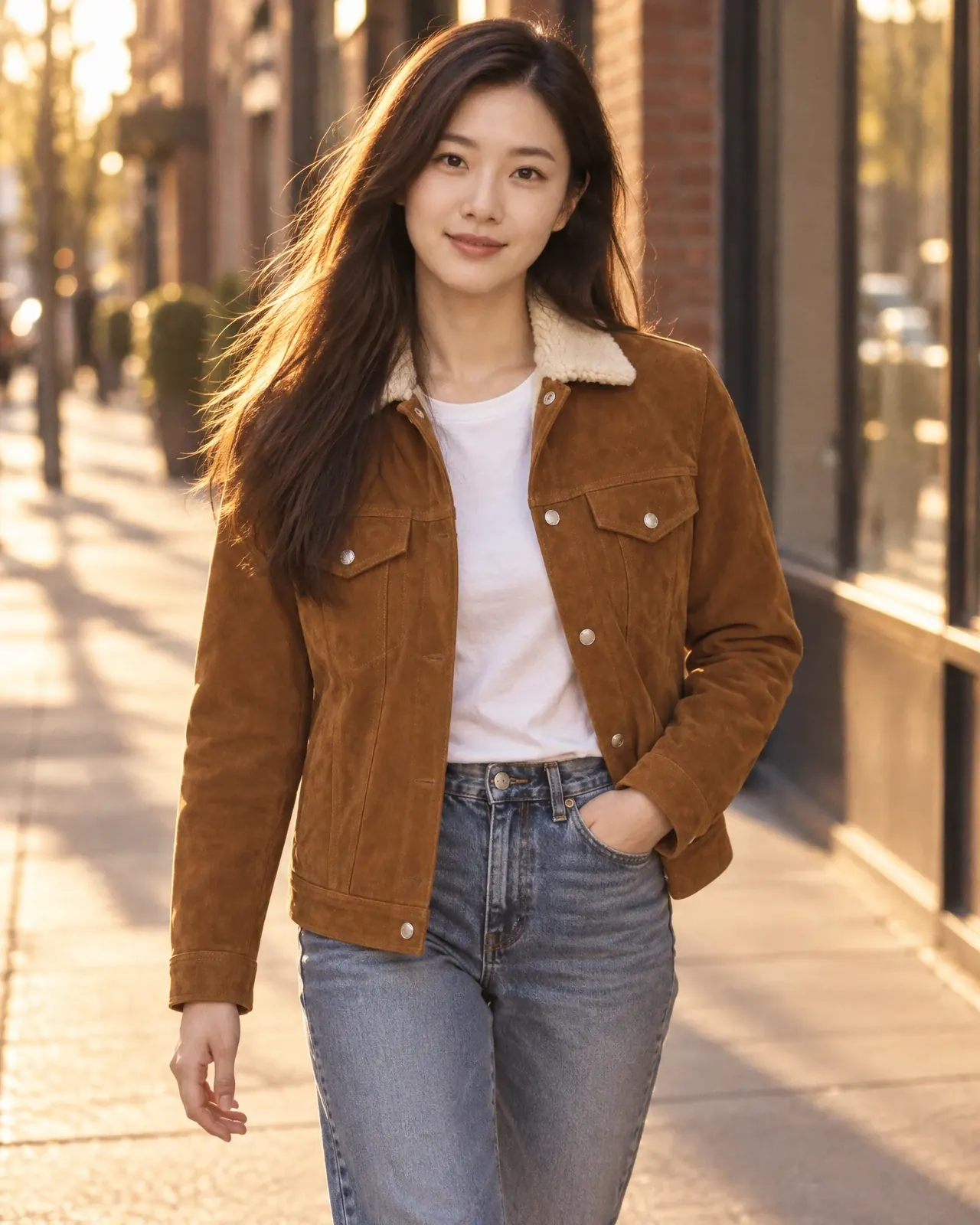
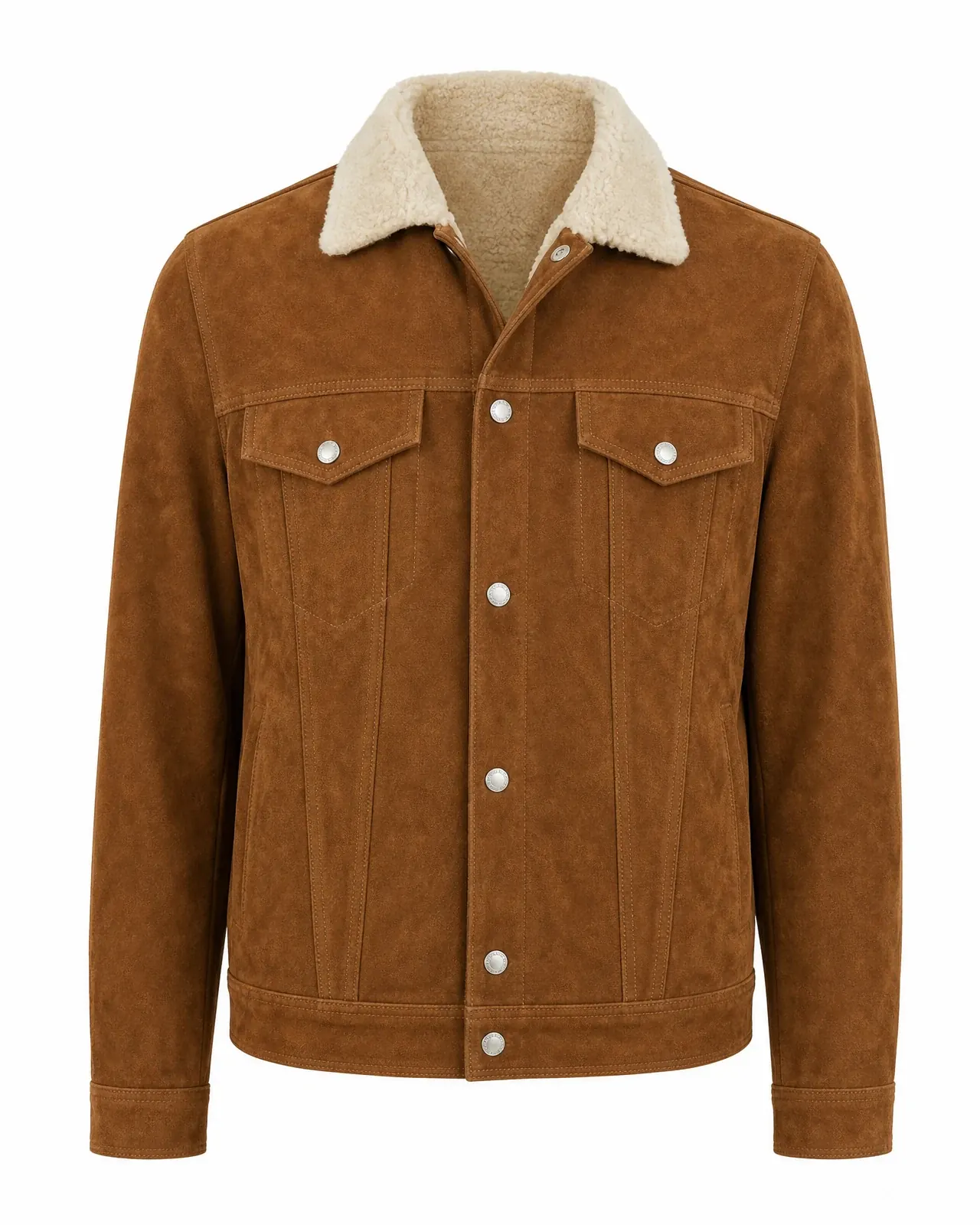
Each photo was made from the product shot in its corner.
Trusted by 19,000+ brands




The garment you made. Now worn.
Every AI fashion model tool promises your clothing stays the same. Choose a piece and check it yourself: each photograph started as the flat lay, hanger or ghost mannequin photo in its corner.
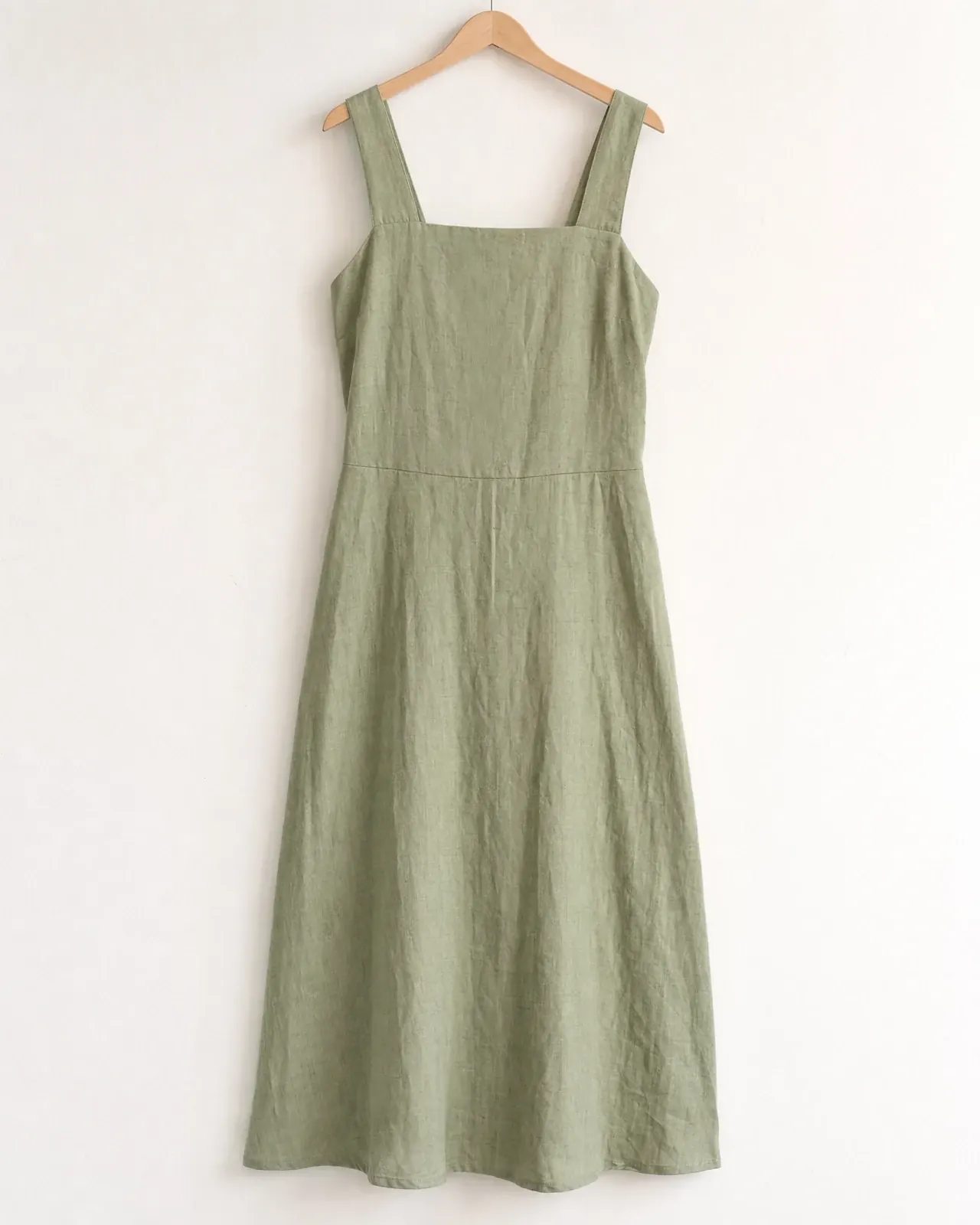
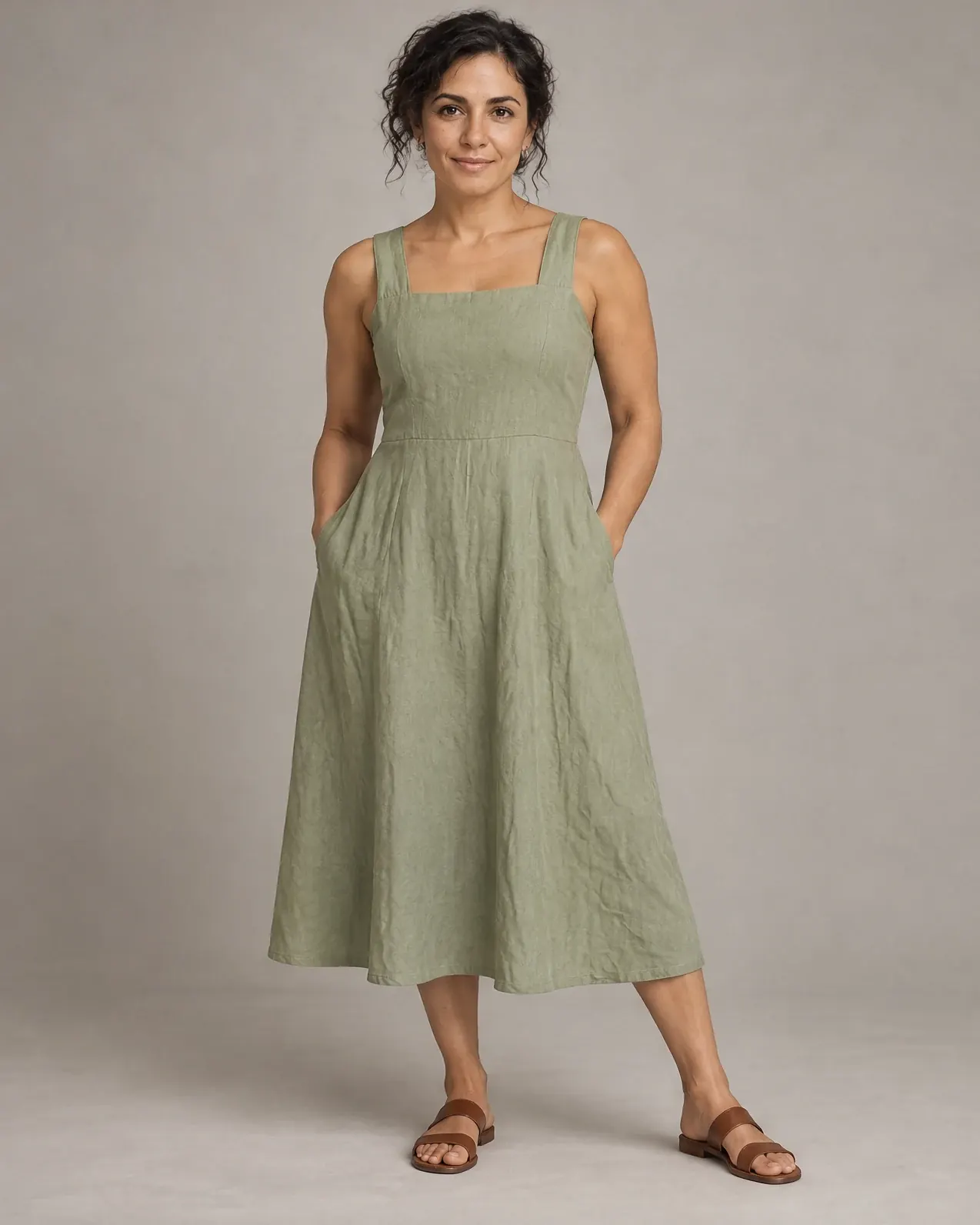
On a hanger
- 1Wide straps
- 2Square neckline
- 3Sage washed linen
- 4Flared midi hem
- 1Crew neck
- 2Navy stripe spacing
- 3Chunky rib knit
- 1Shearling collar
- 2Snap-flap chest pockets
- 3Cognac suede
- brands create with Nightjar
- 19,000+
- AI fashion models to cast
- 80+
- photography styles
- 150+
- per image, 6 free to start
- $0.17
Look closer. The details survive.
Stripes, trims and straps are where AI clothing models usually slip. Here is the same detail from the original photo and from the finished image, cropped side by side.
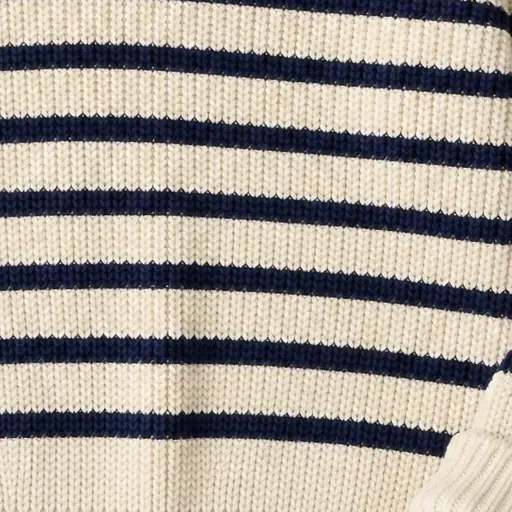 Your photo
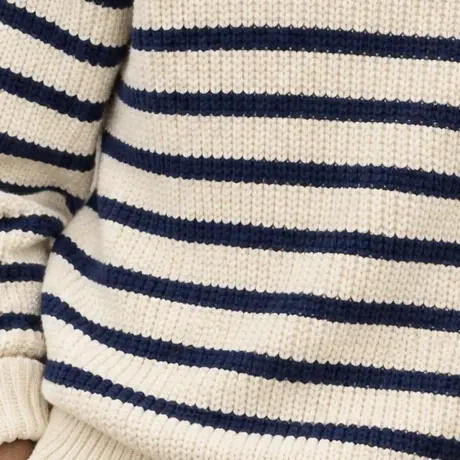 Nightjar
Stripe spacing and rib knit
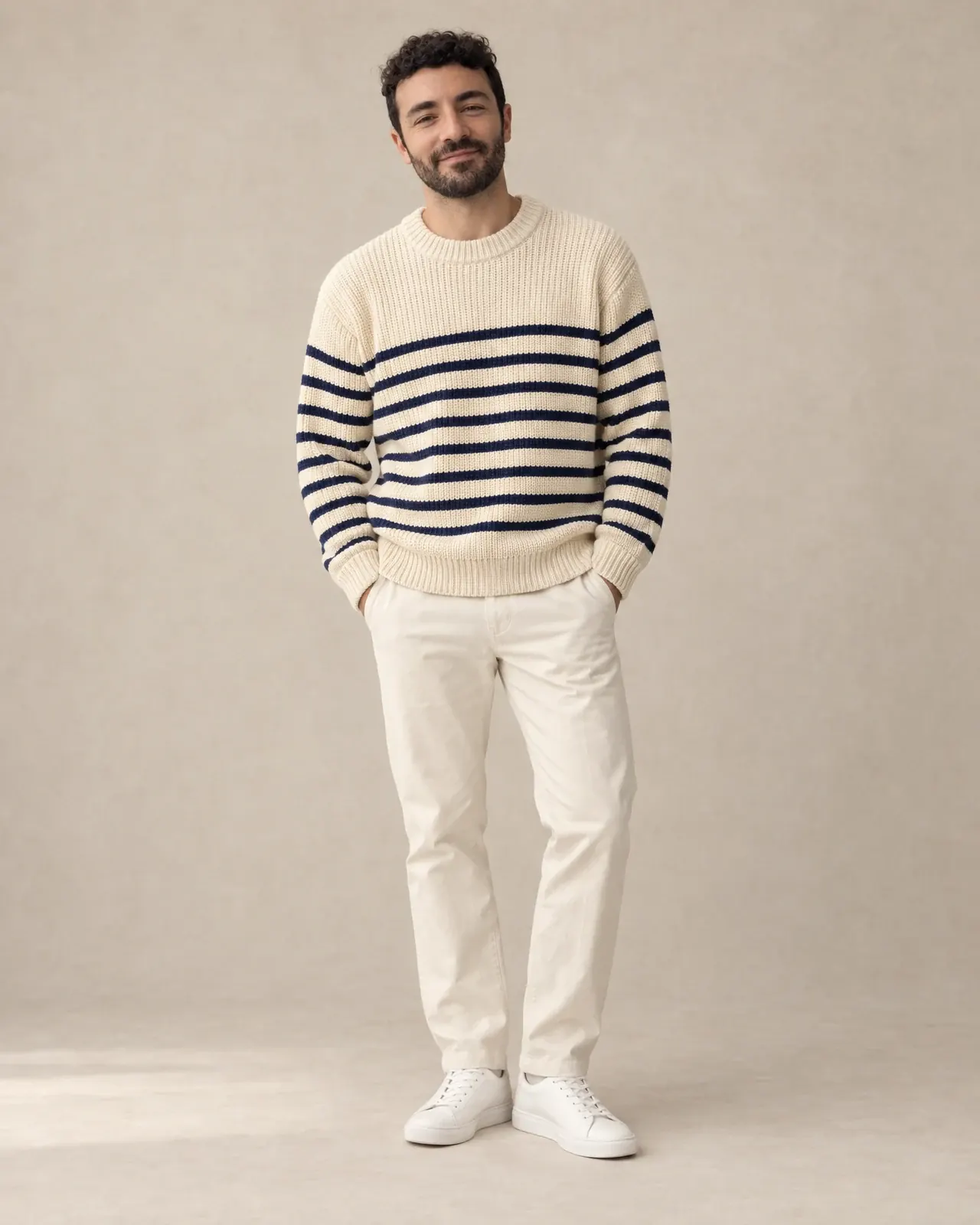
The navy stripes keep their spacing and weight across the body, over a rib that still reads as chunky knit.
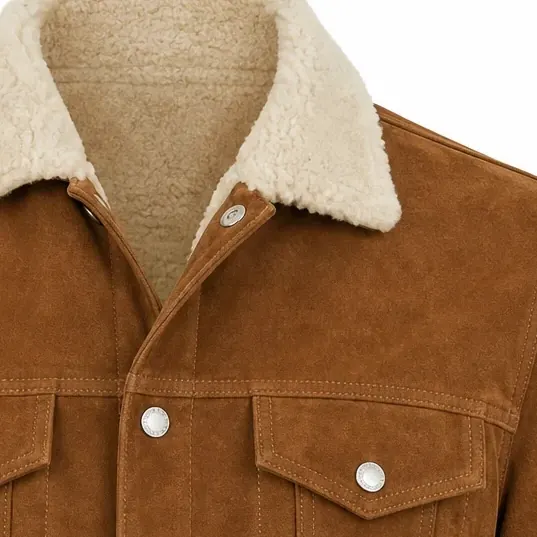 Your photo
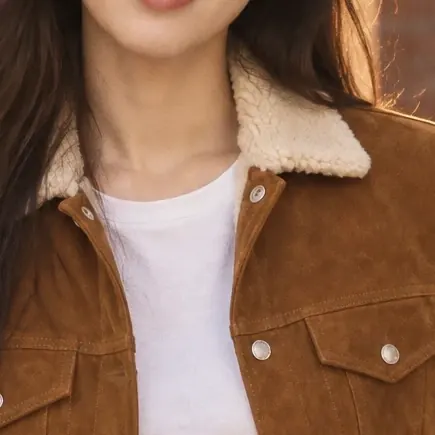 Nightjar
Shearling, suede and snaps
Cream shearling, cognac suede and a pearl snap on each chest pocket, the details a shopper zooms to first.
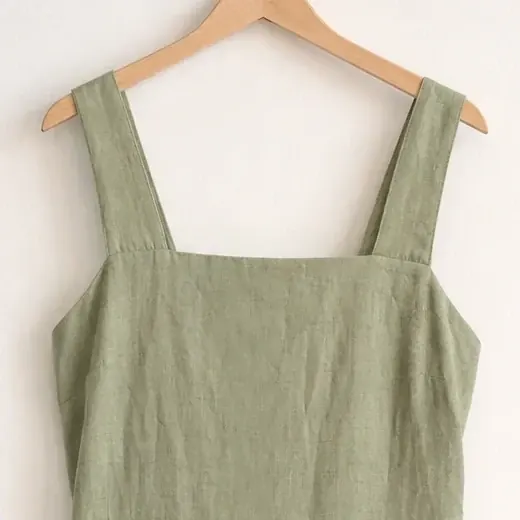 Your photo
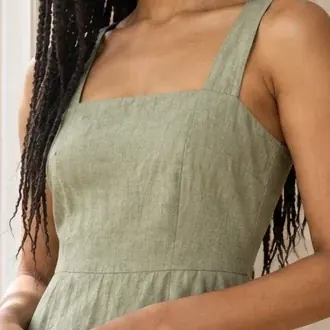 Nightjar
Straps and neckline
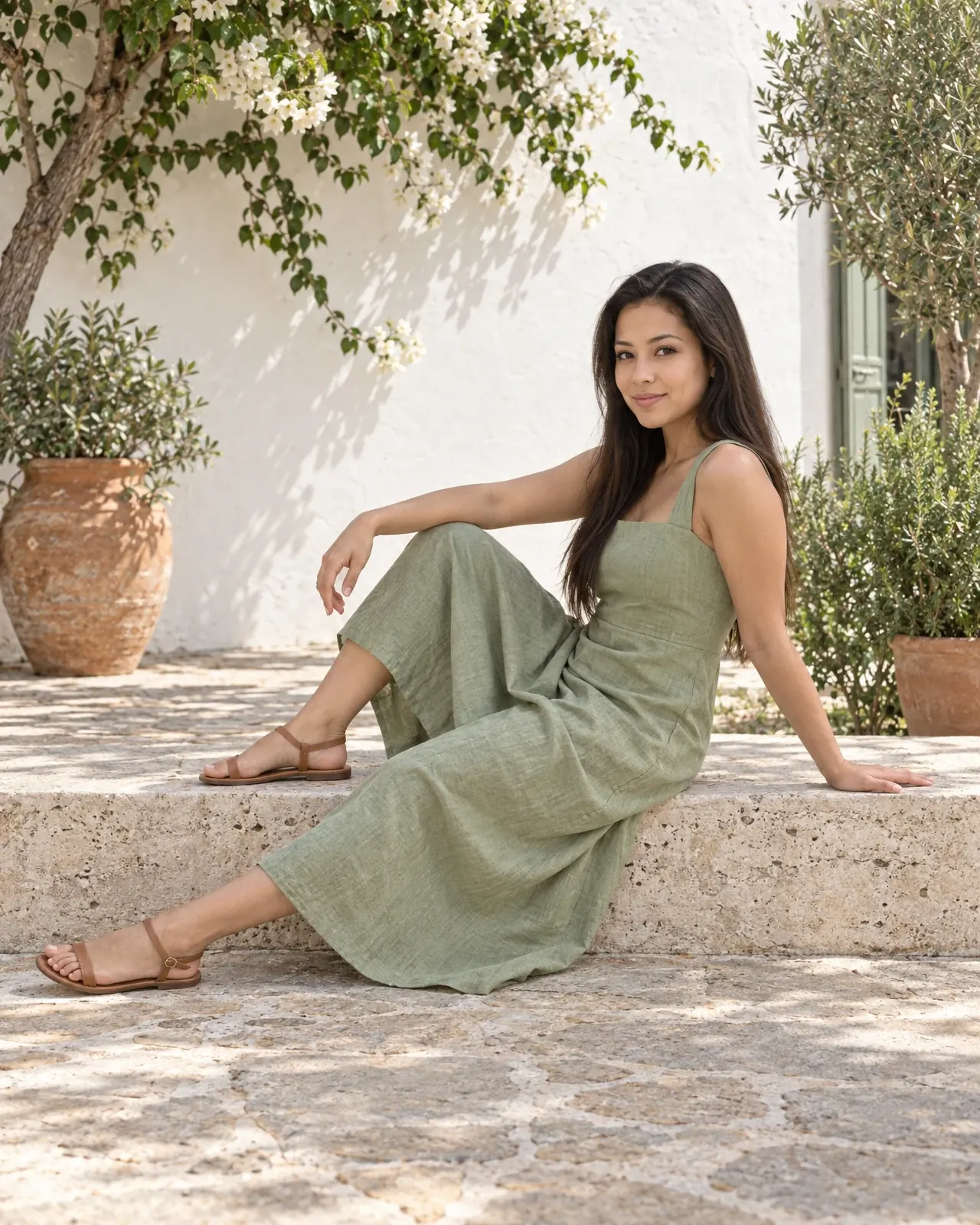
Wide sage straps, the same square neckline and the slub of washed linen, down to the seam under the bodice.
80+ AI fashion models. Or cast your own.
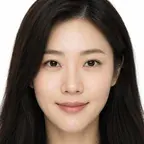
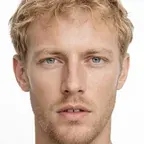
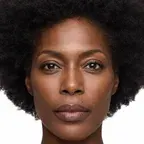
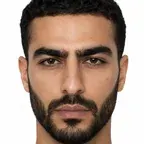
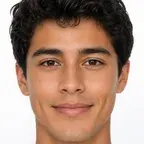
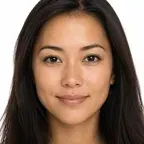
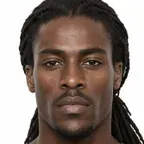
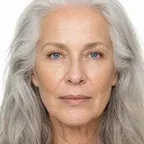
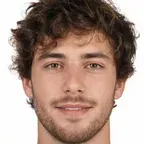
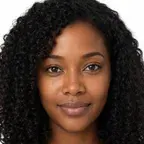
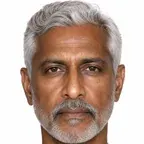
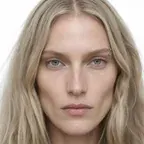
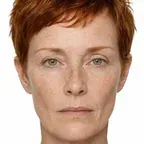
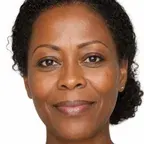
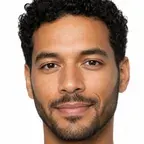
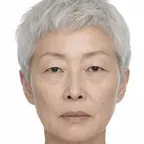
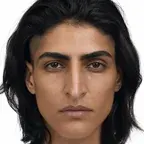
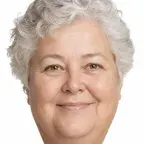
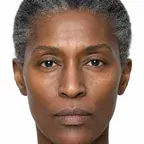
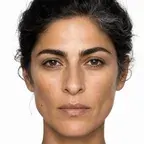
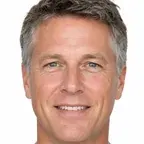
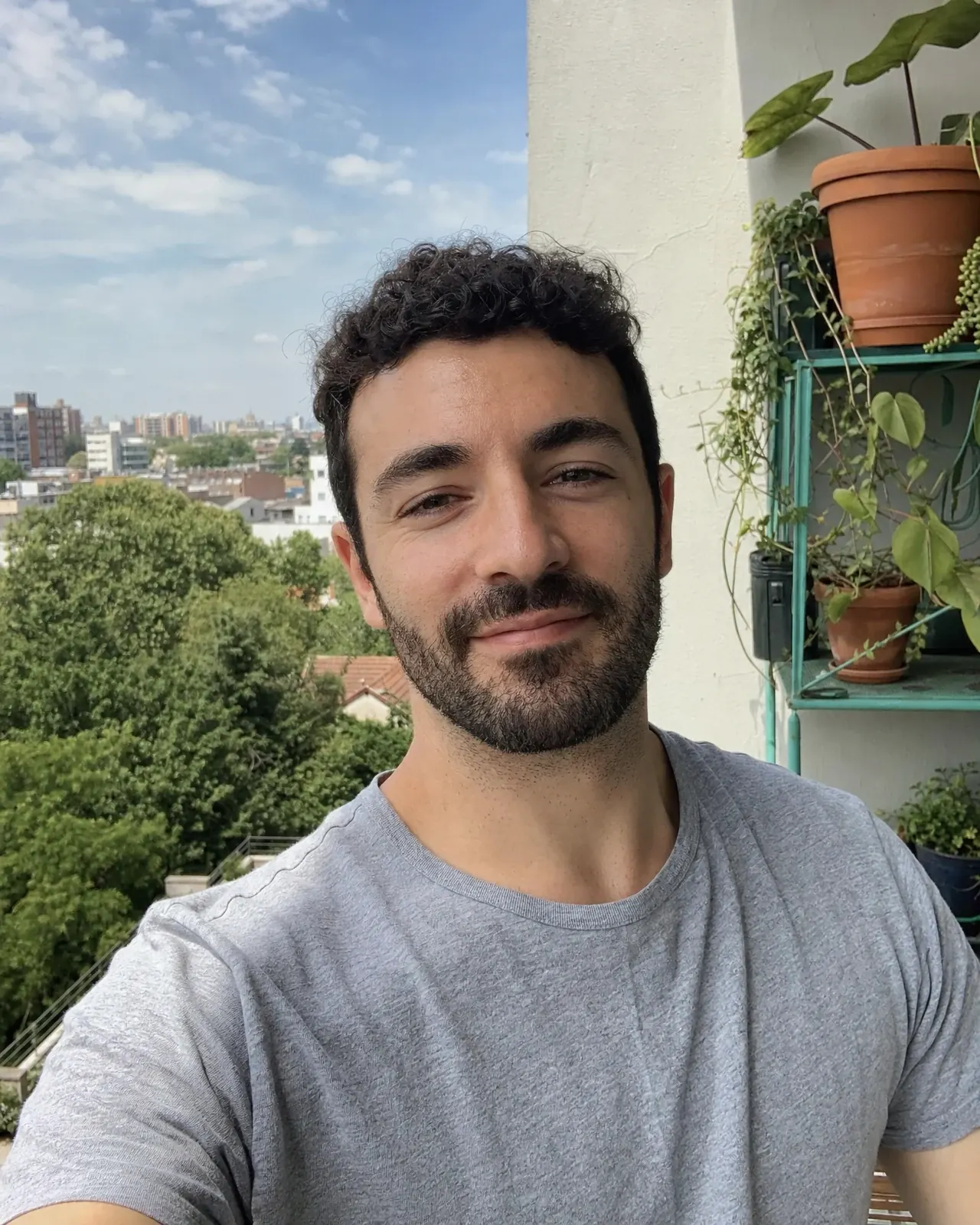
Choose from AI fashion models across ages, skin tones and body types, or upload a photo of anyone you have permission to use. Then direct the pose and the camera, the way you would on set. Save it to your team, and the same face carries your whole catalog.
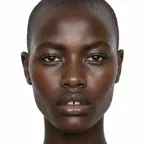
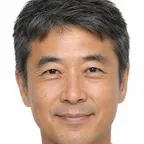
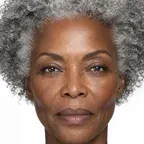
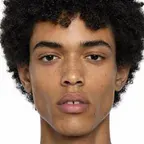
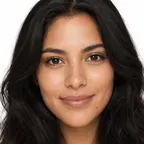
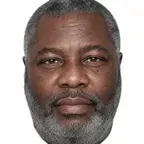

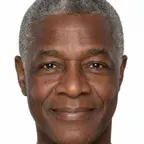
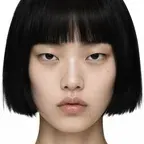
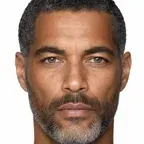
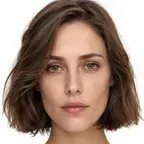
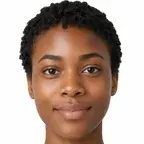
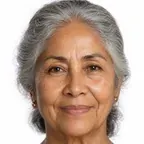
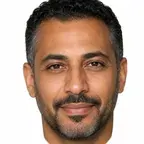
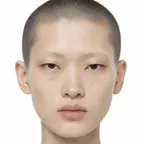
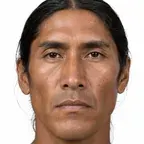
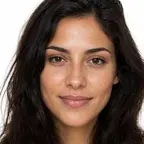
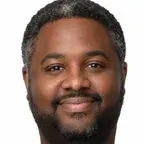
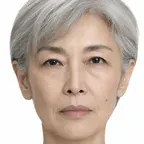
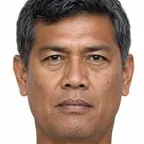
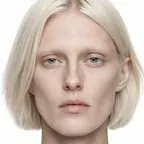
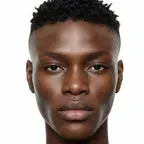
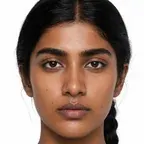
Your photo
Cast anyone.
Upload 1 to 5 photos of a founder, a friend or your brand's own model, with their permission. Nightjar creates a custom AI fashion model with that face, saved for every product you shoot next.
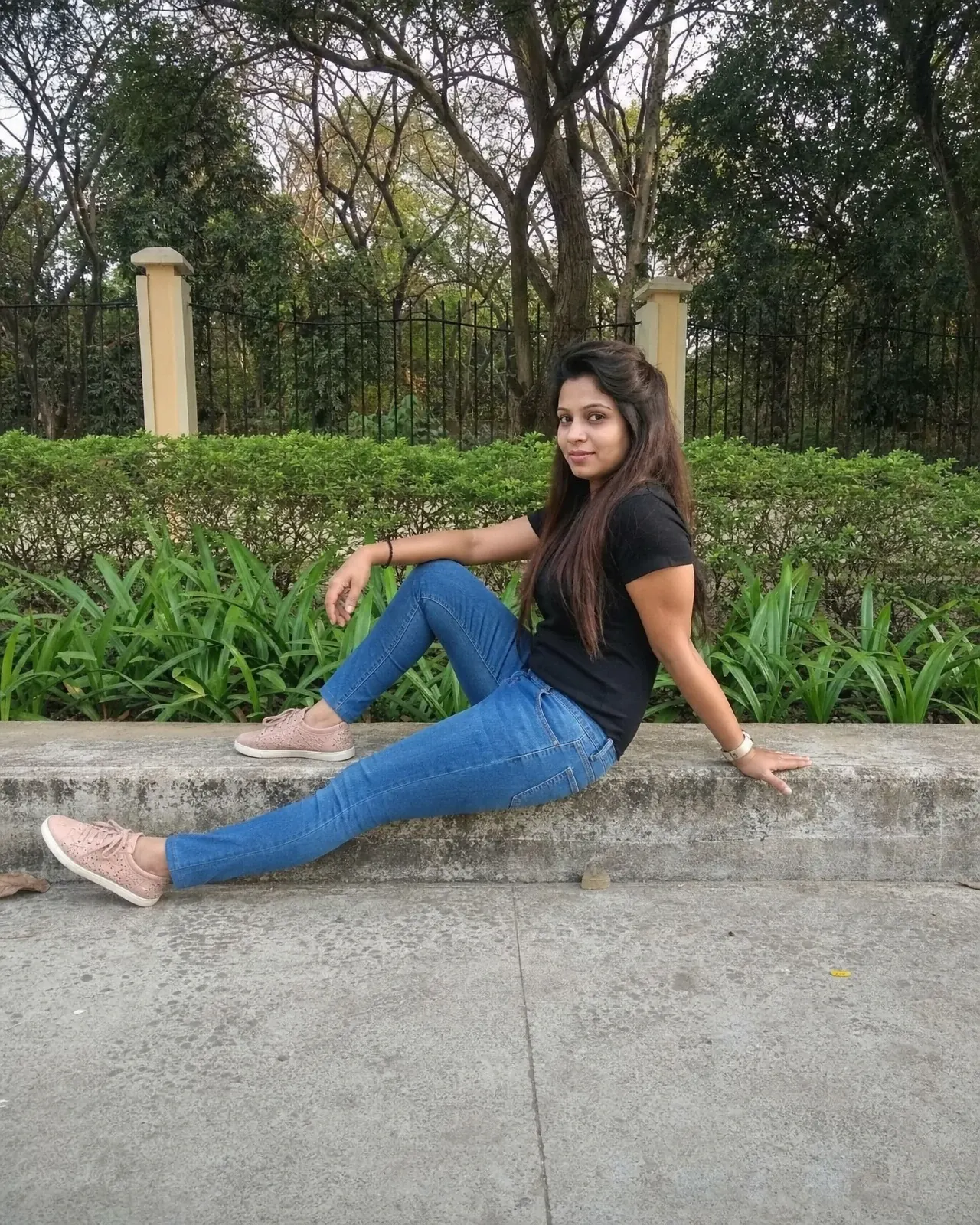
Pose reference
Pose anything.
Pick a pose from the library, or upload any photo and Nightjar keeps only the body position, never the person or their clothes. Then choose close-up, medium or full-body.
Same model, same outfit. Any set.
Keep the AI fashion model and the outfit, then change the location, pose or camera distance. One garment becomes a product page gallery, a lookbook and a season of ads, all from a single AI fashion photoshoot.
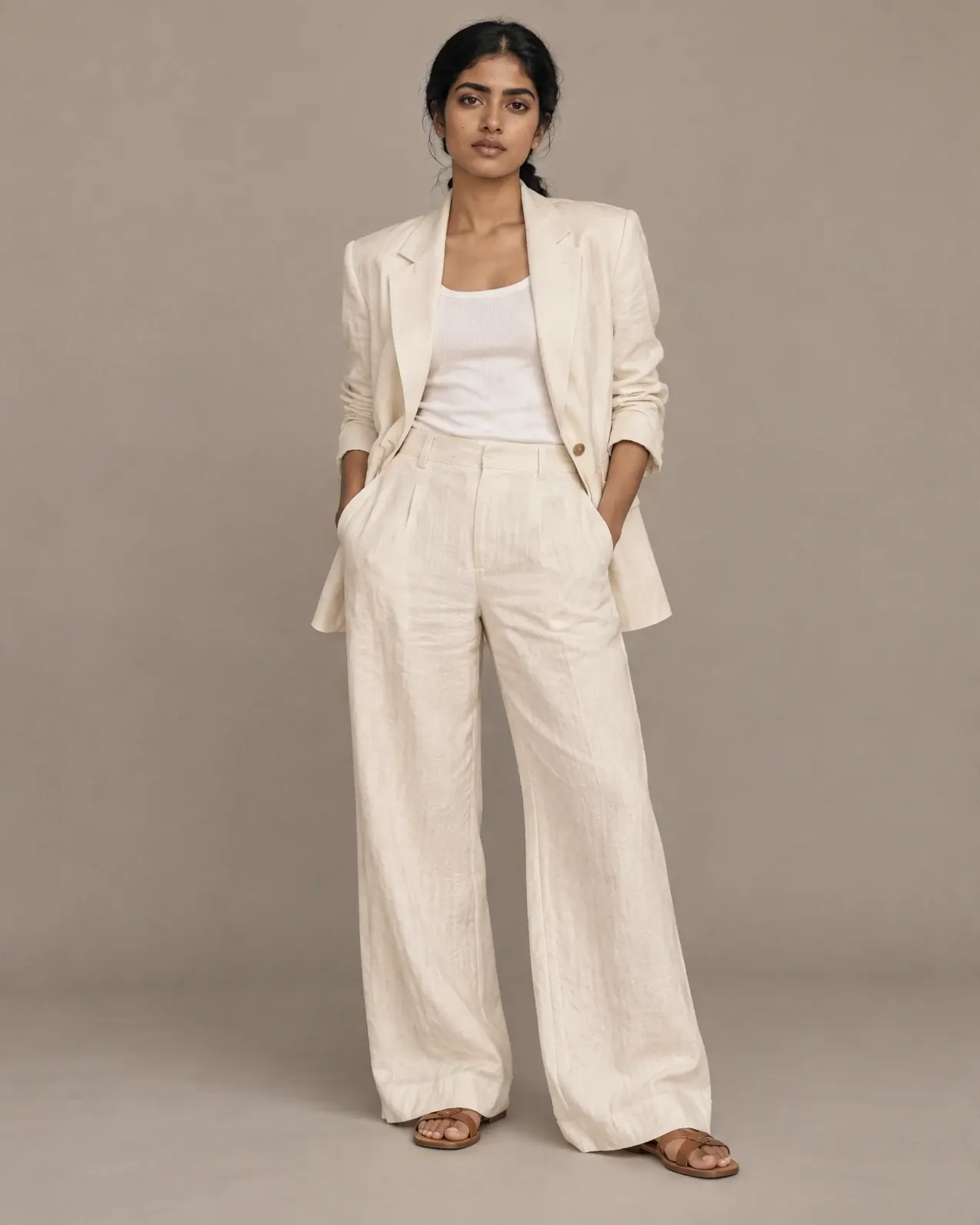
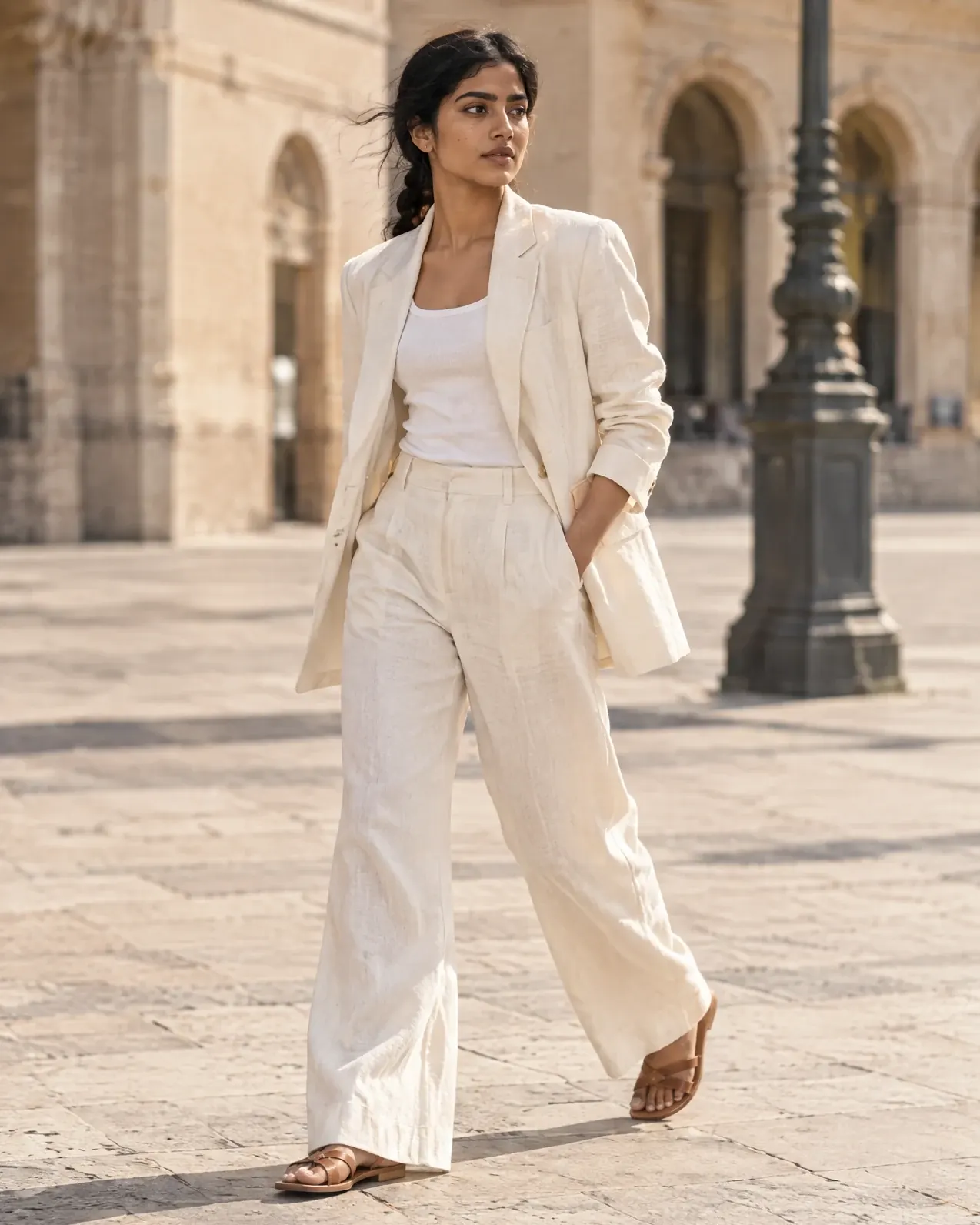
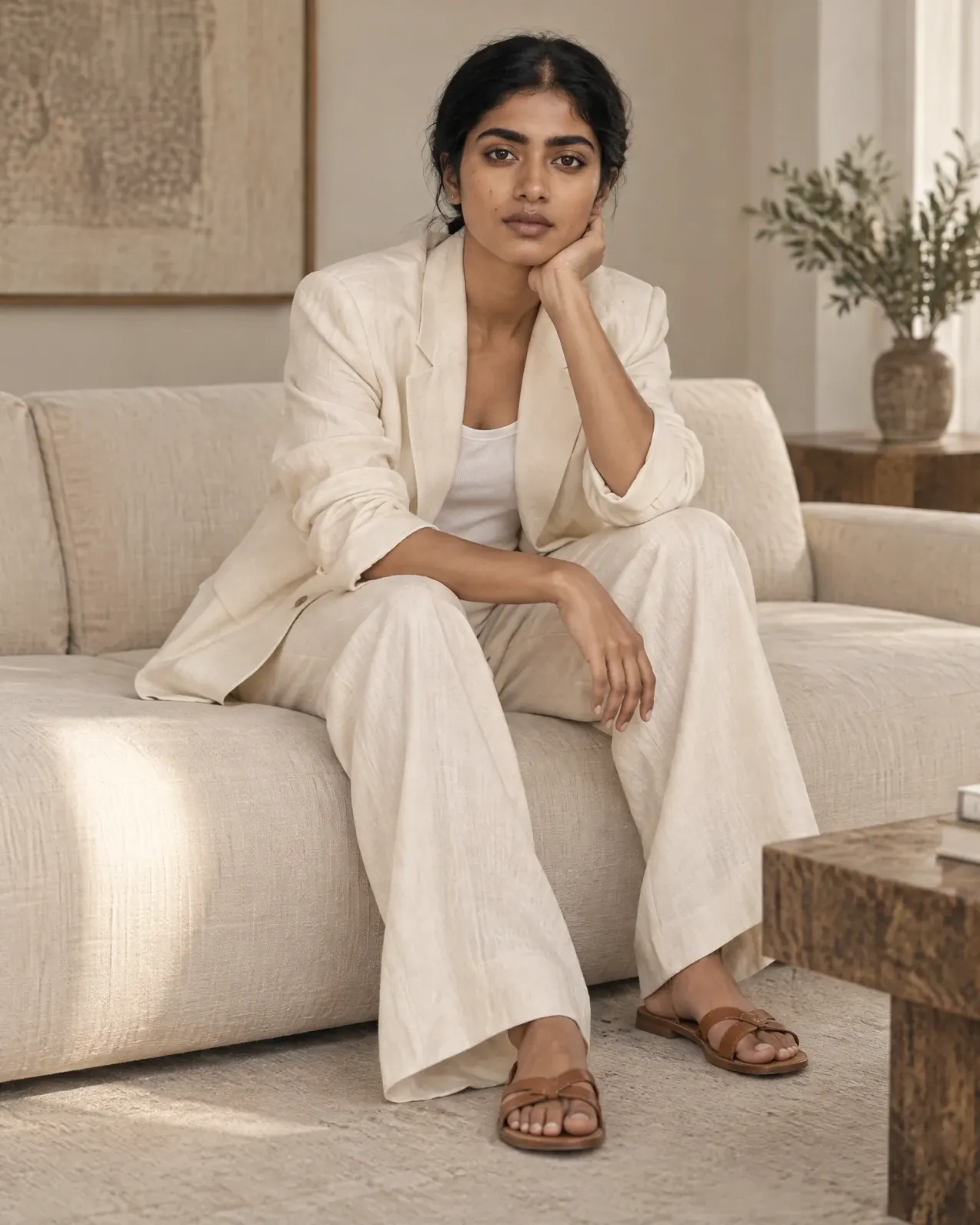
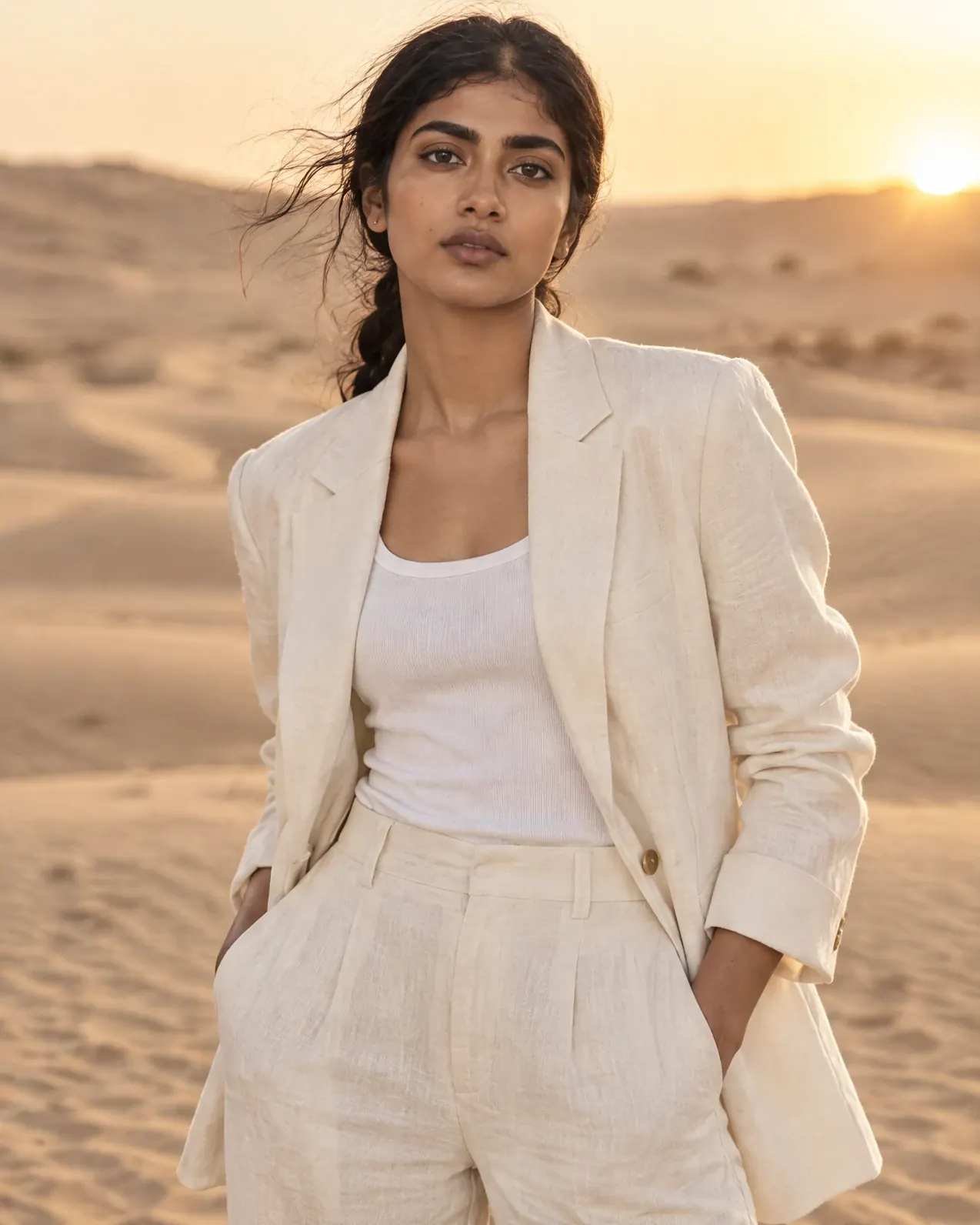
One model, one linen suit.
Only the location changed between these four photos.
One dress. Every customer.
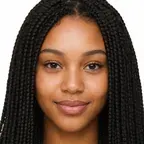
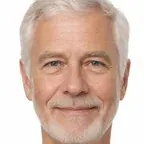
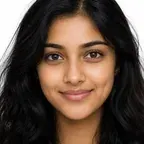
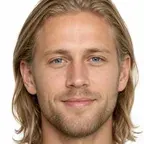
Show a garment on AI models of different ages, sizes and skin tones so more shoppers can picture themselves in it. Nightjar creates the imagery; your size chart still does the fitting.
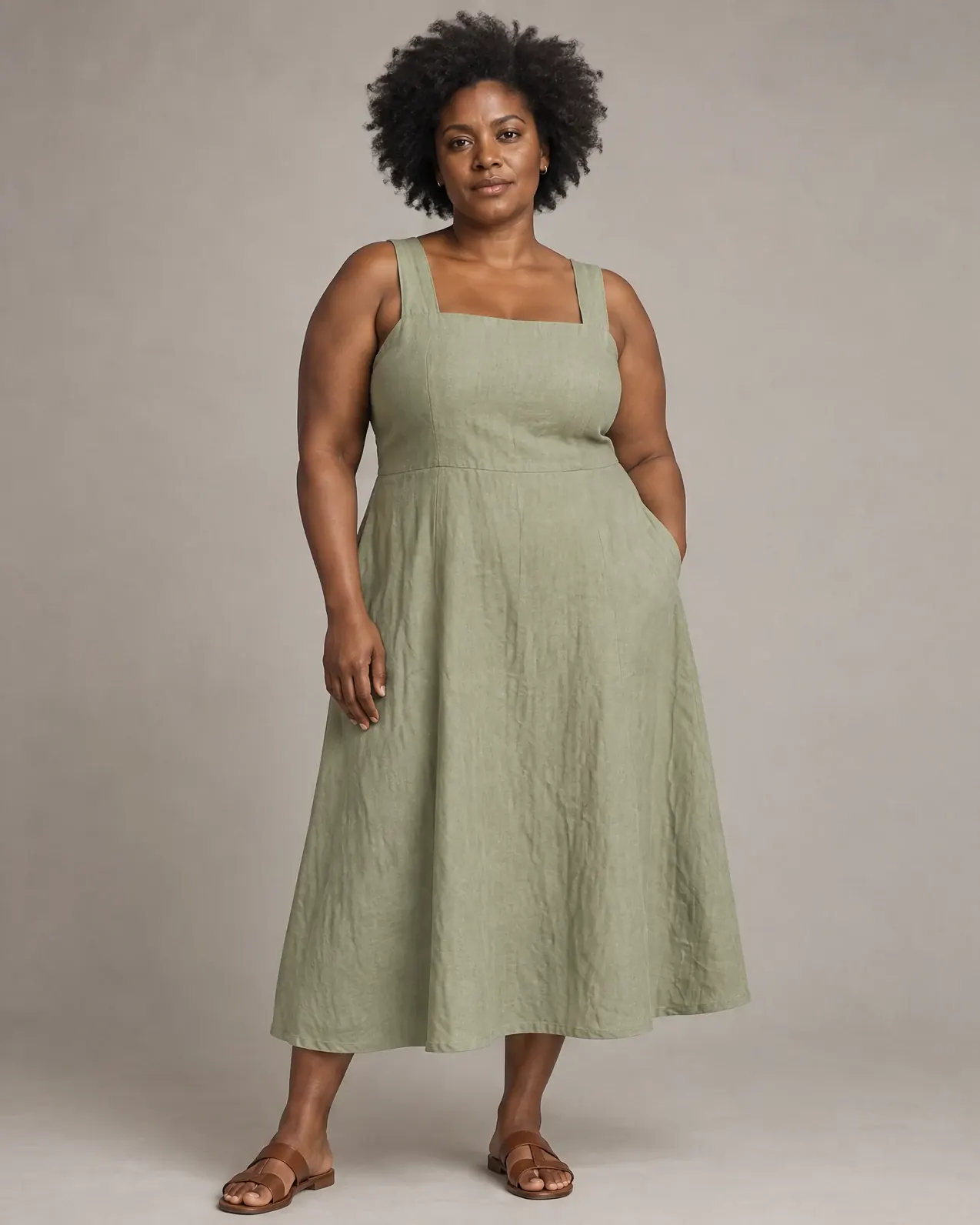
Imani
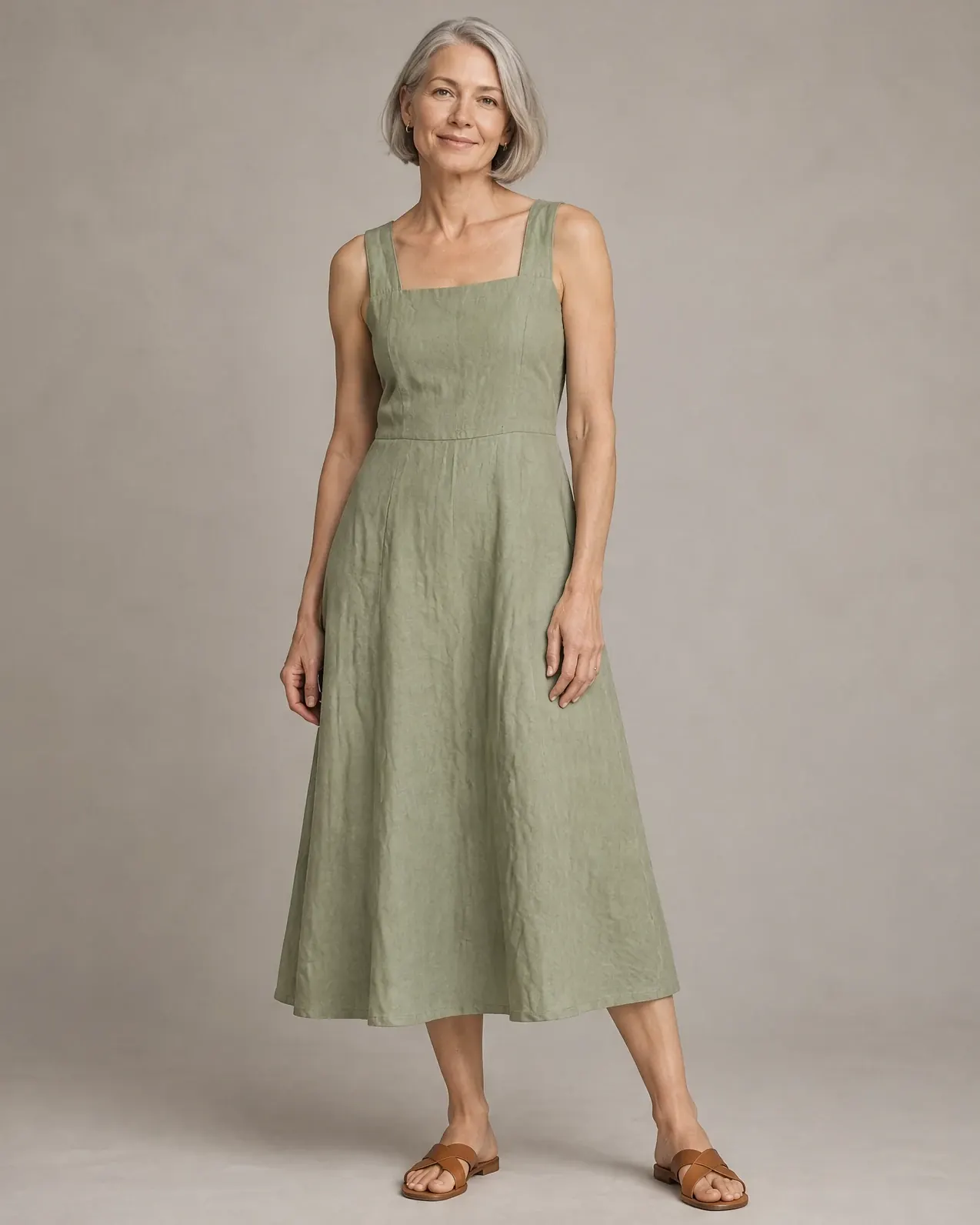
Greta
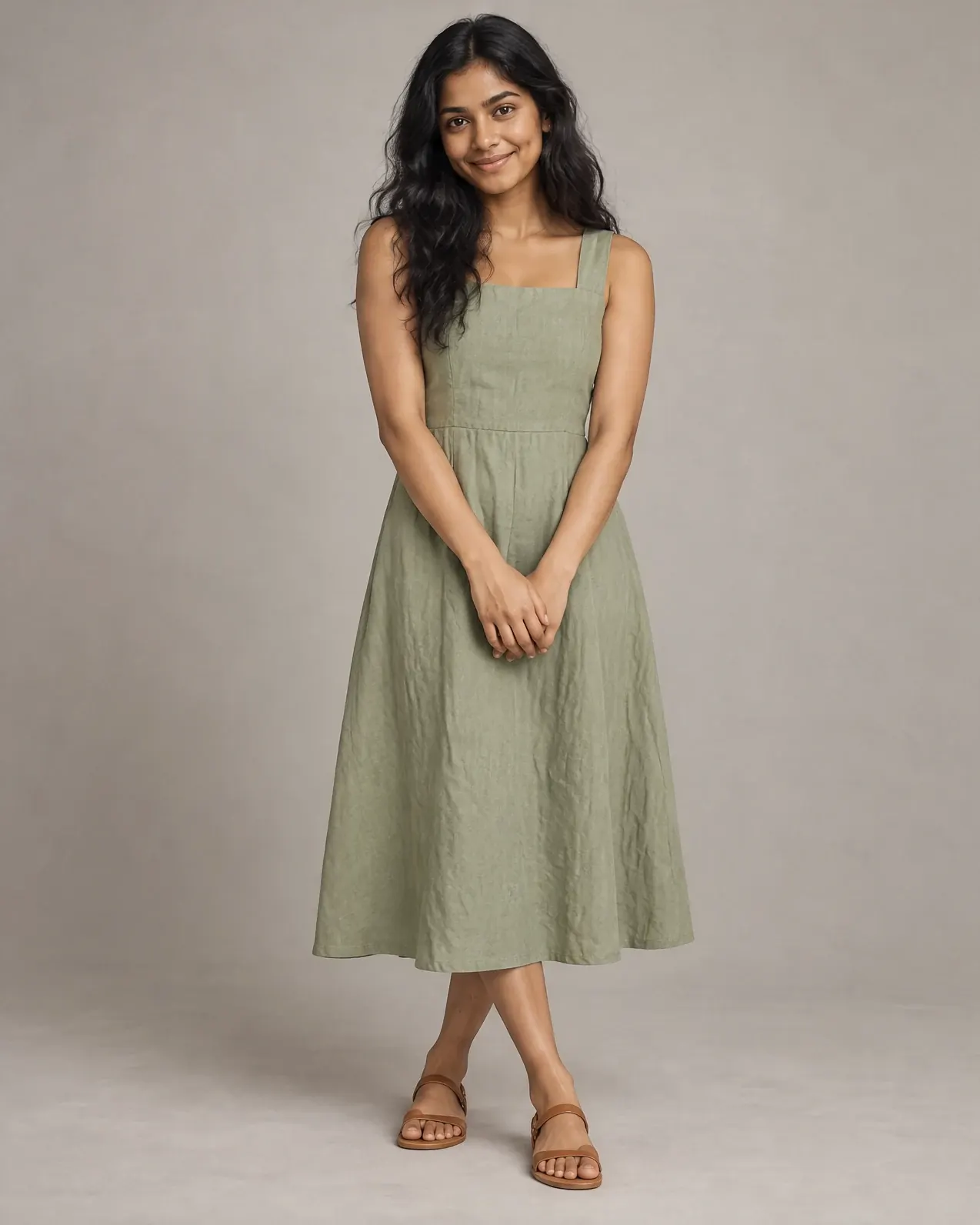
Priya
Carla
AI fashion models, or a photoshoot?
A studio day still earns its place for a campaign hero. For the everyday work of on-model product photos, here is how the two compare.
| Compared | A model photoshoot | Nightjar |
|---|---|---|
| What you need | A photographer, model, stylist, hair and makeup, a studio and a retoucher. | A photo of the garment: a flat lay, a hanger shot or a ghost mannequin. |
| Time to first images | Days to weeks, after casting, booking and shipping samples. | Minutes after you upload. |
| Cost | Day rates, model fees, usage rights and retouching, every shoot. | From about US$0.17 per image, with 6 free images to start. |
| Casting range | The models you could book that day. | 80+ AI fashion models across ages, skin tones and body types, or your own. |
| The same model next season | Rebook, if they are free. | Saved to your team, the same face every time. |
| Another colourway | Another shoot, or hours of retouching. | A Recolor edit on the finished photo. |
| Usage | Model usage is often licensed by term, region and channel. | Commercial use included, with no likeness royalty. |
From flat lay to on-model in three steps.
01
Add your garment
Upload a flat lay, hanger shot or ghost mannequin photo, or paste a product link and Nightjar imports the photos and details. Add close-ups of prints, trims and hardware.
02
Cast, pose and style
Pick one of 80+ AI fashion models or cast your own from a photo. Choose a pose or copy one from any picture, then set the camera distance, location and photography style. Save it all as a Recipe for the next drop.
03
Create, then refine
Generate single images or a four-image Photoshoot in 1K, 2K or 4K. Use Try On, Recolor and Reframe to adapt a finished photo for your store, marketplaces and ads.
The fine print, in plain words.
Generated people.
Every pre-built model is a generated person, so there is no booking and no likeness royalty. A custom model based on a real person needs their written consent. Likeness and licensing
Yours to publish.
Use the images on product pages, marketplaces, ads, lookbooks and social. Your uploads remain yours. Terms of Service
Private by default.
Your garments and photos are not used to train the AI models that serve other users unless you opt in, so you can shoot a collection before it launches. Privacy Policy
From brands that stopped doing photoshoots.
“I love this app so much, it is literally the best thing that I've ever used for my business. I love how simple and elegant the interface is compared to other AI tools.”
Shelley Ann
Etsy seller
“I could use the worst pictures ever and Nightjar would always do an amazing job. I was truly blown away!”
Théo Mestre
Founder, French design shop

“The Photoshoot feature is hands down the best I've ever seen on an image generation site. In my experience, Nightjar is flawless in its execution and helps customers actually see themselves in that environment.”
Tommy Peggs
Sales Consultant

“I am relaunching my custom furniture business and have already used the images I generated on my new site and it is going viral. Nightjar has instantly unlocked a new level for my company and I am eternally grateful.”
Jeremie Doiron
Custom furniture maker
“I spent 3-4 hours on Leonardo and ChatGPT trying to guide it to what I wanted. Nothing came close to how well Nightjar keeps the product exactly the same.”
Matt Nath
Digital marketing agency founder

“Nightjar is truly pioneering the future of product imagery and customer experience. It allowed COJA Dental to deliver a seamless, visually stunning experience that elevated how our customers interact with our brand.”
Cody Leeking
Founder & CEO
AI fashion models, answered.
What are AI fashion models?
AI fashion models are photorealistic, generated people who wear your real garments in product photos. In Nightjar you add your clothing, choose one of 80+ AI fashion models or create your own, and get on-model product photos without booking a studio, a photographer or a model. The person is generated; the garment comes from your photos.Can I turn a flat lay, hanger or ghost mannequin photo into an on-model photo?
Yes. Flat lays, hanger shots and ghost mannequin photos all work as the source. The best results come from a sharp, evenly lit photo that shows the whole garment, plus close-ups of prints, labels and hardware. See how it works for a dress on a hanger and for a ghost mannequin photo.Will the garment stay accurate on the AI model?
Nightjar works from your product photos and details to keep the colour, fabric, cut and trims of your garment. Built-in visual review compares each image with your references and can retry obvious failures, such as a missing product, at no extra credit cost. Busy prints, small text and hardware are the details most worth checking before you publish.Can I use the same AI fashion model across my whole collection?
Yes. Pick a model once, then use them for every product, pose and campaign. Save the model with your pose, framing and style in a Recipe, and your team can keep the same face across a full catalog. Reusing one model across a collection.Can I show different ages, body types and skin tones?
Yes. The roster spans ages, skin tones and body types, and you can create your own models too. Showing a garment on several bodies helps more shoppers picture themselves in it. The images show how clothing can look; they do not predict fit, sizing or body measurements. Changing body type and size.Can I create a custom AI fashion model?
Yes. Upload 1 to 5 photos of anyone who has given you permission, from a founder or a friend to your brand's own model, and Nightjar creates a custom AI fashion model your team can reuse on every product. Get the person's written consent and the rights to the photos first. Creating a model from your brand model.Can I choose the pose, or create my own?
Yes. Pick a pose from the library, or upload any photo as a pose reference. Nightjar keeps only the body position, not the person's face or clothing, and saves it as a Pose your team can reuse. Pair it with a camera distance: close-up, medium or full-body.Is there a licensing fee for the AI models?
No. Nightjar's pre-built models have no separate likeness royalty beyond your plan and credits. A custom model based on a real person still needs that person's permission. Likeness and licensing, explained.How much do AI fashion models cost compared with a photoshoot?
New accounts get 6 free credits with no credit card. Paid plans start at US$25 per month for 150 credits, about $0.17 per image. A 1K or 2K image costs one credit and a 4K image costs two. AI versus a studio shoot, in numbers.Can I use the images commercially, including in ads?
Yes. You can use the images Nightjar generates for you for lawful commercial purposes, including product pages, marketplaces, ads and social. Your uploads remain yours. See the Terms of Service for the full terms.Does Nightjar work with Shopify?
Yes. Nightjar runs as an embedded Shopify app, so you can create on-model photos inside Shopify admin with Shopify billing. The web app works for every other store and marketplace, from Etsy to Amazon.Can I photograph a whole collection at once?
Yes. Save your AI fashion model, pose, location and style as a Recipe, then reuse it for every product in the collection so the set looks like one shoot. Paid plans can also run the same setup through the API.How is this different from virtual try-on?
Virtual try-on usually lets a shopper see clothing on themselves. AI fashion photography creates the on-model product images you publish. Nightjar also has a Try On edit for dressing an existing model photo in your garment. Virtual try-on versus AI fashion photography.Can I swap the model in a photo I already have?
Yes. In Edit, add your existing on-model photo and a photo of the new model, then describe the model swap in plain English. The garment stays as it is while the person changes. The Try On shortcut does the reverse: it dresses a model photo in your garment.Does it work for shoes, bags and jewelry?
Yes. Nightjar photographs footwear, bags, accessories and jewelry on a model or on their own. For rings, necklaces and earrings, see AI jewelry photography.Do you train on my garments or photos?
No. Nightjar does not use your uploads or generated images to train the AI models that serve other users unless you explicitly opt in. See the Privacy Policy.
Keep reading
- GuideAI fashion models: 10 best tools compared for e-commerce
- GuideHow to control AI fashion models: age, body type and pose
- GuideBest AI tools to put clothes on a model, from flat lay to on-model
- GuideThe legal guide to AI product photography
- Help deskCan I be sued if my AI model resembles a celebrity?
- Help deskCan I turn a mannequin photo into a real model photo?
Put your collection on a model.
No credit card required