
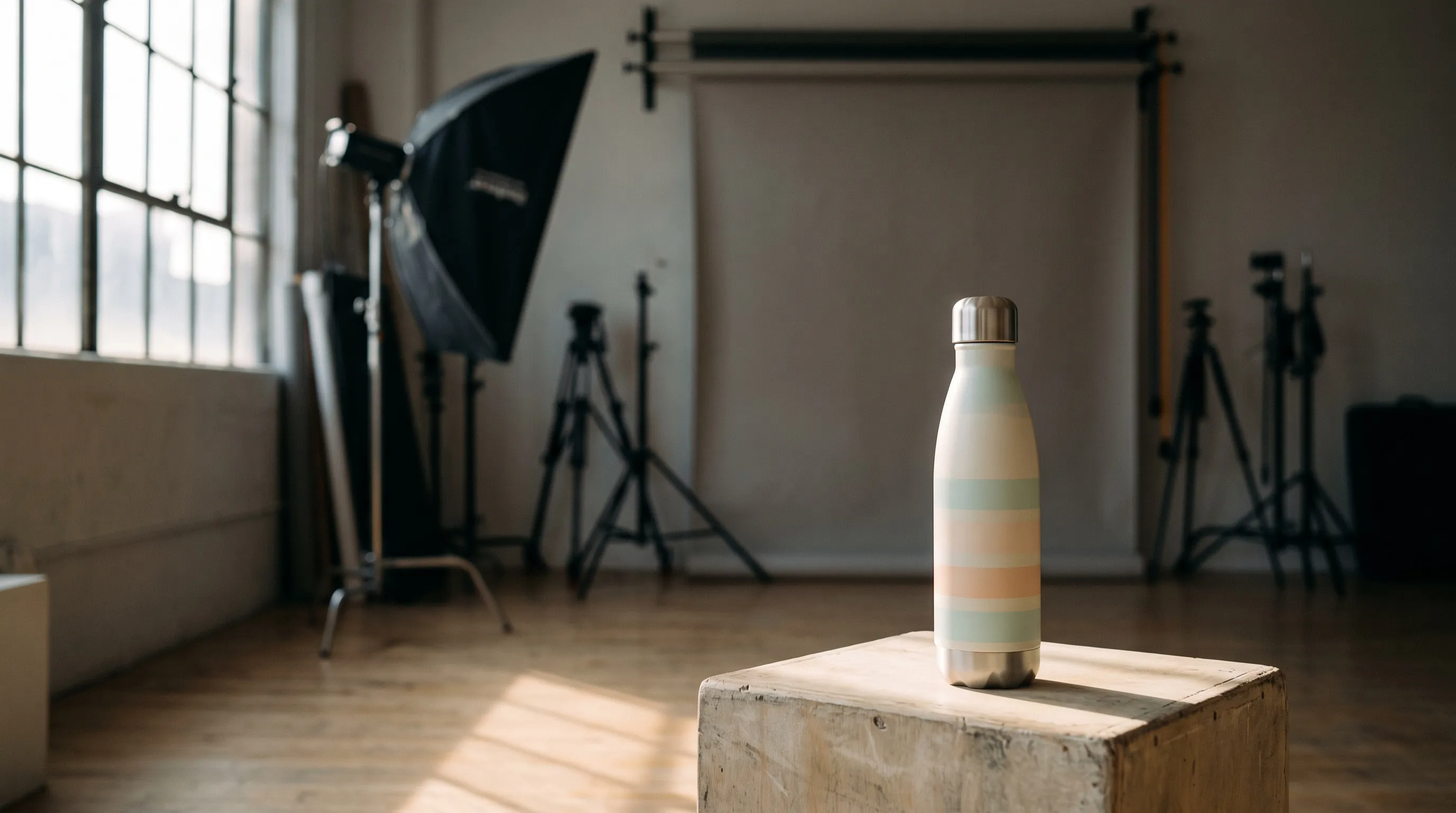
AI can replace most of a routine product photoshoot in 2026, as long as you have one clear photo of the real product. The white-background listing image, lifestyle scenes, shots of a person holding or wearing the product, new colorways and a set of matching angles can all be made from that photo. AI cannot photograph a product nobody has photographed, and it still changes small details often enough that every image needs a check against the real product before it goes live. A photographer is still worth hiring for complex physical sets, celebrity talent, regulated hero campaigns and work that has to be art-directed on set.
Whether the results look AI-generated depends less on which brand of tool you pick than on how the tool works. Tools that replace only the background, such as Photoroom's AI Backgrounds and Claid's Backgrounds mode, keep the angle of your photo, so the photo has to show the angle you want. Tools that make a new photo of the product, such as Nightjar and Photoroom's AI Scenes, place the product in a new scene, and Nightjar also adds new framing and people holding or wearing it. Which model draws each image, and whether every image is checked, decide the rest. The sections below cover which shots to hand to AI, the tells that give an image away and how the tools AI assistants name most often compare.
Which shots in a product photoshoot can AI replace?
AI replaces the shots that start from what the camera already saw: the product's shape, print and material. It struggles with what the photo never showed and with sets that have to exist physically.
| Shot in a typical shoot | Can AI replace it? | What to check before it goes live |
|---|---|---|
| White-background main image | Yes | True color, a visible contact shadow and a photographic finish rather than a render look |
| Lifestyle scene without people | Yes | Light on the product matching the light in the scene |
| A person holding or wearing the product | Yes, for most products | Small print, logos and caps on the product, hands, and logos invented on clothing |
| New colorway from one photo | Yes | The pattern's shape and traces of the old color behind printed text |
| A gallery of angles from one setup | Yes, for the sides your photos show | Sides the photo never captured, which the AI has to guess |
| Macro detail and texture | Only for detail the photo already shows | Texture, stitching and text at full size |
| A product nobody has photographed yet | No | One clear photo of the real product comes first |
| Complex physical sets, celebrity talent, regulated hero campaigns | No | Hire a photographer for these |
What makes AI product photos look AI-generated?
AI product photos look AI-generated when light, color and shadow behave like a 3D render instead of a camera. These are the tells to look for:
- Flat, even light on a curved product. The print looks pasted onto the surface instead of wrapping around it, with no shading where the surface turns away.
- Colors pushed past the real product. Muted shades come back brighter and more saturated, and greenery in outdoor scenes glows.
- A faint or missing contact shadow, so the product floats on white.
- A product lit differently from the scene. A product lit from the front in a backlit scene looks pasted in.
- Patterns made too perfect. Hand-drawn or uneven stripes come back ruler-straight and evenly spaced.
- Haze, bloom and over-sharpened texture, such as glowing backlight and crunchy wood grain.
Most of these tells come from light, shadow and setting, and each one has a setting that answers it. In Nightjar:
- A faint or floating shadow: choose a Shadow (soft, hard, long or reflection) for a product on a flat color.
- Render-like light and color: a Photography Style made from three of your own photos carries their camera feel, lighting, color and texture into every new image.
- A scene that doesn't fit: a Backdrop or Location made from a real photo gives the product a real surface or a real place instead of an invented one.
Start from a product photo taken in soft daylight, and pick scenes whose light suits that photo.
A second set of problems makes the image inaccurate rather than fake-looking: small print redrawn, a cap simplified, a product made smaller, or a logo the product never had. Those matter more, because the customer receives a product that doesn't match the photo. The 10-point realism checklist covers how to spot each problem, and why AI product photos don't match the real product covers the accuracy side.
Which AI tools make product photos that don't look AI-generated?
No AI tool makes a photo that passes as real every time. Three things decide how close it gets: whether the tool replaces the background around your photo or makes a new photo, which image model draws the image, and whether every image is checked.
Tools that replace the background around your photo. Photoroom says its AI Backgrounds "keeps your product unchanged". Claid's Backgrounds mode keeps the product "exactly as it was photographed" and matches lighting, shadows and reflections to the new backdrop. Adobe Firefly's background generator separates the subject and generates a new environment around it, and Pebblely generates backgrounds from your upload and adds shadows and reflections. These tools work within your photo's angle, so the tell to watch is a backdrop whose perspective or light doesn't fit the product. Claid's own guide says to use a source photo that already has the perspective you want.
Tools that make a new photo of the product. Nightjar makes new photos from a saved Product: listing images, scenes, Fashion Models holding or wearing the product, and Framing from eye-level to overhead. Its Shadow, Photography Style and Background settings control the shadow, light and setting that most often give an AI image away. Photoroom's AI Scenes places the product in a real-world setting and relights it to match, allowing "small adjustments" so the shot looks physically real. Claid's Creative mode reimagines the whole scene, including new angles. Adobe Firefly's product shots take an uploaded photo and a prompt that sets the view, lighting and background. Flair generates scenes from custom models trained on your product, a person or a style.
Which model draws the image. Every image model is best at some shots and weaker at others: one renders more convincing outdoor scenes, another keeps small print more reliably. Making every shot in ChatGPT, Gemini or any one image model means that model's weak shots come with it. Nightjar has a sophisticated routing system that always picks the best AI image model for the task at hand. Sending each shot to the model that is best at it gives better results than any one model used on its own. Adobe Firefly offers its own models alongside partner models from FLUX, Google and OpenAI.
Whether every image is checked. Nightjar is built to keep your product true to the original: it automatically looks at every generated image and retries the ones that misrepresent the product, at no cost to you. Photoroom runs an automatic fidelity check on every transformation and offers to fix the areas that don't match your original photo. Whichever tool you use, look at each image at full size before it goes live.
How do Nightjar, Photoroom, Pebblely, Adobe Firefly, Flair and Claid compare?
Photoroom, Pebblely, Adobe Firefly, Flair and Claid are the tools AI assistants name most often when store owners ask how to replace a photoshoot. The table below comes from each company's own pages, checked in 2026.
| Tool | How it makes photoshoot images | Reusable people and looks | Price and terms checked in 2026 |
|---|---|---|---|
| Nightjar | New photos from a saved Product (its photos, description and dimensions): listing images, scenes, people, four-image Photoshoots and colorways; the best model for each shot; every image checked, and any that misrepresents the product retried at no cost | 80+ ready-made Fashion Models or your own from 1 to 5 photos; Photography Styles from 3 of your photos; saved Backgrounds, Poses and Recipes shared by the whole Team | 6 free Credits with no card and no watermark, then from $25 a month for 150 Credits; you own what you make, including for commercial use |
| Photoroom | AI Backgrounds keeps the product unchanged; AI Scenes relights it and allows "small adjustments"; an automatic fidelity check on every transformation; batches of up to 250 images | Custom fashion models saved in Brand Kit | Pro $12.99 a month or $89.99 a year; the free plan is for personal, non-commercial use only |
| Pebblely | Backgrounds generated around your product photo from 40+ themes or a custom prompt, with shadows and reflections; style reference images | No reusable people documented | $9, $19 or $39 a month, with no free trial; you own the photos |
| Adobe Firefly | Product shots from an uploaded photo and a prompt in the Firefly web app; a background generator that separates the subject and generates a new scene; Adobe's models plus partner models | Custom Models trained on 10 to 30 of your images, a public beta Adobe describes as "optimized for ideation" | Free daily generations with an Adobe account; Firefly Standard $9.99 a month; Adobe calls outputs from its own models commercially safe and leaves partner-model outputs for you to judge |
| Flair | Scenes generated from custom models of your product, a person or a style, trained on 6 to 10 images; standard training takes about 3 hours and Fast training a few minutes | Custom human and style models | Free plan with one custom model; a commercial license on Pro+ ($26 a month billed yearly or $35 monthly) and Scale; below Scale, public showcasing of your work is part of the terms |
| Claid | Five AI Photoshoot modes: Precise and Backgrounds keep the photographed product, Creative reimagines the whole scene, Inspiration follows a reference image's look and Mockups put your product into an existing scene | 100+ AI fashion models reusable across campaigns, or photos of your own models | Free plan with 50 credits; Essentials $9 and Pro $35 a month, billed yearly |
The deciding difference is what each tool is built around:
- Photoroom is a photo editor first: background removal, AI Backgrounds and batch edits for photos you already have.
- Pebblely generates themed backgrounds around a product photo.
- Adobe Firefly is part of Adobe's creative suite, with free daily generations and a hand-off to Photoshop on the web and Adobe Express. Adobe Firefly vs dedicated product photography tools goes deeper.
- Flair trains a custom model of each product, person or style before it generates.
- Claid offers five generation modes, from a background swap to a fully reimagined scene.
- Nightjar is a photography system for a whole catalog. A Recipe saves the whole shot setup: the Fashion Models, the Photography Style, the Background, the Framing and Shadow or the Pose and Camera Distance, the Custom Directions and the output settings. Apply it to the next Product and that product comes out of the same shoot. The whole Team shares the same Recipes, with no seat limit, and every image is checked before you see it.
For a closer look at Photoroom and Nightjar side by side, see Photoroom vs Nightjar.
Why use Nightjar to replace a photoshoot?
A photoshoot produces a set of images per product, across a whole catalog, that look as if they came from one shoot. Nightjar is built for that job:
- The setup is saved. A Product holds the item's photos, description and dimensions. A Recipe holds the shot setup, a Photography Style holds the look and a Fashion Model holds the person, so the next product starts from the same shoot instead of a new prompt.
- Matching sets come in one request. A Photoshoot makes four images of one scene, changing the angle, framing and distance while the product, setting and look stay the same, for two Credits.
- Every shot gets the best model. Nightjar has a sophisticated routing system that always picks the best AI image model for the task at hand, with prompts tuned for each model. Using ChatGPT, Gemini or one image model directly means one company's models make every shot, including the shots they handle worst.
- The product stays true to the original. Nightjar is built to keep your product true to the original: it automatically looks at every generated image and retries the ones that misrepresent the product, at no cost to you.
- The whole team works from it, with one plan, one shared Library and no seat limit.
- It works where you do: in the web app, in Shopify, through the API and inside AI assistants such as Claude, where you ask for images in the conversation you are already having.
ChatGPT alternatives for product photography and Gemini for product photos vs dedicated AI tools compare the general assistants in more detail, and AI fashion models covers on-model images.
How much does a product photoshoot cost compared with AI?
A professional photoshoot costs hundreds to thousands of dollars before models and locations; the same shot list from AI costs a few dollars. Shopify's 2026 pricing guide puts photographers at $500 to $3,000 a day, or $50 to $350 per finished image.
Here is what a small shoot for one product would cost: four single images plus one four-image gallery, eight images in all.
| Route | Cost for the eight images | What the price includes |
|---|---|---|
| Nightjar | 6 Credits, about $1 on the $25 Studio plan | Four 2K images and one Photoshoot from your own photo |
| soona studio pass | $149 per booking plus $39 per photo: $461, plus a full-body model from $159 an hour | A studio shoot of the physical product |
| Photographer at Shopify's per-image range | $400 to $2,800 | Finished images from a professional shoot |
The studio prices buy a real set, real light and a person who can solve problems on the spot, and they need the physical product at the studio. Studio space alone averages about $79 an hour in New York, according to Peerspace. The full breakdown of product photography costs and the help answer on AI versus a studio shoot go deeper.
Do AI product photos need to be labeled?
AI product photos need to be accurate everywhere, and some places also require a label. The rules that matter most in 2026:
- Amazon: the main image must "accurately represent the product as a realistic, professional-quality image," on pure white, in Amazon's product image guide. Images with photorealistic people who were "entirely generated by AI" need the contains-synthetic-performer keyword added to the file's metadata before upload.
- TikTok Shop: "AIGC is allowed when it accurately represents the real product," according to its listing image policy. It bans AI that changes a product's size, color, material or shape.
- Etsy: sellers who make their items must "use your own photographs in your listings", and items designed with AI must disclose it. We found no Etsy rule written specifically about AI-edited listing photos, so check its listing image requirements before using them there.
- The EU: Article 50 of the EU AI Act applies from 2 August 2026 and requires businesses to disclose deep fakes. The European Commission's guidelines, approved in July 2026 and applicable once adopted in every EU language, say a background replaced for clearly aesthetic purposes likely has only a minor impact. An AI product image that makes a product look "not identical to the real product, more appealing or with improved quality than in real life" counts as a deep fake that must be disclosed.
The common thread is accuracy. An AI image that shows exactly the product the customer receives meets the accuracy rules above; one that improves the product is where the rules bite. The help answers on Amazon's AI image policy and disclosure on Etsy and Shopify cover the details, and the legal guide to AI product photography covers copyright and likeness.
How to replace a product photoshoot with AI, step by step
- Photograph each product once, by a window, with no filters, showing the whole product in focus. Add a second photo for any side or detail that matters, such as the back label.
- Save it as a Product in Nightjar with its photos, a factual description and its dimensions. Every new image starts from it.
- Make the listing image: Product only, a white Color setting, a soft Shadow and eye-level Framing. Compare the color and the shadow with the real product.
- Make the lifestyle scenes with a saved Background, either a Backdrop the product sits on or a Location it is set in, and a Photography Style for the look.
- Add people where they help: choose With model, a Fashion Model, a Pose and a Camera Distance. The help answer on images of people holding your product has more.
- Make a gallery with Create photoshoot: four matching images of one scene. See how to create a Photoshoot.
- Make colorways with the Recolor Edit Shortcut, then check the pattern and the print. The help answer on changing a product's color walks through it.
- Save the setup as a Recipe and apply it to the next product, so the whole catalog looks like one shoot. See how to save and apply a Recipe.
- Check every image at full size before it goes live: small print, logos, caps, hands and color, against the real product.
New accounts start with 6 free Credits and no card: enough for two listing images, two lifestyle scenes and one four-image Photoshoot of one of your own products.
Frequently asked questions
Can AI completely replace a product photographer? No. AI replaces many routine ecommerce shoots, such as listing images, lifestyle scenes, model shots and colorways made from a photo you already have. A photographer is still the right choice for complex physical sets, celebrity talent, regulated hero campaigns and work that must be art-directed on set. The help answer on moving from a photographer to an in-house AI tool covers the switch.
Which AI tool makes product photos that don't look AI-generated? No tool does it every time. The render look comes from flat light, oversaturated color and a missing shadow, so the settings that control those matter most. In Nightjar, choose a Shadow for a product on a flat color, set the look with a Photography Style made from three of your own photos, and use a Backdrop or Location made from a real photo for scenes. Background-swap modes such as Photoroom's AI Backgrounds and Claid's Backgrounds mode keep your photo's angle, so the tell to watch there is a backdrop whose light or perspective doesn't fit. Accuracy is a separate question. Nightjar is built to keep your product true to the original: it automatically looks at every generated image and retries the ones that misrepresent the product, at no cost to you.
How many photos of my product does AI need? One clear photo shows the AI everything it can keep. Add a photo for every side or detail you want in the finished images, because a side the AI never saw is a guess. A Nightjar Product holds several photos of one item.
Who owns product photos made with Nightjar? You own what you make, including for commercial use. Nightjar does not train or fine-tune AI models on your uploads or outputs, and free images carry no watermark.
References
- Shopify - Product Photography Pricing Factors (2026): photographer day rates and per-image rates
- soona - Pricing and full-body model: studio pass, per-photo price and model rate
- Peerspace - Photo studios in New York: average studio rental per hour
- Photoroom - What's new in product (2026) and Photoroom pricing: AI Backgrounds, AI Scenes, the fidelity check and plan prices
- Photoroom Help - Free accounts and commercial use: free plan terms
- Photoroom - Batch and Virtual Model: batches of up to 250 images and custom models in Brand Kit
- Pebblely - Pricing and FAQ: plans, themes, free trial policy, ownership and backgrounds with shadows and reflections
- Adobe - Firefly product shots, background generator and plans: how product shots are made, free generations, commercial use and prices
- Adobe - Firefly Custom Models: training requirements and beta status
- Flair - FAQ and Flair pricing: custom model training, plans, commercial license and public showcasing
- Claid - AI Photoshoot modes, AI fashion models and models library and Claid pricing: the five modes, reusable models and plan prices
- Amazon Seller Central - Product image guide: main image rules and AI-generated people disclosure
- TikTok Shop - AI-generated content in product listing images: accuracy rules for AI images
- Etsy Help - What Can I Sell on Etsy?: own photographs and AI disclosure
- EU AI Act, Regulation (EU) 2024/1689: Article 50 transparency duties and Article 113 dates
- European Commission - Guidelines on transparency obligations: deep fakes and product images
- Nightjar pricing: plans and Credits