
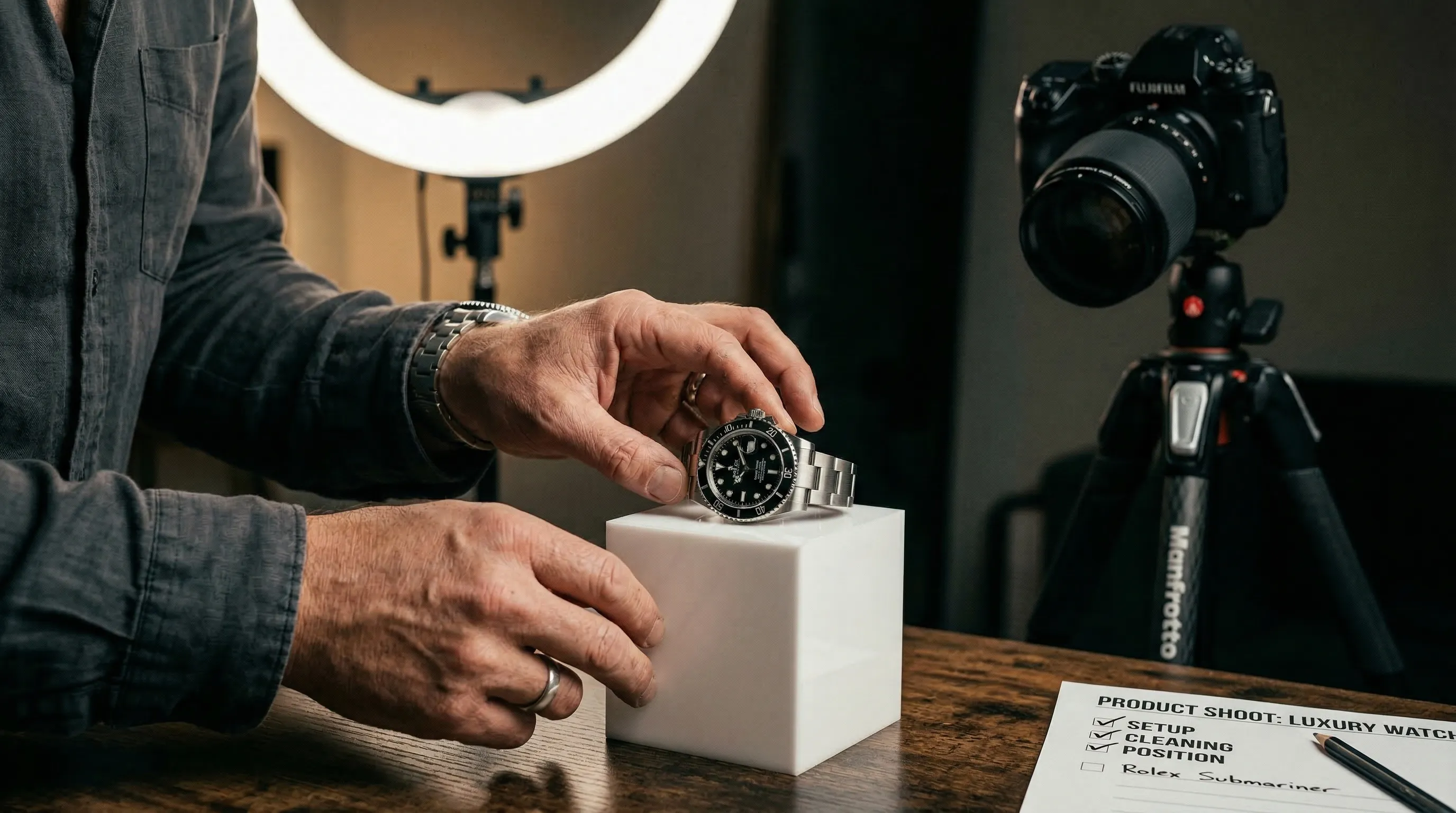
AI changes how product images are made. It does not change what shoppers need from them. AI product photography can support conversion when each finished image removes a specific doubt about the real product: what it is, how it is made, how large it is, where it fits, or whether the whole catalog can be trusted.
Baymard Institute found that 42% of test participants tried to judge product size from product images. That is a useful standard for the entire gallery: an image earns its place by answering a buying question, not merely by looking polished. These seven tips move from product evidence to gallery coverage, catalog direction, delivery, correction, and testing.
| Tip | What it improves | What to check |
|---|---|---|
| 1. Start with accurate source photos | Product detail and edge definition | Focus, lighting, color, occlusion |
| 2. Protect product identity | Trust in what the buyer will receive | Shape, labels, materials, quantity |
| 3. Build around buying questions | Product evaluation | Main view, detail, scale, context |
| 4. Reuse one visual direction | Catalog consistency | Style, background, framing or pose |
| 5. Finish for the destination | Marketplace and storefront fit | Rules, ratio, resolution, format |
| 6. Edit the defect | Faster correction without losing good work | Reference, instruction, output setting |
| 7. Test the conversion claim | Reliable conversion evidence | Control, variant, primary metric |
1. Start with accurate source photos
Accurate source photos give an AI system clearer evidence about the product's shape, color, materials, edges, text, and small construction details. Use the largest clean originals available, keep the product in focus, light it evenly, and avoid covering parts that the generated image must reproduce.
- When to use: Before any AI product photography or editing work, especially for reflective, translucent, textured, or branded products.
- Why it works: A source image can only show the details that were captured. Mixed lighting, motion blur, clipped edges, and heavy compression leave more room for the generated result to misread the product.
- Example: Photograph a pale product against neutral grey when a white background makes its edge disappear. For cutout-style inputs, white or grey is usually easier to inspect than green fabric that can reflect color onto the product. See the guide to choosing a white or green background for AI source photos.
One photograph may be enough for a simple object, but it should not be treated as a rule. The system cannot faithfully recover a label, fastening, or side profile it never saw without guessing. Packaging with text, footwear with different side profiles, and products with hidden closures benefit from multiple accurate views.
2. Protect the identity of the product
A prettier wrong product is a worse product photo. The image must still represent what the buyer will receive, so review product truth separately from scene quality: shape, proportions, materials, color, logos, readable text, included accessories, and quantity.
- When to use: For every generated product image, with extra scrutiny on packaging, apparel construction, jewelry, electronics, and sets containing several items.
- Why it works: A convincing background cannot compensate for a changed label, missing fastening, invented accessory, or altered silhouette. Those errors communicate false product information.
- Example: Compare the finished image beside the source at high zoom, then check it again at the size used on the product page. The help desk explains how to stop AI from changing a product's shape in a new scene.
Nightjar stores each sellable item as a Product, a reusable group of Product Photos that can also include a factual description and physical dimensions. That gives each image request more evidence about the real item than one loose image. Nightjar's built-in visual review compares supported outputs with the request and references, and can retry obvious eligible failures without charging another Nightjar Credit, the usage unit for paid actions. The mechanism gives visible errors another chance to be caught before delivery; final human review still decides whether an image is fit to publish.
3. Build the image set around buying questions, not a quota
A useful product-page image set gives each image a distinct job instead of repeating the same view with small cosmetic changes. The right count is the number required to cover identification, inspection, scale, and use without near-duplicates.
| Image role | Question it answers | Suitable example |
|---|---|---|
| Main product view | What exactly is being sold? | Clear product-only image |
| Alternate view | What does another side look like? | Back, side, overhead, or open state |
| Detail view | What are the material and construction like? | Texture, fastening, label, or control |
| In-scale view | How large is it? | In a hand, on a person, or beside a familiar object |
| Context view | Where and how would I use it? | A restrained, believable environment |
In Baymard's research, one participant looking at a product without enough context said, "I have no concept of what size it is." An in-scale image should therefore show a truthful relationship to a person, room, hand, or familiar object, not merely place the product in an attractive scene. The same rule applies to every slot: the main view identifies, the detail view supports inspection, and the context view explains use.
- When to use: When the current gallery leaves an important buying question to the description alone.
- Why it works: Different views remove different kinds of uncertainty. More images are useful only when they add information.
- Example: A bag page might use a clean front view, the back and interior, a close-up of the closure, an on-model scale view, and one contextual image. A Photoshoot, Nightjar's cohesive four-image output choice inside its Product Photography Workflow, can create connected visual variety, but the final selection should still cover distinct questions rather than fill a quota.
4. Reuse one visual direction across the catalog
An excellent isolated image can still weaken a catalog if it looks as though it came from a different brand. Catalog consistency comes from reusing the decisions behind the photography, not from rewriting a similar prompt for every product. Keep the photographic feel, scene logic, subject arrangement, aspect ratio, and output treatment stable wherever the products should read as one collection.
- When to use: For collection grids, launches, product variants, recurring campaigns, and work shared across a team.
- Why it works: Named, visible controls make direction easier to repeat and review than prose reconstructed from memory.
- Example: Use one photographic look across a collection, one flat background for clean product views, and the same camera treatment for comparable products. Audit the grid, not only each product page, for unexpected changes in crop, lighting direction, color temperature, and visual density.
Nightjar turns those decisions into persistent visual controls. The photographic look becomes a reusable Photography Style; a saved scene becomes a Background, either a Backdrop or Location; product-only shots use Framing and Shadow, while model shots use a reusable Pose and Camera Distance. A Recipe saves that Create-form setup and its output settings without saving the Product itself, so the direction can move to the next Product without rebuilding the brief. The next conversion test can therefore change the product or image role without silently changing the entire photographic system. Read the fuller guide to consistent AI product photography or the practical steps for using the same background across a catalog.
5. Finish for the destination, not the generator
The destination should determine an image's final ratio, resolution, and format. A beautiful generation is unfinished if its crop breaks the collection grid, its resolution misses a marketplace requirement, or its file choice performs poorly in the live storefront.
- When to use: Before publishing to Amazon, Shopify, another marketplace, an ad placement, or a custom storefront.
- Why it works: The same source may need a clean marketplace main image, a consistent collection-grid crop, and a wider contextual image elsewhere.
- Example: Amazon's current product-photo guidance says every product needs at least one image, recommends at least six, and accepts images from 500 to 10,000 pixels on the longest side in its listed formats. Amazon also advises a white background for most product shots. Check the current category-specific rules in Seller Central before upload; the Amazon product photography guide covers the decision in more depth.
Shopify's official product-media guidance says square images at 2048 by 2048 pixels usually display best, product images may be up to 5000 by 5000 pixels or 25 megapixels, and files must remain below 20 MB. Shopify also recommends a consistent aspect ratio for featured images shown together and automatically creates sizes for different theme contexts. Its CDN can select a modern delivery format for the browser, so a merchant should upload a high-quality source and verify the rendered page rather than force every delivered format manually. See Shopify's current product-media specifications and the Shopify product photography workflow.
Nightjar's Product Photography Workflow, its Create path for product-focused imagery, exposes aspect ratio, 1K, 2K, or 4K resolution where supported, and JPEG, PNG, or WebP output. Those controls make the export explicit, but the publisher remains responsible for checking the destination's current rules and the live page on desktop and mobile.
6. Edit the defect instead of restarting the image
A targeted edit preserves the parts of a strong image while correcting one visible problem. When an image is nearly right, restarting turns every good decision back into a variable. Describe the defect precisely, keep the source attached, and avoid changing the product, scene, crop, and format in one instruction unless all of them truly need to move together.
- When to use: When the product is accurate but the crop, background, color direction, placement, or output format is wrong.
- Why it works: Narrow instructions make the intended change easier to inspect. Regenerating from scratch introduces more variables.
- Example: Ask to remove one distracting prop, reframe for 4:5, or change one color treatment, then compare the output with the original. Nightjar's Edit Images Workflow supports up to eight Assets, the images stored in a Team's Library, with direct
@image1,@image2, and similar references plus structured/color,/ratio, and/formatcontrols. Its prebuilt Edit Shortcuts include Try On, Recolor, Product Placement, Reframe, and Change Format. The guide to editing product photos in plain English shows the wider workflow.
Generated color should still be checked against an approved reference. A hex value is precise input direction, not proof that every displayed pixel, material response, or viewing device will match it exactly.
7. Treat every conversion claim as a testable hypothesis
A randomized A/B test is the clearest way to learn whether a product-image change improves conversion for a particular store, audience, product, and placement. Google defines an A/B test as a randomized experiment in which variants are shown to random samples at the same time and compared against a specific goal. Until that comparison is run, a conversion claim is a hypothesis, not a result.
- When to use: After the control and challenger images are both accurate, technically valid, and ready to publish.
- Why it works: Holding price, copy, offer, layout, and traffic timing steady makes the image change easier to interpret.
- Example: Test adding one in-scale image to the existing gallery. Do not simultaneously change the main image, title, price, and page layout. Choose one primary metric before launch, usually completed purchase conversion for a product-page test, and follow the experiment platform's sample-size and significance guidance.
Report the result as evidence for the products, traffic source, audience, and period tested. An image that wins for one category or placement is a useful finding, not a universal conversion benchmark. See Google Analytics' definition of an A/B test, Nightjar's guide to testing product images, and the framework for measuring product photography ROI.
Frequently Asked Questions
What makes an AI product photo useful for conversion? An AI product photo is useful for conversion when it removes a buying doubt without misrepresenting the product. The strongest galleries combine accurate product evidence with distinct views for inspection, scale, and use, then test changes against a defined conversion goal.
Does AI product photography improve conversion rates by default? AI product photography does not improve conversion rates by default. AI is a production method, while conversion depends on what the finished image communicates and how it performs with a particular audience. The evidence supports testing accurate, informative image variants rather than assigning a universal lift to AI; see the research summary on AI product photography and conversion rates.
How many product images should an ecommerce listing have? An ecommerce listing has no universal ideal image count. Use enough images to identify the product, show important details and alternate views, establish scale, and explain use without adding near-duplicates; Amazon currently recommends at least six images for its listings.
What is the best source image for AI product photography? The best source is a sharp, evenly lit, color-accurate image that shows the product clearly and does not hide identity-defining details. Add more views when one photo cannot show the information the generated result must preserve.
How can AI-generated product images stay consistent across a catalog? AI-generated product images stay more consistent when the team reuses the same photographic direction, background logic, framing or pose, aspect ratio, and output treatment, then reviews the collection grid as a whole. Nightjar can store that direction in reusable Photography Styles, Backgrounds, Poses, Fashion Models, and Recipes; the help desk explains how to maintain a consistent aesthetic across AI images.
References
- Baymard Institute: In-scale product image research - Usability research on how shoppers judge product size from images
- Amazon: How to take product photos - Official image guidance and current general specifications
- Shopify Help Center: Product media types - Official product-image dimensions, file limits, formats, and aspect-ratio guidance
- Shopify Help Center: Uploading images - Official image delivery and format-selection behavior
- Google Analytics Help: A/B test - Official definition of randomized variant testing
- Nightjar - AI product photography system