
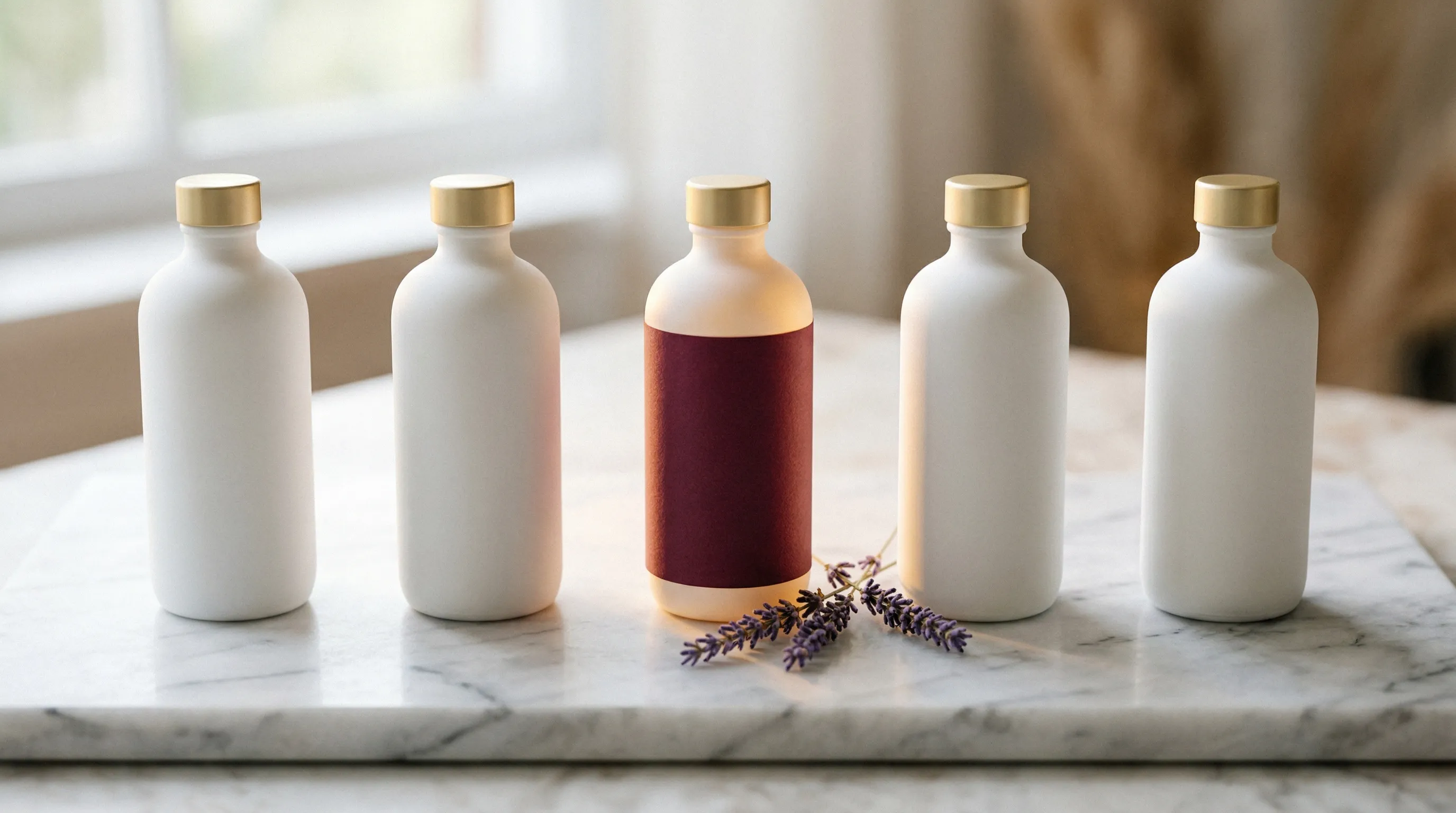
When Every Store Uses the Same Supplier Photo
Dropshipping product photography has an awkward constraint: you need images that distinguish your store, but you may not hold the products. This guide covers how to turn adequate, licensed supplier photos into branded listing imagery, where AI can avoid a new shoot, and when product verification still requires samples or better supplier evidence.
When several stores source the same wireless earbuds or LED desk lamp, they may start with the same few supplier photos. Reusing them unchanged gives a shopper little visual reason to remember your store. Price is not the only remaining distinction. Service, delivery and product selection matter too, but imagery is one part you can improve.
Traditional photography requires access to the item, whether at your supplier, a studio or your own desk. Dropshipping removes the need to stock inventory; it does not remove the need to know what you are selling. That distinction determines which image work can safely happen without a new sample.
Why Product Images Matter for a Dropshipping Store
In a brick-and-mortar store, customers pick up the product. They feel the material. They turn it over in their hands. Online, none of that exists. The image is the product until the package arrives.
A clear image should answer questions that a shopper cannot resolve by handling the product: how large is it, what does the finish look like, which accessories are included? Reviews and descriptions still matter. Images should agree with them, not carry the entire trust burden alone.
In Salsify's 2025 survey of 1,910 shoppers, 71% said they had returned an item in the previous year because of incorrect product content, including images or descriptions. That is not a finding that 71% of orders are returned, or that photographs cause all those returns. For a dropshipper, an attractive but inaccurate image can create a problem you cannot fix by improving the styling.
For a deeper breakdown of photography costs and their relationship to conversions, see The Real Cost of Product Photography in 2026.
The Brand Trust Gap
Trust starts with the product and offer matching what arrives. Your visual direction can make the store recognizable, but it cannot substitute for verified product details, delivery promises and support.
Mixed supplier imagery can make a catalog feel assembled rather than directed. One product has a white background with soft lighting; the next has a gray background and harsh shadows; another has cropped promotional text. The useful correction is to standardize presentation without standardizing away the real differences between products.
The same Salsify survey found that 54% had abandoned a purchase because of inconsistent product information across websites. That includes more than visual styling. Match the image, variant, specifications and offer first; then use backgrounds, lighting and framing to make the catalog feel cohesive.
Order Samples, Edit or Hire: Choose by What Is Missing
Ordering samples, editing existing photos and hiring a photographer all remain credible options. Choose them by what is missing: product evidence, cleaner presentation or a genuinely new view.
Order Samples and Photograph Them Yourself
Sample and shipping costs depend on the supplier, item and destination. For a 50-product test, separate those costs and ask for delivery dates before committing. A sample can serve two jobs: provide source photography and verify that the quality, dimensions and finish match the supplier's claims.
If the supplier already provides accurate, licensed photos, you may not need to order a sample solely for a new background. For a product with uncertain quality or missing factual views, the wait can be necessary diligence, not merely a photography inefficiency.
Edit Supplier Images in Photoshop or Canva
Cropping, correcting exposure and removing an authorized background can be enough when the source already shows the product clearly. A logo overlay alone does not create a coherent art direction, and some marketplaces prohibit added graphics on the main image.
Use a conventional editor when you need exact control over existing product pixels. The tradeoff is operator time and skill, especially for difficult cutout edges. Generative editing offers a different way to request changes.
Hire a Freelance Photographer or Studio
A 100-product catalog with five new images each means 500 deliverables. At a hypothetical $50 per final image, that is $25,000. This is a budgeting example, not a studio-rate benchmark: the actual quote depends on the products, shot mix and what retouching, samples and delivery it includes.
If a business makes $2,000 in monthly profit, a $15,000 photography project equals 7.5 months of that profit. That illustrates why scope matters: commissioning missing source views for a few products is a different investment from photographing an entire catalog.
The Methods at a Glance
| Method | Useful when | Cost or risk to account for |
|---|---|---|
| Licensed supplier images | They accurately answer the listing's questions | Rights, source quality and a less distinctive presentation |
| Samples and DIY | You need to inspect the item and document missing views | Samples, shipping, equipment and operator time |
| Freelancer or studio | Missing source views need professional capture, or a marketplace requires a real photograph | Quoted scope, logistics, revisions and delivery |
| AI-assisted imagery | Accurate source photos exist but scenes or presentation need work | Generation Credits and destination rules |
How AI Product Photography Works for Dropshipping
AI product photography can bridge an adequate supplier photo and a new branded scene. It can change presentation without shipping the item to a second location.
Here is what a complete workflow looks like, from supplier image to live listing.
Step 1: Start with What You Have
Ask the supplier for the highest-resolution originals you are authorized to use and modify. Check the exact variant, product version, included accessories and dimensions. Collect the views needed for the listing rather than assuming one attractive front view proves everything.
AI generation does not erase the source owner's rights. The US Copyright Office explains that an adaptation does not give you ownership of the underlying material. Obtain permission that covers your intended commercial use and edits; do not remove ownership marks simply to make an image usable. See the supplier-watermark guide, and seek legal advice if the license is unclear.
Step 2: Generate Professional Listing Images
In Nightjar, create a Product with the authorized source photos, then select it in Product Photography. For product-only images, choose Framing, Photography Style and Background. The web workflow uses each selected Product's Main Photo first, then explicitly selected Additional Photos, then remaining Product photos, up to five image inputs. Put the strongest identity view first and deliberately include a necessary detail view. This gives mixed supplier inputs a common visual brief.
Step 3: Create Lifestyle and Contextual Scenes
Supplier photos are almost always flat product shots on white or gray. No context. No environment. No sense of what the product looks like in someone's life.
Nightjar lets you save the photographic look as a reusable Photography Style: lighting, camera feel, color and mood. Pair it with a Background and request a useful context, such as a desk lamp on a workspace or kitchenware on a counter. Check scale and function against the supplier's specifications; a generated scene should not imply an accessory or use the product does not support. See Building a Visual Brand Identity When You Can't Afford a Creative Director.
Step 4: Fill Out the Gallery and Add Color Variants
Photoshoot is an output choice inside Product Photography that requests four coordinated variants. Use it to explore gallery views from adequate sources. If a new angle shows a back, port or closure your sources do not document, get a real source view of it.
For color, use the Recolor shortcut in Edit. If your supplier sells five colors but photographed only two, an explicit hex request helps describe a missing variant. Obtain a reliable reference for the real colorway and compare the output, including hardware and branding. See One Photo, Every Color.
Step 5: Refine with Plain Language
Nightjar's Edit tab accepts plain-language instructions such as "make the background warmer" or "add a marble surface." Identify the source with an @image reference when several images are on the board. Check each result, and start further edits from an approved source.
Building Visual Consistency Across a Mixed-Supplier Catalog
The recurring problem is not just getting one good image. It is maintaining a usable direction as new suppliers and products enter the store.
A 100-product store sourced from 15 suppliers starts with 15 different photography practices: backgrounds, lighting angles, white balance and resolution. Rewriting a separate brief for every SKU makes those differences harder to manage.
In Nightjar, choose from 100+ curated Photography Styles or build one from references, then choose Framing and Background for the product-only listing set. Those explicit choices let you apply the intended look across different Product sources. Compare the results together before extending the look: the goal is cohesion.
Save the approved Product Photography direction as a Recipe. It includes the applicable Style, Framing or Pose, Background, Custom Directions and output settings. Select the next Product, apply the Recipe, confirm the supporting photos and output choice, then generate.
This is a practical reason to use Nightjar for a mixed-supplier catalog: the product evidence changes while the approved brief stays available to the Team. The next operator does not have to infer your lighting and framing choices from the previous output. That reduces rebriefing.
For a detailed walkthrough, see Photography Styles: Build a Consistent Brand Aesthetic with AI.
Cost Comparison: Dropshipping Product Photography Methods in 2026
The numbers below assume a mid-stage dropshipper with 100 active products, needing 5 images per product (1 main listing image plus 4 secondary and lifestyle images). That is 500 images total.
| Budget question | Supplier photos | Samples + DIY | Photographer | Nightjar |
|---|---|---|---|---|
| What are you paying for? | Any license or supplier fee | Samples, shipping and labor | Agreed capture/retouching scope | Plan Credits |
| What does 500 images mean? | Only useful if they cover the right products and views | 500 prepared and reviewed photographs | Quote 500 final deliverables, not just a session | 500 ordinary completed 1K/2K images use 500 Credits; 4K uses 1,000 |
| Is the product needed in hand? | Someone must have documented it accurately | Yes | Yes, with supplier or studio access | No; adequate licensed source photos are needed |
| How is consistency handled? | Depends on supplier | Repeat capture setup | Agreed art direction | Reuse Product Photography direction |
| Main limitation | Missing views or generic presentation | Capture/logistics workload | Cost and coordination | Check each channel's image rules |
Budget the required Credits against the current plan. Photoshoot has separate flat-set pricing, so do not apply the ordinary per-image rate to every output type.
The saving worth pursuing is a second shoot you no longer need because the source already proves the product. Keep a physical-capture budget for images that establish missing facts, and use AI for presentation work that can be checked against those facts.
For more detail on the cost comparison, see What is the cost difference between AI product photography and a traditional studio shoot?.
Platform-Specific Image Requirements for Dropshippers
Different platforms have different standards. Getting these wrong means suppressed listings, failed uploads, or listings that look broken on mobile.
Amazon
Amazon's current seller guidance calls for a pure white main-image background, the whole product and 85–100% frame fill. It gives 1,000 pixels on the longest side for zoom and 1,600+ as optimal. Avoid added promotional text, graphics and watermarks; do not erase legitimate branding printed on the item.
Check the actual image, current category rules and accurate representation of what is included. See Amazon policy and AI-generated product images.
Shopify
Shopify recommends 2,048 × 2,048 pixels for square images, supports up to 5,000 × 5,000 or 25 megapixels, and requires files smaller than 20 MB. Its zoom guidance calls for larger than 800 × 800. Check the exported dimensions and your theme's crop.
For dropshippers already on Shopify, the Nightjar Shopify app gives access to the same core Create and Edit experience directly inside the Shopify admin, with Shopify authentication and Shopify billing. Generate listing images without leaving the dashboard. Review and download the results, then add them to the correct product media.
TikTok Shop
For US sellers, TikTok Shop's September 2026 Product Listing Policy requires a pure white main-image background and images of at least 600 × 600 pixels. It allows up to nine square images and prohibits added text, logos, borders, watermarks or graphics across product images, not just the main image. It also prohibits digital product renderings; do not assume a generated scene is an acceptable listing photo.
The July listing-quality guide includes five or more images among the Good-tier criteria, alongside titles, descriptions, attributes and category information. Its weaker white-background recommendation does not override the newer listing policy. An image count alone does not guarantee distribution. Check your category and market before choosing an AI workflow. See Product Photography for TikTok Shop.
Quick Reference
| Platform | Image-size guidance | Main-image check |
|---|---|---|
| Amazon | 1,000-pixel long edge for zoom; 1,600+ optimal | Pure white, whole product, appropriate fill and current category rules |
| Shopify | 2,048 × 2,048 recommended for square product images | Theme crop, correct variant and accurate content |
| TikTok Shop US | At least 600 × 600; up to nine square images | Pure white main background; no added text/graphics on product images; no digital product renderings |
Common Dropshipping Photography Mistakes to Avoid
Using images without clear rights. Supplier access is not automatically a license to reproduce or modify a photograph. Ask for authorized originals and keep the permission record. Removing a watermark or regenerating the scene is not a way to cure unclear rights.
Inconsistent backgrounds across listings. Set a deliberate direction for the grid instead of alternating off-white, gray and unrelated scenes accidentally. Preserve useful differences between product types; consistency does not require every item to have an identical shot.
Ignoring mobile crop. Check the actual product page on a phone. A product that is clear on desktop can become tiny or cropped on mobile; leave enough room for the theme's treatment without burying the item in empty space.
Choosing the main image without checking the destination. Show the product clearly and completely. A lifestyle hero can suit a Shopify brand page, while a marketplace may require a plain main image. Put context in the secondary slots where appropriate.
Over-editing the product. Filters, invented materials or color shifts can create expectations the supplier cannot meet. Check the final image against the actual variant and specifications. Attractive styling does not compensate for an inaccurate product.
Missing color-variant evidence. Listing five colors with images of only two leaves shoppers guessing. Obtain or create verified images for each real variant and assign them correctly.
Frequently Asked Questions
Can I use AliExpress product photos on my Shopify store? Only when you have the necessary rights for that use. Ask the supplier or rights holder rather than assuming every listing grants a commercial editing license. AI generation does not erase copyright in the source or guarantee you exclusively own the output.
How do I get unique product images without ordering inventory? Start with adequate, authorized supplier photos. Use a consistent Style and Background to make new presentation images, while retaining accurate product details. Ask for missing source views or order a sample when the existing evidence cannot support the listing.
How much does product photography cost for a dropshipping store? Price the actual gaps. For 100 products with five images each, a hypothetical $50 per final studio image totals $25,000. In Nightjar, 500 ordinary completed images use 500 Credits at 1K/2K or 1,000 at 4K.
Do better product photos increase dropshipping conversion rates? Clear, accurate images can answer purchase questions and support trust, but there is no universal lift established for your store. Measure changes in conversion, returns and product questions alongside price, traffic and delivery changes.
What is the best way to make dropshipping products look branded? Approve a visual direction and apply it consistently across verified Product sources. Nightjar's Team-shared Product Photography Recipes make that brief reusable as suppliers and SKUs change. Good images should reinforce the real product and offer, not imply a brand or quality the product does not have.
References
- Nightjar: Product Photography and Edit workflows.
- Salsify: 2025 Consumer Research: Scope of reported returns and inconsistent information.
- US Copyright Office: Derivative works: Underlying rights remain relevant to adaptations.
- FTC: Advertising FAQs: Images and implied product claims must be truthful.
- Shopify: Product media types: Product image limits.
- Amazon: Photography standards: Main-image guidance.
- TikTok Shop US: Listing-quality guidelines: Image and category-specific criteria.
- TikTok Shop US: Product Listing Policy: Binding September 2026 image requirements.