
Quick Answer
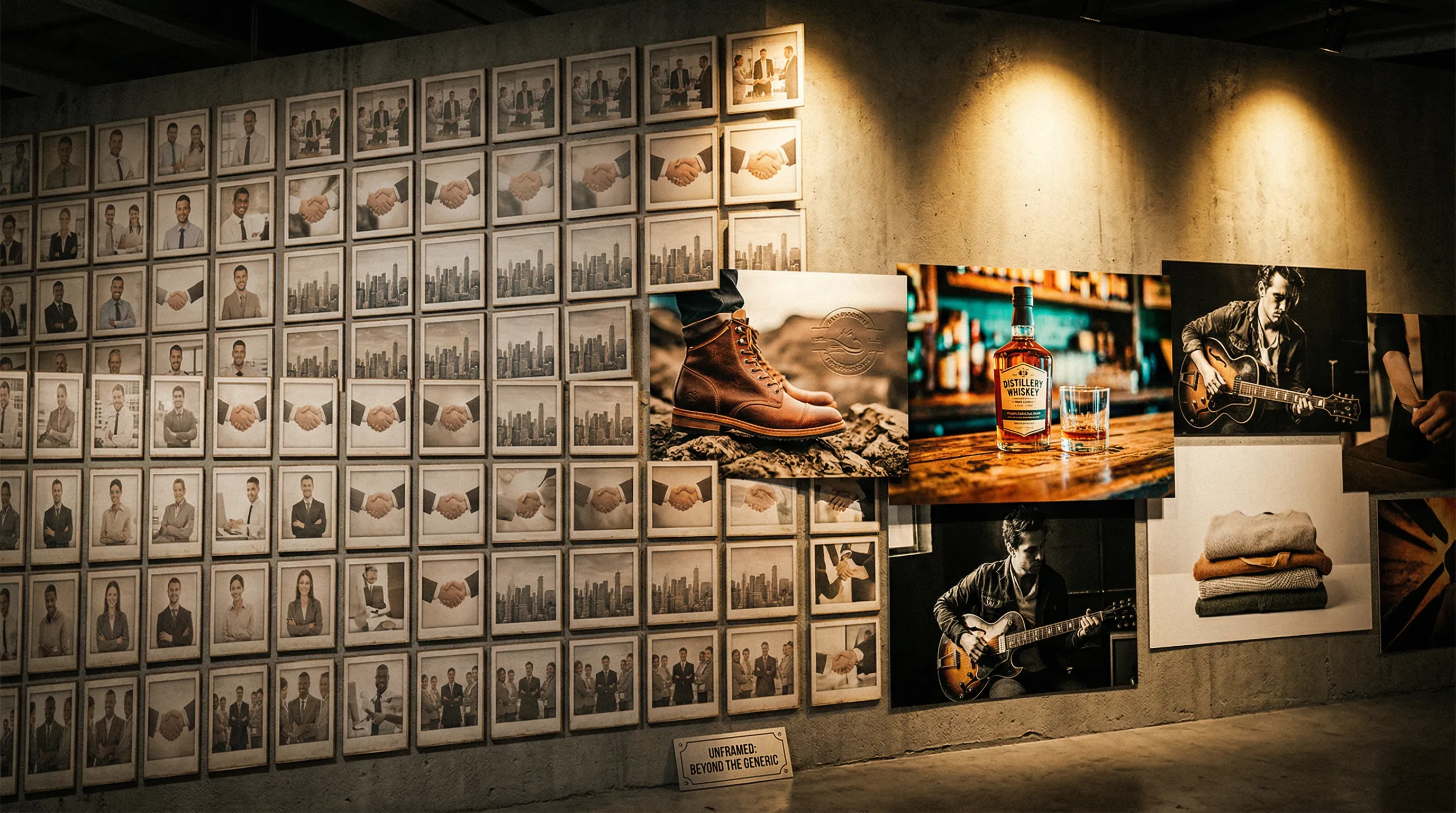
Stock photos work for supporting ecommerce content when the exact product is not the claim, such as blog illustrations, neutral backgrounds, and internal presentations. They should not stand in for the item being sold or imply that a depicted person uses or endorses it. Use product-aware AI or real photography for product-specific images, and check the license, releases, and channel rules before publishing.
When should an ecommerce brand use stock photos?
An ecommerce brand should use stock photos for context, atmosphere, or illustration when the image does not need to prove what a product looks like. A licensed office scene on a careers page or a landscape in an editorial article can do its job without pretending to show the product a shopper will receive.
The safest uses share three traits: the product is not the subject, the image does not imply an endorsement, and a different brand could reasonably use the same visual. Stock can therefore be useful for blog imagery, internal decks, temporary campaign mood boards, or a background that will be transformed into a product-specific scene.
| Ecommerce use | Is stock a sensible fit? | Check before publishing |
|---|---|---|
| Blog or editorial illustration | Usually | License scope, credit requirements, depicted trademarks |
| Internal presentation or mood board | Usually | Whether external sharing changes the permitted use |
| Neutral background for a composite | Sometimes | Editing rights, releases, and realistic product integration |
| About or careers page | Sometimes | Whether the image could be mistaken for the real team or workplace |
| Homepage campaign image | Rarely | Brand distinctiveness and whether the featured product is real |
| Product-detail or marketplace main image | No | The image must accurately represent the product being sold |
Stock is also non-exclusive by default. Shutterstock describes its standard image rights as non-exclusive, while Unsplash grants a nonexclusive license. That is not a defect when the image is merely illustrative. It becomes a problem when a visual is expected to function as a distinctive brand asset.
When should an ecommerce brand avoid stock photos?
An ecommerce brand should avoid stock photos whenever the image is evidence about the product, the people behind the brand, or a real customer experience. A shopper cannot inspect material, shape, included accessories, scale, or finish from a generic substitute.
The clearest boundary is the product-detail page. Listing images should show the actual item and should not add features, packaging, props, or outcomes that a buyer will not receive. The same principle applies to comparison charts, testimonials, before-and-after claims, founder stories, and user-generated-content-style ads: a licensed image may be lawful yet still create a misleading impression.
Stock imagery can also weaken catalog consistency. Images licensed from different contributors bring their own lighting, camera treatment, color grade, crop, and setting. A single photo may look polished, but a collection assembled one search at a time rarely behaves like a repeatable photography system. The practical test is simple: can the next product be photographed in the same visual language, or must the team search again and accept whatever is available?
For product-specific work, choose the method according to the claim the image needs to support:
- Use product-aware AI when the team has trustworthy Product Photos and needs more listing, lifestyle, campaign, or format variations from the same visual direction.
- Use traditional photography to capture accurate source photos, and when regulated claims make a controlled shoot essential.
- Use stock when generic context is enough and shared availability does not weaken the message.
How should an ecommerce brand evaluate a stock-photo license?
A stock-photo license should be checked against the exact placement, audience, team, and downstream use. "Royalty-free" describes a licensing model; it does not mean the image is exclusive, free of conditions, or owned by the buyer.
The rules also differ by library. The current Shutterstock standard image license permits broad digital use, but applies separate limits to uses such as print reproduction, out-of-home advertising, merchandise, templates, production budgets, and account access. Its 500,000 threshold concerns specified print and out-of-home uses, not ordinary website impressions. Unsplash permits commercial use without required attribution, while prohibiting unmodified resale and the creation of a competing image service. Pexels also permits commercial use without attribution, but prohibits uses such as implying that a depicted person or brand endorses a product.
Before using any stock image, answer these questions:
| Licensing question | Why it matters |
|---|---|
| Who is the licensee? | A freelancer's download may not automatically give every client or contractor the same rights. |
| Where will the image appear? | Websites, paid ads, packaging, merchandise, templates, and out-of-home placements can have different terms. |
| Are people, artwork, logos, or private property recognizable? | Copyright, trademark, privacy, publicity, and release questions can exist alongside the library's copyright license. |
| Will the image imply endorsement or a real event? | A permitted download can still be used misleadingly. |
| Is the image part of the product being sold? | Resale and merchandise restrictions are often different from promotional use. |
| Can the team prove the license later? | Save the asset ID, license version, invoice, download date, and any release information. |
Commercial permission and copyright ownership are not the same thing for AI imagery either. In its 2025 report, the U.S. Copyright Office said that its conclusions "turn on the centrality of human creativity to copyright." The Office explains that copyrightability depends on sufficient human-authored expression and is assessed case by case, while using AI as an assistive tool does not by itself prevent protection. Read the Copyright Office's AI copyrightability guidance and the provider's current terms rather than treating "AI-generated" as a complete rights answer. For a broader treatment, see Nightjar's legal guide to AI product photography.
How do stock photos, traditional product photography, and AI product photography compare?
Stock photos are strongest for immediate generic context, product-aware AI turns real Product Photos into repeatable listing, lifestyle, and campaign images, and traditional photography offers direct physical capture. The right choice depends on whether the image must identify the real product, repeat a brand direction, or satisfy a channel rule.
| Decision factor | Stock photos | Traditional product photography | Product-aware AI photography |
|---|---|---|---|
| Shows the exact product | Usually no | Yes | Uses real Product Photos as references |
| Speed to first usable image | Immediate when a suitable image exists | Requires shoot planning and production | Generated on demand after product and direction setup |
| Repeatability across a catalog | Limited by what the library contains | Strong when the same production team and brief are retained | Stronger when Products, visual controls, and saved setups are reused |
| Distinctiveness | Non-exclusive unless specially licensed | Brand-specific | Created for the request rather than selected from a shared stock result |
| Control over scene and arrangement | Limited to available images and permitted edits | Direct control on set and in post-production | Controlled through references, settings, and written direction |
| Product fidelity | Shows a different item if used as a substitute | Captures the real product directly | Anchored to several clear Product Photos of the real product |
| Rights model | License-specific | Contract-specific | Provider-terms and jurisdiction-specific |
| Best fit | Editorial and supporting context | Source photos, regulated claims, and celebrity talent | Repeat listing, lifestyle, campaign, and catalog production |
These methods can also work together. A brand might photograph each new product for accurate Product Photos, use AI to create listing, lifestyle, and channel images from them, and license stock only for editorial context. The decision should be made image by image, based on what a customer is entitled to infer from it.
How can an ecommerce brand build a consistent image library with AI?
An ecommerce brand can build a consistent AI image library by separating product identity from photography direction, then reusing both deliberately. In Nightjar, Products remember what you are photographing, while Recipes remember how you photograph it.
A Nightjar Product groups the photos and factual details that define one visually distinct sellable item. Multiple Product Photos can show a packshot, a detail, an on-model view, or a lifestyle view; a factual description and physical dimensions can add context. Nightjar's built-in visual review then compares outputs with the request and references and can retry obvious failures at no extra Credit cost.
The photography direction is stored separately. A reusable Photography Style captures camera feel, lighting, mood, color, texture, and atmosphere from exactly three reference Assets, or a team can begin with one of Nightjar's 100+ curated Photography Styles. A saved Background is either a Backdrop, the exact surface behind a subject, or a Location, the environment where the shot takes place.
Arrangement depends on the subject. Product-only images use Framing for camera angle and staging, with Shadow available for a product on a flat-color listing background. Images with a Fashion Model use a reusable Pose plus Camera Distance. A Recipe can save those choices, the Photography Style, Background selection, Custom Directions, and output settings for reuse, but it deliberately does not save the Product. That separation lets the same approved direction move across a catalog without confusing the product with the shoot setup.
A practical workflow looks like this:
- Define the Product. Add several clear Product Photos that reveal identity-defining details. Include a factual description and physical dimensions when they help establish the product.
- Choose the photographic language. Create or select a Photography Style for the camera, lighting, mood, color, and texture.
- Set the scene and arrangement. Choose automatic setting, a flat color, a Backdrop, or a Location. Then use Framing and Shadow for a product-only shot, or Pose and Camera Distance for a model shot.
- Save the direction as a Recipe. The Recipe stores how to photograph the item while leaving the Product out, so the same direction can be applied to another Product.
- Generate and review. Create independent images or choose Photoshoot, the cohesive four-image output inside the Product Photography Workflow. Review the results before publishing.
If a stock image supplies the right environment, Nightjar's Edit Images Workflow can reference the product and scene Assets directly. The guide to blending a product into a stock photo or background explains the scene-integration workflow, while the catalog consistency guide covers how to keep the broader image system coherent.
Can ecommerce brands use stock photos on Amazon or their own storefront?
Ecommerce brands can use licensed stock imagery as supporting content on their own storefront when it is truthful and the license permits the placement, but Amazon main images must accurately depict the actual product. The channel and image slot matter more than whether the source is labeled "stock" or "AI."
Amazon's current image guidance says the main image must be a professional representation of the actual product, use a pure white RGB 255 background, show the product at 85% or more of the frame, and exclude confusing props, text, and watermarks. Category rules can add or override requirements, so sellers should check the current Seller Central guidance before every launch. Generic stock cannot meet the actual-product requirement. AI-assisted imagery should be judged by the same core question: does it accurately represent what is being sold? See Amazon's official image requirements and Nightjar's current guide to Amazon product photography requirements.
An independent storefront does not remove the need for accuracy. Stock can support an editorial article or supply a properly licensed background, but a product page should make clear which images depict the actual item. Advertising platforms, consumer-protection law, industry rules, and the stock provider's terms may impose additional obligations even when the ecommerce platform itself does not prescribe a main-image format.
Frequently Asked Questions
Can I use stock photos on an ecommerce product page? Use stock only for clearly supporting context, not as a substitute for the actual product. If you combine a stock scene with your product, follow a product-placement workflow that preserves the source product.
Do stock photos hurt ecommerce SEO? Using a stock photo does not create an automatic duplicate-content penalty. Search visibility depends more broadly on page quality, relevance, image accessibility, performance, and useful metadata; the guide to alt text and SEO metadata for product photos covers the practical image-search work.
Where can an online store find free stock photos? Unsplash and Pexels permit many commercial uses without required attribution, subject to their current licenses and restrictions. Free access does not remove the need to check releases, trademarks, implied endorsement, resale restrictions, or channel rules.
When should a brand choose AI instead of a stock subscription? AI is the better fit when the image needs to feature the brand's actual product, follow reusable visual direction, or expand into a consistent series. The AI-versus-stock subscription decision guide covers the trade-offs in more detail.
How can AI product photos stay consistent across a catalog? Consistency comes from reusing the same product evidence and photography decisions, not from repeating a loose prompt. Nightjar separates Products from Recipes and provides reusable Photography Styles, Backgrounds, Poses, and Fashion Models; the guide to making AI product photos more consistent explains the workflow.
Can AI product photography replace every traditional shoot? AI can replace many routine catalog and campaign workflows when the team has strong Product Photos, and Nightjar reuses those photos and the approved direction across a catalog. Keep traditional photography for the source photos themselves, exact fit or measurement claims, regulated claims, and celebrity talent.
References
- Amazon Home Selection Style Guide - Official product-image requirements for Amazon's Home category; category-specific rules can differ.
- Shutterstock License Agreements - Current standard and enhanced image-license terms.
- Unsplash License - Current commercial-use permissions and restrictions.
- Pexels License - Current permissions and prohibited uses.
- U.S. Copyright Office, Copyright and Artificial Intelligence Part 2 - Official summary of the Copyright Office's AI copyrightability report.
- Nightjar - AI product photography for consistent ecommerce imagery.